

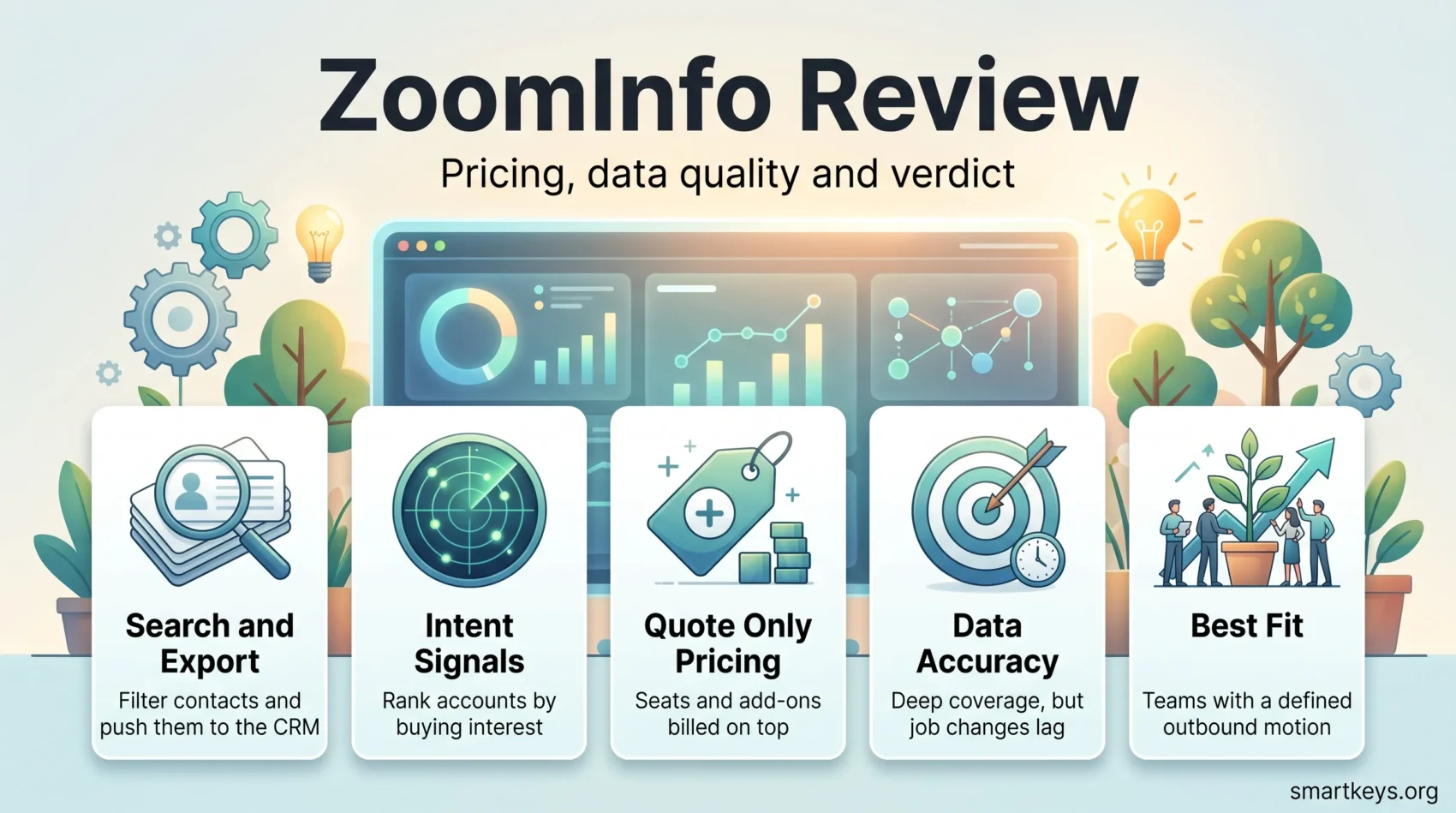
ZoomInfo is one of the largest B2B contact and company databases on the market, and one of the most expensive. This ZoomInfo review looks at what the platform actually delivers in 2026, what it costs once seats and add-ons are counted, and where the data quality complaints are fair.
The company has repositioned itself. In May 2025 it moved its Nasdaq listing from the ticker ZI to GTM and started describing itself as a “Go-To-Market Intelligence Platform” rather than a data vendor. The product names changed with it: what used to be sold as ZoomInfo Sales and ZoomInfo Copilot is now packaged as GTM Workspace, with a separate orchestration layer called GTM Studio.
That matters for buyers, because review sites and published comparisons still mix the old and new names. This review sorts out what is current and what is only reported second hand.
Key Takeaways
- ZoomInfo publishes no prices at all. Every plan on its pricing page is quote-only.
- Third-party buyer data puts real contracts in the $15,000 to $40,000 a year range, with a reported median near $32,000.
- The company reports 35,000+ customers and a 4.5 out of 5 rating from roughly 8,900 G2 reviews.
- Seat fees, intent data and international coverage are billed on top of the platform fee.
- The free ZoomInfo Lite tier exists but is capped at a handful of credits a month.
- Contracts are annual, with a three-seat minimum and a 60-day cancellation window.
- Smaller teams almost always get better value from a cheaper contact data tool.
What ZoomInfo Is in 2026
ZoomInfo aggregates business contact and company information from public records, company websites, filings, user contributions and its own contributor network, then sells access to that database along with software that acts on it. The pitch is simple: instead of researching accounts manually, your sales team searches a database, filters by firmographics and job title, exports what it needs and pushes it into the CRM.
What has changed is the software wrapped around the data. ZoomInfo now sells the database as part of a go-to-market platform that includes buyer intent signals, website visitor identification, AI account summaries and workflow automation. The company says it serves more than 35,000 companies worldwide.
GTM Studio, announced alongside the ticker change, is the newest piece. It is a data management workspace aimed at RevOps teams: connect your CRM and marketing platform, enrich the records, and launch campaigns from one canvas. ZoomInfo says GTM Studio can pull from more than 25 other data vendors through waterfall enrichment at no extra cost. It is sold through sales conversations rather than self-service, so treat vendor performance claims about it with caution.
How the Data Is Built
ZoomInfo’s database is assembled from three broad sources: publicly available information, machine processing of web and filing data, and contributed data from users who connect their email accounts and contact books in exchange for credits. That last mechanism is why the free tier asks for access to your contact book and email signatures.
The company runs an opt-out process and publishes a privacy centre where individuals can request removal. Its data collection is aimed at business contact information rather than consumer profiles, which is the legal basis it relies on in most markets. If you sell into the EU or the UK, you are still the controller for how you use that data, so your own data governance approach matters more than the vendor’s compliance page.
ZoomInfo no longer publishes figures for total profiles or records processed per day, and the numbers still circulating in third-party articles cannot be traced to a current source. They are left out here rather than repeated.
ZoomInfo Features Overview
The feature set splits cleanly into data, signals and activation. Everything else is packaging.
Search and Export
The core product is a search interface over company and contact records, with filters for industry, size, revenue, technologies used, location and seniority. Exports consume credits. This is the part almost every customer uses, and it is the part that most often justifies the licence on its own.
Intent Signals and Prospect Lists
ZoomInfo tracks topic-level buying intent across a publisher network and surfaces accounts researching a subject. Combined with saved searches, it produces prospect lists that refresh as companies match or stop matching the criteria. Intent is genuinely useful for prioritisation, but it is a probability, not a purchase signal, and it is usually a paid add-on rather than part of the base plan.
CRM Integrations and Automation
Native integrations cover Salesforce, HubSpot, Microsoft Dynamics and the major sales engagement tools, with enrichment that keeps CRM records current. If you already run Salesforce or HubSpot Marketing Hub, this is where most of the value sits, since the data lands where your team already works. Teams on lighter systems such as Pipedrive or Bitrix24 can still connect through middleware, and our Workato and Zapier comparison covers the trade-offs there.

ZoomInfo Pricing in 2026
ZoomInfo does not publish a single price. Its pricing page lists three sales packages (ZoomInfo Professional, Copilot Advanced and Copilot Enterprise) and three marketing packages (Marketing Demand, ABM Lite and ABM Enterprise), each with a “contact sales” button and no figure attached. Marketing Demand is listed with 75,000 included credits a month and ABM Enterprise with 150,000, which are the only quantities the vendor states openly.
What Buyers Actually Report Paying
Because the vendor stays quiet, the useful numbers come from resellers, competitors and purchase-data aggregators. Those sources broadly agree on the following shape, and you should treat them as reported rather than official:
- Professional: around $14,995 a year with 5,000 annual bulk credits.
- Advanced: around $24,995 a year with 10,000 annual bulk credits.
- Elite: around $39,995 a year, with custom terms above that.
- Seats: roughly $1,500 per user per year on Professional and $2,500 on Advanced.
Cleanlist, which aggregates verified purchase records, reports a median ZoomInfo contract of $31,875 a year across 1,313 purchases. On the Professional plan the credit maths works out at roughly $3.00 per exported contact, which is the number worth comparing against any alternative.
The Costs That Surprise People
Three things push the bill past the headline figure. First, seats are additive: a five-person team on Advanced lands near $37,000 once user fees are added. Second, intent data, international coverage through the Global Data Passport, and the Engage dialling product are commonly quoted as separate line items in the thousands. Third, contracts are annual with a three-seat minimum and typically require cancellation 60 days before renewal, so a team that decides in month eleven that it does not want another year has already missed the window.
Discounts are real and negotiable, particularly at renewal and at the end of ZoomInfo’s quarter. Nobody should sign a first quote.
Is There a Free Version?
Yes, and it is thin. ZoomInfo Lite gives around ten contact credits a month, rising slightly if you join the Community Edition and share your contact book, email headers and signature data. Website visitor identification is capped at a handful of reveals per day. The trial that sales offers is short, commonly reported at 48 hours. It is enough to check whether your target accounts are covered. It is not enough to evaluate the platform.
Data Accuracy: What Holds Up
On coverage, ZoomInfo is genuinely strong. For mid-market and enterprise accounts in North America it is usually the deepest single source available, particularly for direct dials and org structure. Buyers who compare it against cheaper tools consistently find more usable phone numbers.
On freshness, the picture is mixed and the criticism is fair. Job changes are the weak point: contacts who moved roles months ago still appear at the old company, and job titles drift out of date. Coverage thins outside North America and outside technology, and small businesses are patchier than large ones.
The practical answer is to treat any provider as one input rather than the truth. Run a sample export against your own ideal customer profile before signing, check bounce rates on a real send, and keep an enrichment fallback. Tools built around waterfall enrichment, such as Clay, exist precisely because no single database is right often enough.
What Users Say
ZoomInfo scores well on review sites. GTM Workspace, the successor product to ZoomInfo Sales and Copilot, holds a 4.5 out of 5 rating on G2 from roughly 8,900 reviews, which is a large enough sample to be meaningful.
The praise is consistent: coverage, direct dials, CRM enrichment, and search filters that let a team build a list in minutes rather than a day. The complaints are just as consistent, and they cluster around commercial terms rather than the product. Reviewers report auto-renewal surprises, difficulty cancelling, credit limits that arrive faster than expected, support that responds slowly once the contract is signed, and stale contacts. Pricing transparency comes up repeatedly.
That split is worth taking at face value. Most unhappy ZoomInfo customers are not unhappy with the database. They are unhappy with what they agreed to pay for it.
Where ZoomInfo Fits Against Alternatives
LinkedIn Sales Navigator
Sales Navigator is the obvious comparison and a different product. It is a search and relationship layer over LinkedIn’s own profile data, which makes it excellent for identifying the right person and terrible for getting their phone number, since it exports no contact details. It costs a fraction of ZoomInfo per seat. Many teams run both: Sales Navigator to find the account and the buying group, ZoomInfo to get contactable details.
Cheaper Contact Data Tools
For teams under about ten sellers, the honest recommendation is usually to start cheaper. Lusha sells credits at a fraction of ZoomInfo’s cost and covers Europe reasonably well. Apollo bundles data with sequencing at self-service prices. Cognism is stronger on European mobile numbers and publishes clearer terms. None of them match ZoomInfo’s depth on US enterprise accounts, and that is exactly the trade you are making.
Move up to ZoomInfo when the cheaper tools start failing on the accounts you actually target, not before. For a wider view of how sales teams are assembling their stack, our guide to remote and hybrid sales teams and the overview of RevOps automation tools cover the surrounding decisions.
Getting Value From a ZoomInfo Contract
Buy for a Defined Motion
The teams that get their money back use ZoomInfo for one clear motion: a defined ideal customer profile, a named territory, an agreed cadence. The teams that do not treat it as a research tool and browse. Before signing, write down how many net-new contacts a month justify the price at roughly three dollars each, then check whether your pipeline maths supports that.
Wire It Into the Systems You Already Run
Value comes from enrichment running automatically, not from manual exports. Push records into the CRM on a schedule, sync them to your email platform, and let campaigns build themselves from the segments. If you run Mailchimp or a marketing automation platform such as those in our MailerLite and ActiveCampaign comparison, the enrichment is what keeps segmentation honest over time.
Use Signals for Sequencing, Not Certainty
Intent and website visitor data are best used to decide the order of your outreach, not to decide whether someone is buying. Treat a visitor alert as a reason to move an account up the list this week. The same discipline applies to behavioural data in customer experience and to RevOps forecasting: the signal narrows the field, it does not close the deal.
Verdict
ZoomInfo remains the strongest single source of B2B contact data for teams selling into US mid-market and enterprise accounts, and the platform around it has become genuinely capable rather than just a search box. The problems are commercial. Prices are unpublished, add-ons stack, and the contract terms punish teams that change their mind.
Buy it if you have a defined outbound motion, a territory large enough to consume thousands of contacts a year, and someone who will negotiate hard and diarise the cancellation window. Choose something cheaper if you are a small team, sell mainly outside North America, or are still working out who your customer is. For broader context on how sales and marketing tooling is shifting, see our overviews of digital marketing trends, AI-driven personalization and B2B influencer marketing. If your bottleneck is support rather than prospecting, Zendesk and Intercom are the reviews to read instead, and Semrush covers the inbound side.
Found this useful?
Make SmartKeys a preferred source on Google, and our articles will surface more often in your Top Stories, AI Overviews, and AI Mode.
Add as Preferred Source




