Tools
Tools
Last Updated on December 9, 2025
Dealing with complex projects can be daunting. However, using mind maps can revolutionize your project management strategy. These visual tools help organize information, breaking down big tasks into smaller, more achievable pieces. This makes navigating through complex details much simpler. This article will explore the advantages of using mind maps in your projects, improving communication and decision-making.
Discover how mind maps can guide you to focus on the next action, ensuring your project moves forward smoothly. Studies show that visual project management with mind maps enhances adaptability and clarifies action plans. As you explore further, you’ll see how these maps aid in tracking progress, generating new ideas, and streamlining tasks amidst complexity.
Key Takeaways
- Mind maps simplify breaking down complex projects into manageable components.
- They enhance brainstorming and organization of project actions effectively.
- Using the “only NEXT action” rule boosts activity flow.
- Mind maps help in adjusting to evolving situations and new data swiftly.
- They are useful in identifying subsequent steps for projects.
- Regularly revisiting mind maps can spark new ideas and track project progress.
- Incorporating symbols and icons aids in maintaining clarity and consistency.
What Are Mind Maps and Why Use Them?
Mind maps are powerful visual tools for organizing thoughts around a central idea. They resemble a tree, with branches representing related topics. This method clarifies connections between elements, boosting creativity and problem-solving skills.
Definition of Mind Maps
A mind map visually organizes information in a hierarchical structure. The central idea is the starting point, with related topics branching out. This layout encourages free exploration and connection discovery. It’s ideal for both personal and team projects, making brainstorming sessions more efficient and engaging.
Benefits of Mind Mapping for Projects
Mind mapping significantly enhances project organization. It makes brainstorming up to 32% more effective than traditional methods. Teams using these tools are 45% more likely to find innovative solutions by identifying key relationships.
Tools like Confluence Whiteboards can improve team collaboration by 27%. This leads to a 40% increase in actionable outcomes from brainstorming. Decision-making times are also reduced by 20%, speeding up project progress.
On a larger scale, mind maps in project planning reduce errors and miscommunication by 30%. This clarity benefits sectors like business and education, making them invaluable for complex projects. The benefits are significant, regardless of whether you use traditional methods or digital software.
Understanding the Complexity of Projects
Exploring complex projects reveals a multitude of activities unfolding at once. Each activity interacts with different time frames, actors, and dependencies. Grasping these dynamics is essential for effectively managing project complexity.
Characteristics of Complex Projects
Complex projects stand out due to their unique features. These include:
- High levels of uncertainty: Variables can change, impacting timelines and outcomes.
- Multiple skills required: Diverse expertise is often necessary to handle various project components.
- Interdependencies: The completion of one task may rely on the status of others, complicating management.
- Numerous stakeholders involved: Each party brings different expectations and impacts on the overall project.
Challenges Faced in Project Management
Managing complex projects comes with its own set of challenges. Common issues include:
- Miscommunication among team members, often due to the number of stakeholders and their varying objectives.
- Difficulty in tracking progress due to overlapping tasks and competing priorities.
- The inability to visualize the relationships among various tasks, leading to gaps in understanding.
- Potential for scope creep, where project requirements continue to expand uncontrollably.
Frameworks like mind maps are effective in addressing these challenges. They offer a visual representation that connects actors and actions. This fosters clearer communication and decision-making. The use of color and visuals further enhances these maps, allowing you to surface emotional elements that might impact strategy or outcomes.
How to Create Effective Mind Maps
Creating effective mind maps boosts your brainstorming, planning, and problem-solving skills. They help you visually organize your thoughts, making information easier to grasp and remember. Begin by setting your main idea at the map’s center. Then, expand to related topics in a structured manner.
Step-by-Step Guide to Creating Mind Maps
Here’s how to craft mind maps that support your projects:
- Define your central theme or main idea.
- Identify related subtopics and arrange them around the center.
- Use colors and visuals to distinguish between different branches.
- Incorporate keywords, using shorthand and abbreviations to keep information concise.
- Evaluate and revise the mind map as necessary to enhance clarity and simplicity.
This method not only structures your mind maps but also organizes your thoughts effectively.
Tips for Structuring Your Mind Map
Effective mind map structuring is key. Remember these tips:
- Maintain visual simplicity to avoid clutter.
- Prioritize information to highlight the most crucial points.
- Utilize a logical flow from general ideas to specific details, ensuring connections remain clear.
- Regularly review and revise your mind map to keep it relevant and useful.
By applying these techniques, you can uncover hidden complexities and enhance brainstorming and decision-making.
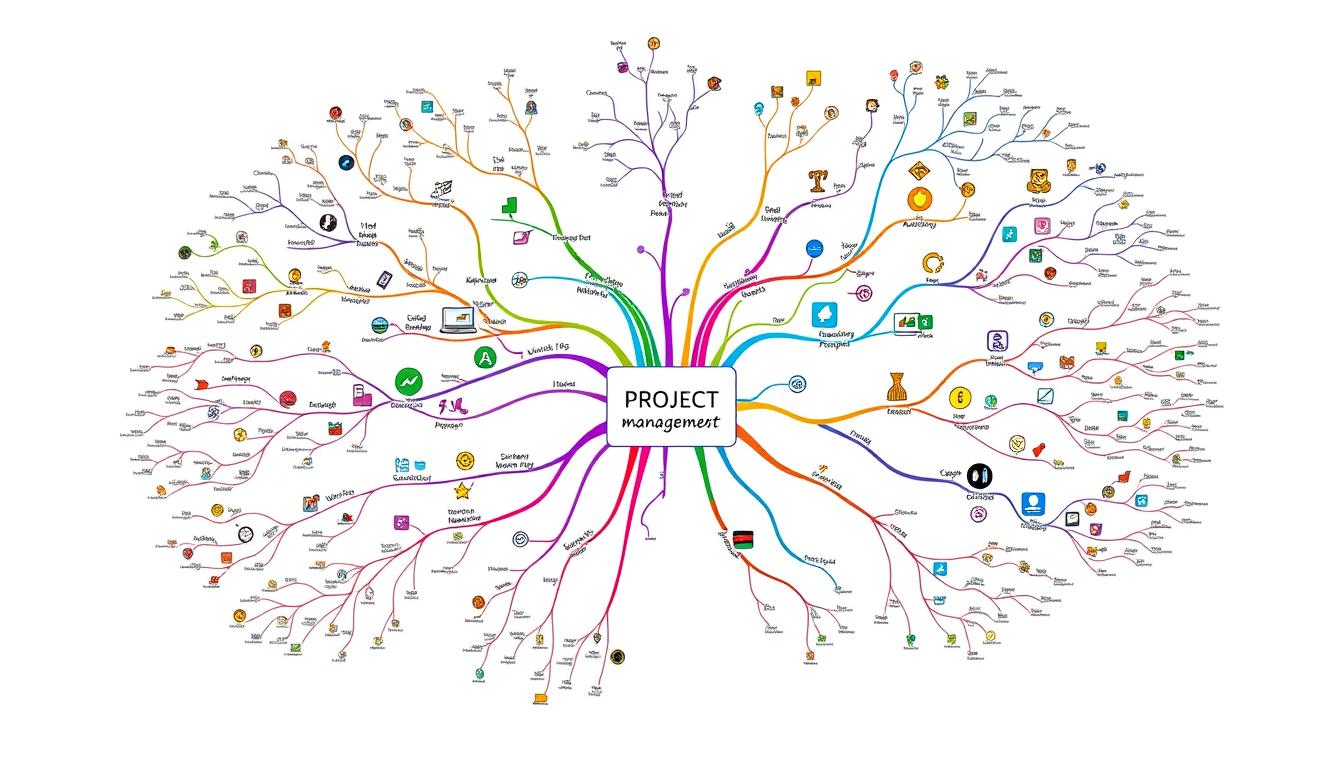
Mind Maps Projects: Organizing Tasks Visually
Mind maps are a powerful tool for visually organizing tasks and streamlining project organization. They enhance clarity and create a productive environment for teamwork. By breaking down complex information, they improve understanding and execution of ideas.
Using Mind Maps for Project Organization
Using mind maps for project organization can greatly improve your success rate. A well-organized mind map aids in:
- Identifying project constraints, deadlines, and action plans
- Facilitating brainstorming sessions that encourage free-flowing ideas
- Clarifying individual responsibilities and contributions within the team
- Connecting different project maps to maintain clarity
- Applying filters to focus on specific project details effectively
Visualizing Relationships with Mind Maps
Visualizing relationships in mind mapping is crucial for understanding how different elements connect. This method can:
- Enhance collaboration by illustrating dependencies and tasks
- Promote problem-solving through a comprehensive view of relationships
- Incorporate symbols and colors for better data representation and visual appeal
- Boost productivity by allowing swift communication of project materials
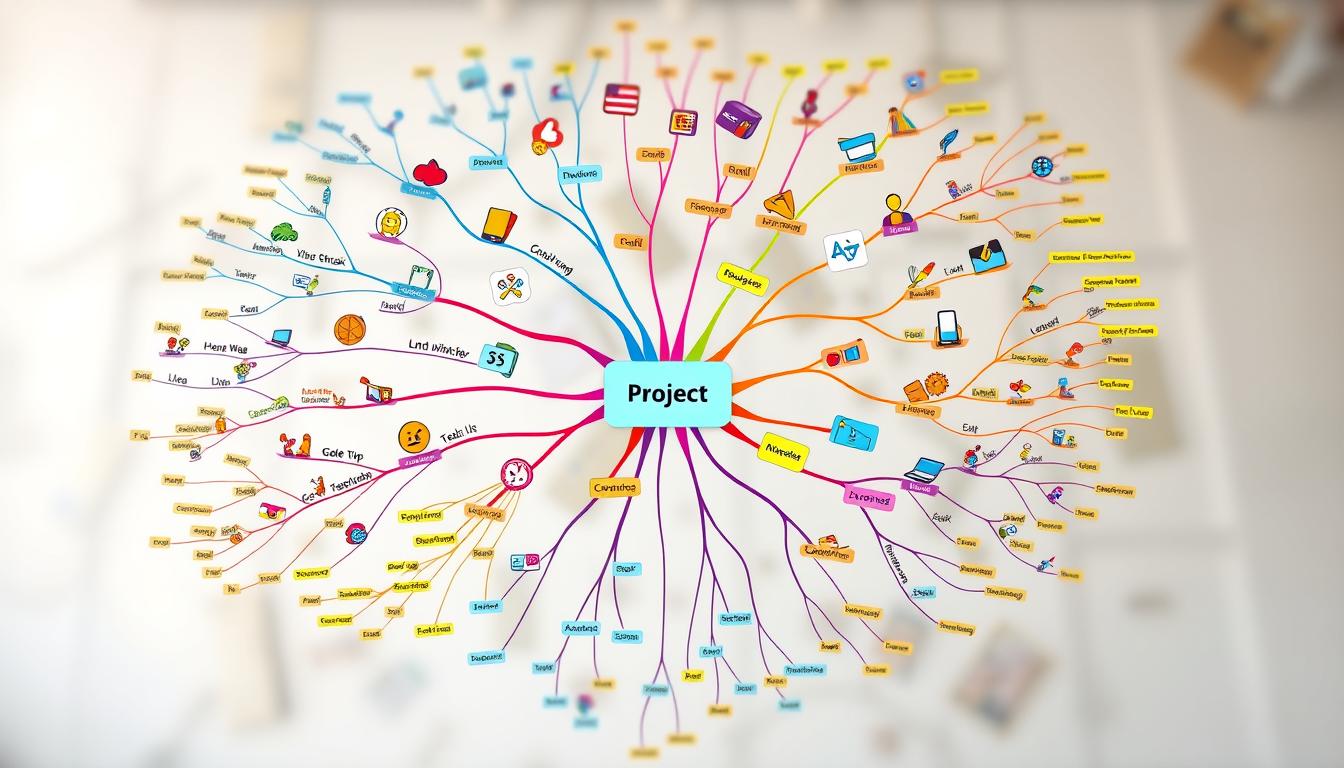
Best Mind Mapping Software and Tools
Exploring the best mind mapping software reveals a range of options tailored to various needs. Over several years, nearly 50 mind mapping tools have been thoroughly tested. This effort has identified five top applications that can significantly improve your project planning and brainstorming.
Overview of Top Mind Mapping Tools
Among the leading choices, you’ll encounter:
- Coggle – Ideal for beginners and casual users, it offers a free plan for up to three private diagrams, starting at $5 per month.
- MindMeister – Great for team collaboration with real-time editing, it provides free use for three mind maps, and plans start at $7.50 per month.
- Ayoa – It boasts a modern take on mind mapping with various types and AI tools, offering free usage for limited features, with paid plans from $17 per user annually.
- MindNode – Designed for Apple users, it offers iCloud sync and integration with to-do apps, with limited free usage and paid plans starting at $2.99 per month.
- Xmind – Ideal for personal brainstorming, it features great cross-platform availability with a limited free plan and subscriptions starting at $19.99 quarterly.
Features to Look for in Mind Mapping Software
To select the best mind mapping software, look for these features:
- Designed for brainstorming, not just basic diagramming.
- Unlimited canvas size to encourage creativity.
- File attachment capabilities for enhanced information gathering.
- Strong saving and exporting options, including various formats.
Tools like Mindomo allow for creating multiple mind maps and support collaboration, making them a valuable option for teams. When evaluating mind mapping tools, consider how they can aid in your project planning and idea organization.

Project Planning and Collaboration Using Mind Maps
In today’s fast-paced world, effective project planning is key to success. Mind maps revolutionize team collaboration in project planning. They visually organize ideas, leading to a more dynamic and innovative process.
Integrating Mind Maps into Project Planning
Using mind maps in project planning boosts creativity by allowing for multiple plan variations. This method highlights the value of brainstorming early on. It encourages focusing on quantity over quality in idea generation. With online mind mapping software, teams can work together on plans, ensuring everyone’s input is valued.
As ideas are refined, deleting unnecessary items and organizing the rest is crucial. It helps in creating a clear project plan. Defining stakeholders is also key, guiding when to involve them and determining the project scope.
Enhancing Team Collaboration Through Visual Tools
Mind mapping in teams improves collaboration and communication. It presents project details visually, making complex concepts easier to understand. Creating mind map templates for planning streamlines current efforts and makes future projects easier to manage.
Many organizations, like IT Enterprise and Grupo JHR, use MindMeister for project management. IT Enterprise meets 100% of client needs with MindMeister, while Grupo JHR uses both MindMeister and MeisterTask. Mind mapping makes teamwork and project execution more effective than traditional methods.
Project Management Techniques Enhanced by Mind Mapping
Mind mapping acts as a visualization tool, boosting various project management techniques. It combines creativity with structured thought, simplifying complex projects. This integration deepens task relationship understanding and streamlines workflows.
Agile Methodology and Mind Mapping
Agile methodology champions adaptability and iterative planning. Mind maps support these by breaking down complex issues into simpler parts. This fits well with Agile’s emphasis on flexibility, allowing teams to visualize and adapt to changes.
With mind maps, project managers can identify key paths and task priorities. This ensures team efforts are aligned effectively.
Breaking Down Tasks with Mind Maps
Task breakdown is crucial in project management. Mind maps provide clear visual representations, outlining project components for easier planning. They help organize tasks, optimizing resource use and team collaboration.
This approach keeps focus on the project’s core goals while making detailed tasks more accessible. Mind maps enhance project scope understanding and stakeholder alignment, ensuring everyone is aligned.

Real-Life Examples of Mind Mapping in Projects
Mind mapping has become a key tool in many sectors, offering insights into project management. Through case studies, we see how organizations use it to boost efficiency and clarity. This technique helps in organizing complex information visually.
Case Studies of Successful Mind Map Implementations
Many examples showcase mind maps’ practical uses. For example, S. Genovese’s mind map on Global Warming breaks down complex data into nine branches. MindTools.com’s time management map also demonstrates how to organize tasks visually.
Adam Sicinski uses highlighted colors to make his mind maps stand out. Evelyn Lim’s “A Cinderella Story” mind map shows how storytelling can be visualized. Another example is the 60-second map, which proves quick, focused mapping can be effective.
Dilip Singapore’s mind map comparing Future Trends with Present Status is minimalistic yet effective. It uses colors to distinguish ideas, reflecting the 65% of people who are visual learners. Visual aids make presentations 43% more persuasive, highlighting mind mapping’s role in communication.
Lessons Learned from Using Mind Maps
Adaptability is a key takeaway from these case studies. Jennifer Frith’s art tips from a sketchbook map emphasize simplicity. Dr. Anthony Metivier’s mind map on memory palaces shows a method for studying efficiently.
Mind maps help manage brainstorming sessions by visualizing idea connections. They also guide novice designers with expert problem-solving frameworks. In project management, mind maps aid in scheduling, team management, and clarifying project scope.
These examples show mind mapping’s versatility in studying, planning, and onboarding. It improves memory recall and critical thinking. It also helps teams organize complex information, aiding in achieving project goals.
Conclusion
Incorporating mind maps into your workflow can greatly boost the success of Mind Maps Projects. By using visual tools, you can simplify complex tasks, making them easier to handle. The journey starts with gathering data, then visualizing and mapping out project components. This process helps create a detailed overview of your software projects.
Mind mapping aids in organizing projects effectively and improves communication among team members, especially in remote settings. As discussed, adopting visual project management benefits leads to clearer decision-making and higher productivity.
Mind mapping is a crucial tool in today’s project management, enabling you to visualize projects effectively. It leads to success with clarity and efficiency. Whether you draw maps by hand or use digital tools like Mindmeister.com, the advantages are the same. They enhance understanding, organization, and teamwork across all your projects.