

A shared drive is only as useful as the names on the files inside it. When a folder holds final_v2_REALfinal.docx, Untitled 3.xlsx and IMG_4471.jpg, nobody can tell what is in them without opening each one. Multiply that by a few thousand files and the team loses hours weekly.
A file naming convention fixes that. It is a short written rule for how everyone names files: which parts a name contains, in what order, and how they are separated. The City of Philadelphia publishes one in its public digital standards, and the same logic works for a two person business. This guide covers the parts of a good name, the rules that make it work everywhere, and how to start without renaming your archive.
Key Takeaways
- A naming convention is a written rule, not a personal habit.
- A good name says who owns the file, what it is, and when it was made.
- Dates in YYYY-MM-DD order sort correctly on their own.
- Lowercase letters and hyphens survive every operating system.
- It only works if it is documented and someone maintains it.
Why File Naming Conventions Matter
People find files two ways: they browse folders, or they type into a search box. Both depend on the name. A folder view shows little else, and the search in Windows, macOS, Google Drive and Dropbox weights the file name heavily.
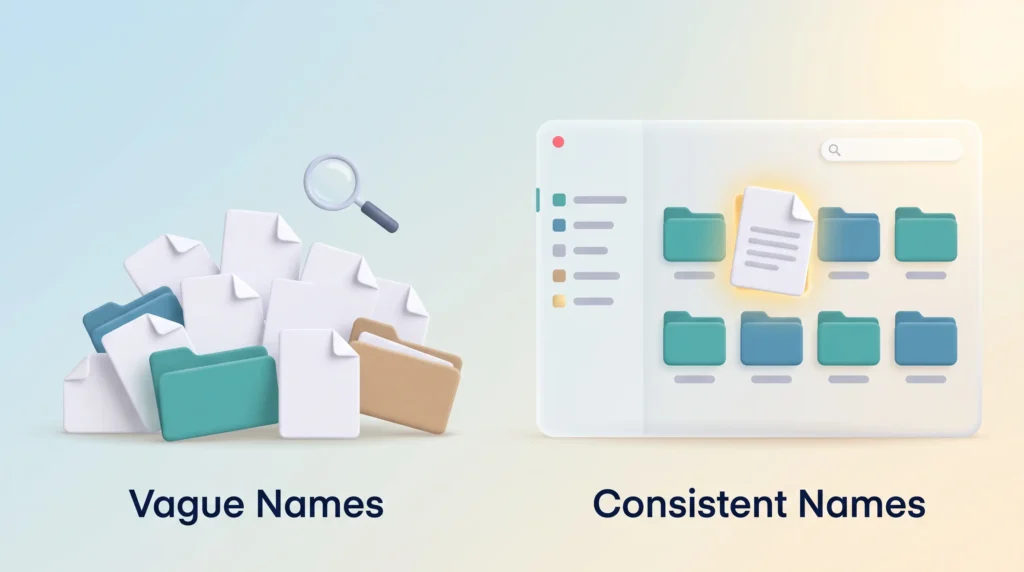
Compare two files. ppr-fairmount-park-squirrels.jpg names the department, the location and the subject before you open anything. IMAGE_902.jpg says nothing. The first can be found by anyone; the second only by whoever saved it, and only while they still remember. Consistency matters as much as description: one pattern across a folder makes sorting useful. Naming then becomes shared infrastructure, much like a shared knowledge management system, which only pays off once everyone files things the same way.
The Building Blocks of a File Name
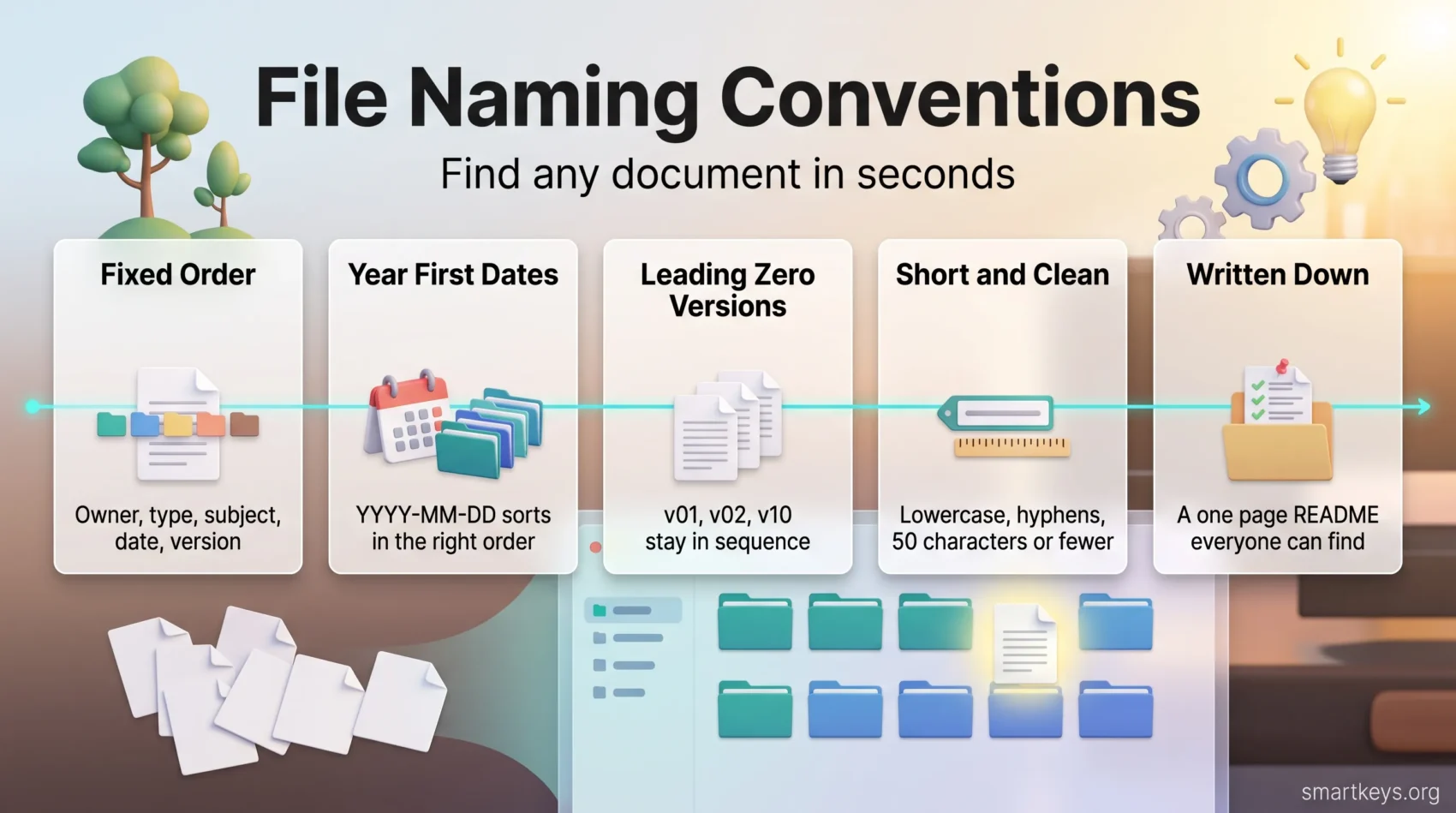
A workable name uses a few elements in a fixed order, from general to specific: owner, content type, subject, date, version, language code. Not every file needs all six. A photo needs owner and subject; a contract also needs date and version.
The owner is a durable identifier: a department code, project number or client abbreviation. It keeps two files called report-2026.pdf from colliding when they come from different teams. Avoid personal initials, because people leave and jm-draft is meaningless the week after they do.
Dates belong in ISO 8601 order, year first: 2026-01-31. Written that way, an alphabetical sort is also a chronological sort. Versions go near the end with a leading zero: v01, v02, v10. Without the zero, your file manager lists v10 straight after v1 and before v2.
Rules That Keep Names Working Everywhere
Choose Elements That Outlive the People
Name files after the thing, not the moment. Department codes and project numbers stay valid for years. Words like “new”, “latest” and “final” go stale within days, which is how a folder ends up with three files that all claim to be final. Use the date field instead.
Keep the Format Short and Predictable
- Keep names to 50 characters or fewer, as the Philadelphia digital standards recommend. Longer names get truncated in file lists and email clients.
- Write in lowercase and separate elements with hyphens, for example
oit-annual-report-2026.pdf. Spaces become%20in web addresses and break some scripts. - Never use the characters Windows reserves:
< > : " / \ | ? *. Microsoft also blocks the device names CON, PRN, AUX, NUL, COM1 to COM9 and LPT1 to LPT9, even with an extension added, and no name may end in a space or a period. - Watch total path length. The classic Windows limit is 260 characters for the whole path, not just the name. Newer versions can go further, but only when long path support is switched on and the application opts in.
- Use abbreviations, but write them down. An acronym everyone knows today is a puzzle for next year’s new hire.
A finished example: ppr-fall-festival-flyer-2026-v02-en.pdf. Department, type, subject, year, version, language.
Connecting Names to Search and Metadata
If your team uses a digital asset management system (DAM), meaning software that stores and indexes shared files such as images and brand material, naming pays off twice. These systems read parts of a file name during upload and copy them into structured fields. That is called metadata mapping; metadata simply means the labels attached to a file rather than the content inside it.
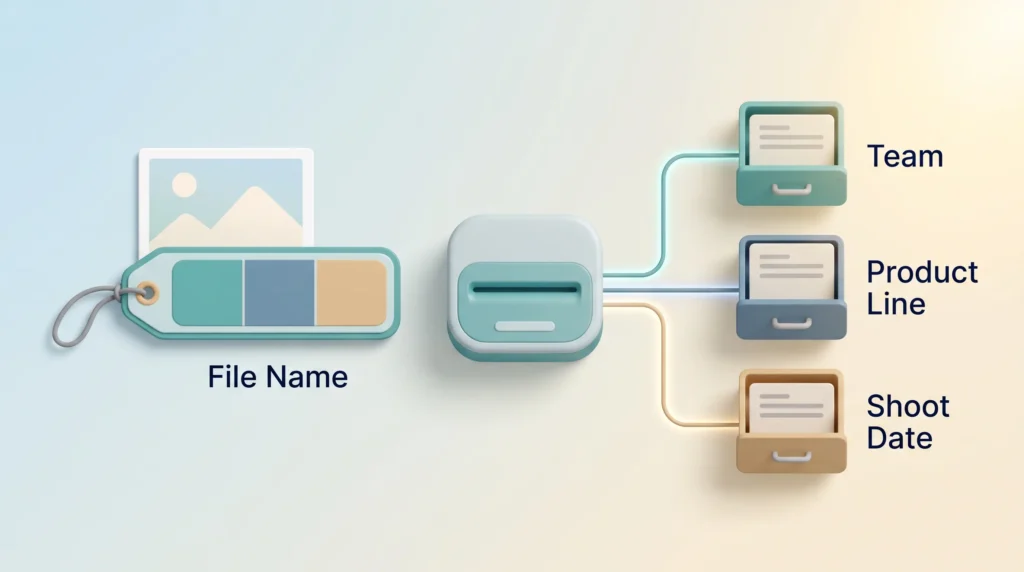
In practice: a photo arrives named mkt-product-shot-blueline-2026-03-v01.jpg. The system reads mkt as the marketing team, blueline as the product line and 2026-03 as the shoot date, then fills those fields with no typing. Cloud drives such as Dropbox Business and Google Workspace index names too, so even without a DAM the pattern is a free search index. That makes naming a data question: if you already have a data governance strategy, the convention belongs in it. Give one person the job of answering questions and keeping examples current, and cover the rules in onboarding alongside your collaboration tools.
Keeping the Convention Alive
Write the rules where people can find them. A one page README at the top of the shared drive beats a policy document nobody opens. Define every element, the separator, the approved abbreviations, the date pattern, the version rule, and two or three examples copied from live files.
If you publish in more than one language, put the two letter ISO 639-1 code at the very end, after the version: revenue-tax-form-2026-v01-en.pdf, not revenue-tax-form-en-2026-v01.pdf. A fixed order keeps sorting predictable.
Do not rename your entire history. Apply the convention from a start date onward and rename older files only when you touch them anyway. A big retroactive project breaks links and rarely finishes, the trap described in spending more time organizing than doing.
Putting It Into Practice
Start with one folder that annoys you. Define its elements, write them in a README, and use the pattern for the next twenty files you save. You will find the gaps faster by using the rules than by planning them.
Then widen it. Naming sits next to the other systems that keep work findable: a digital note-taking system, a second brain framework, a periodic digital declutter, and a paperless workflow. Even voice memos become searchable once they carry a real name. Good names also cut interruptions, which matters most for asynchronous work across time zones, and they support digital trust in remote teams: people trust a drive they can navigate alone.
The test is simple: hand a colleague a folder path and no explanation. If they find the right file in a minute, the convention works. If not, add one more element.
Found this useful?
Make SmartKeys a preferred source on Google, and our articles will surface more often in your Top Stories, AI Overviews, and AI Mode.
Add as Preferred SourceFAQ
What should a good file name actually contain?
Owner, content type, subject and date, in that order, plus a version number if the file changes over time. The owner is a durable code such as a department, client or project identifier, never a person’s initials. The content type says what kind of document it is: report, invoice, flyer, minutes. The date goes year first so the folder sorts chronologically. Built this way, a name tells a colleague what the file is before they open it.
How do I get a whole team to name files consistently?
Write the rules down, keep them where the files are, and give one person responsibility for them. A one page README at the top of the shared drive beats a policy buried in an intranet. Include real examples copied from actual files, because people copy patterns more readily than they read instructions. Cover it during onboarding, not in a single announcement. Consistency fails when the rules are invisible or nobody can settle an edge case.
Which characters should I avoid in file names?
Windows rejects nine characters outright: less than, greater than, colon, double quote, forward slash, backslash, vertical bar, question mark and asterisk. Microsoft also reserves the device names CON, PRN, AUX, NUL, COM1 to COM9 and LPT1 to LPT9, which stay invalid even with a file extension, and a name may not end with a space or a period. Beyond that, avoid ampersands, percent signs and hash marks, which mean something special in web addresses.
Why put the date in YYYY-MM-DD order?
Because an alphabetical sort then produces a chronological order, with no extra tooling. Files dated 2026-01-15, 2026-02-03 and 2026-11-20 line up correctly in any file manager. It also removes a real ambiguity: 03/04/2026 means the third of April to a European reader and the fourth of March to an American one, while 2026-04-03 means the same to both. This year first pattern is the ISO 8601 international date standard.
Do I need to rename all my existing files?
No, and attempting it is usually a mistake. Bulk renaming breaks shared links, bookmarks and any script that refers to a path, and the project tends to stall halfway, leaving two conventions instead of one. Pick a start date and apply the convention to everything created from then on. Rename older files only when you are already working on them. Within a few months most of what you touch daily will follow the pattern.





