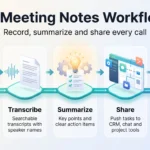

AI note-takers are now a normal part of work meetings. Tools like Otter, Fireflies, Granola, Zoom AI Companion and Microsoft Copilot transcribe what everyone says and produce a summary with action items minutes later. Nobody has to type minutes, and people who missed the call catch up quickly.
The catch is that these tools record other people. That raises three questions: Is it legal? Does everyone know and agree? And who controls the transcript afterwards? This guide answers all three in plain language, covering U.S. and EU consent rules, the 2026 Otter.ai ruling, privacy, retention and etiquette. It is general information, not legal advice.
Key Takeaways
- AI note-takers record everyone in the meeting, not just the person who switched them on.
- Treat every meeting as all-party consent, since about a dozen U.S. states, including California, require it.
- In August 2026, a federal judge let the core privacy claims against Otter.ai proceed, though the case is still open.
- Vendor terms make the account holder responsible for consent, so for work meetings that duty lands on your company.
- In the EU, the GDPR, national criminal law and works council rights all apply.
- Announce the tool, pause it for sensitive topics and review every summary before you share it.
Build an AI Meeting Notetaker Policy That Sets Clear Expectations
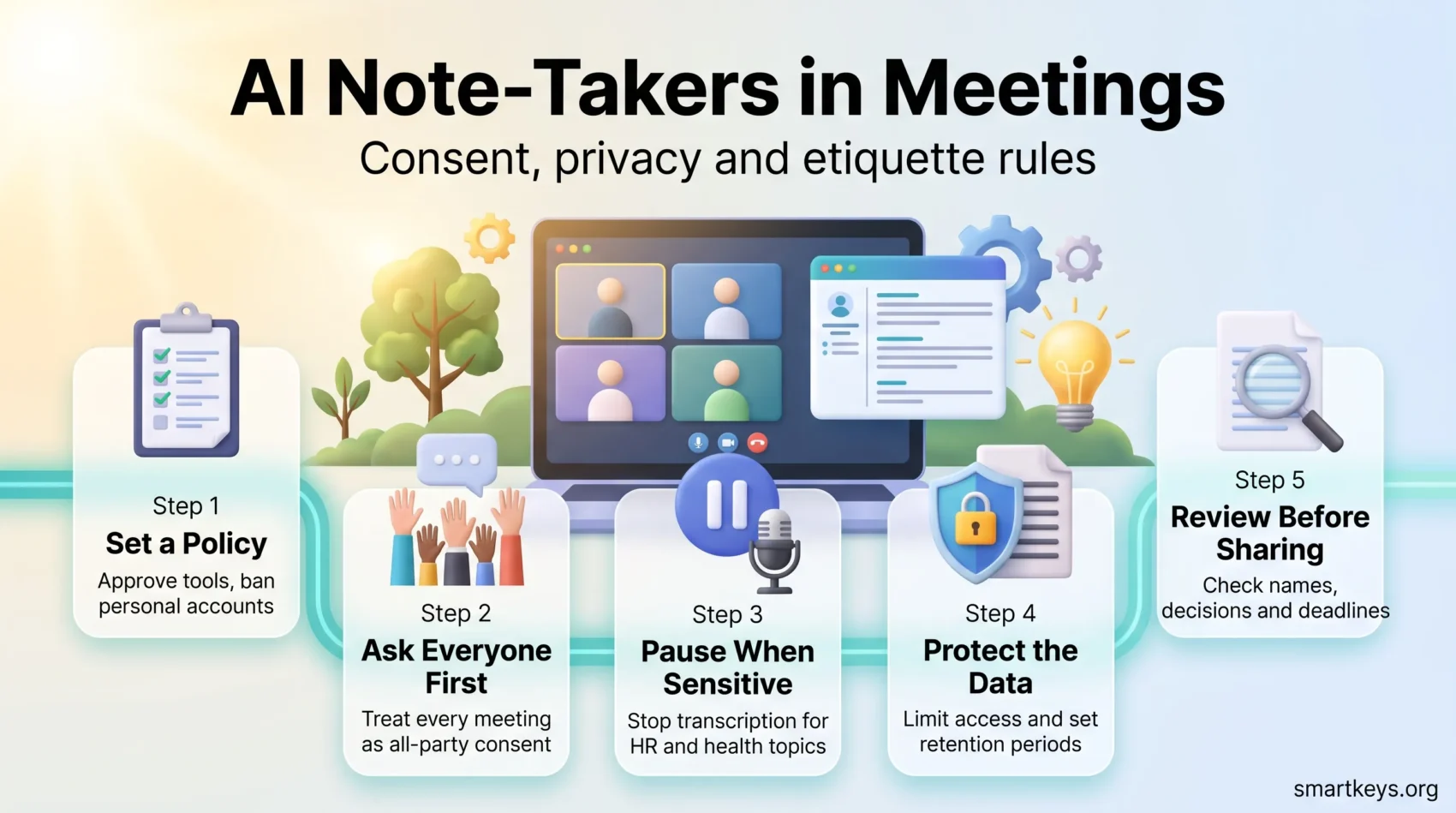
Most problems start the same way. One employee connects a tool to their work calendar, and from then on it joins every meeting automatically, including calls with clients, candidates or HR. A written policy prevents that drift, in the same way a BYOA policy for employee-chosen apps or a plan for managing shadow AI does.
A useful policy answers four questions:
- Which tools are approved? Name the tools your company has checked for security and data use. Ban personal accounts for work meetings.
- Where are they allowed? Routine team syncs, project calls and internal workshops are usually fine.
- Where are they off limits? Performance reviews, disciplinary talks, health or personal matters, legal advice and sensitive negotiations should stay unrecorded by default.
- Who is responsible? The meeting host notifies participants, confirms consent, stops the tool when needed and controls who gets the notes.
For formal meetings, decide which document is the official record. Three note-takers produce three slightly different versions of the same decision. Pick one source, review it and file it, for example with a meeting notes template. If your company has an AI governance model, add these rules there.
Is It Legal to Use an AI Note-Taker in a Meeting?
Yes, as long as you get the right consent. Which consent you need depends on where each participant is located, not only where your company is based.

U.S. federal law and most states follow one-party consent: a recording is legal if one person in the conversation agrees, including the person recording. About a dozen states require all-party consent instead, including California (Penal Code Section 632), Florida, Illinois, Maryland, Massachusetts, Pennsylvania and Washington. There, every participant has to agree before a conversation is recorded. Some of these laws only cover conversations where people expect privacy, but a closed work meeting usually qualifies.
Remote meetings make this tricky. A call hosted in Texas can include someone joining from California, and California courts have applied the stricter California rule in such cases. The safe default: treat every meeting as an all-party consent meeting.
What the Otter.ai lawsuit means for your company
The most important test case is In re Otter.AI Privacy Litigation in federal court in Northern California. It combines several class actions (lawsuits brought on behalf of a large group of affected people) filed from August 2025 onwards, starting with a suit that NPR covered at the time. The plaintiffs claim that Otter’s Notetaker joined meetings through calendar integrations, recorded people without Otter accounts and used those conversations to train its AI.
On August 13, 2026, Judge Eumi K. Lee allowed the core claims under the federal Wiretap Act, the California Invasion of Privacy Act and the Illinois biometric privacy law to move forward, while dismissing some others with permission to refile. The court found that the plaintiffs had plausibly argued that Otter acted as a third-party eavesdropper, not only as the host’s recording tool (full court order on FindLaw).
The ruling does not mean Otter broke the law. The case now moves into discovery, the phase where both sides exchange evidence. For employers, the lesson sits in the vendor terms. According to the complaint, as summarized by The National Law Review, Otter’s privacy policy put the responsibility for getting permission on its account holders. When an employee connects a note-taker to a work calendar, that duty lands on your company.
Why voiceprints add a second layer of risk
Many note-takers label who said what. To do that, they can build a voiceprint: a digital model of a person’s voice that identifies them, much like a fingerprint. The Illinois Biometric Information Privacy Act (BIPA) treats voiceprints as biometric data. It requires written notice, written consent and a published retention policy before such data is collected.
In December 2025, an Illinois resident who had never created an account sued Fireflies.ai under BIPA over its speaker recognition feature. BIPA can apply whenever a participant is physically in Illinois, no matter where your company is based. If you do not need speaker labels, check whether you can switch them off.
What applies in the EU and Germany
In the EU, the GDPR (the General Data Protection Regulation) treats meeting audio and transcripts as personal data. You need a legal basis for processing them and a clear notice that explains purpose, access and retention. Employee consent is often a weak basis, because staff may not feel free to say no to their employer. Companies therefore often rely on legitimate interest, backed by a written assessment. Our guide to employee data privacy explains these rules in more detail.
Germany adds two specific rules. Recording someone’s privately spoken words without permission can be a crime under Section 201 of the Criminal Code. And where a works council exists (an elected employee body with a legal say in workplace rules), introducing a tool that can monitor employee behavior or performance needs its agreement under Section 87(1) No. 6 of the Works Constitution Act. A note-taker that logs who said what usually qualifies. See our article on works councils and AI.
The EU AI Act matters too. Since February 2025, it has banned AI systems that infer the emotions of people at work, with narrow exceptions for medical or safety reasons. If a note-taker offers “sentiment” scores for individual participants, check that feature before using it in the EU. For the bigger picture, see our overview of AI regulation in 2026.
Get Informed Consent Before AI Transcription Begins
The simplest way to build consent into everyday meetings uses three touchpoints.
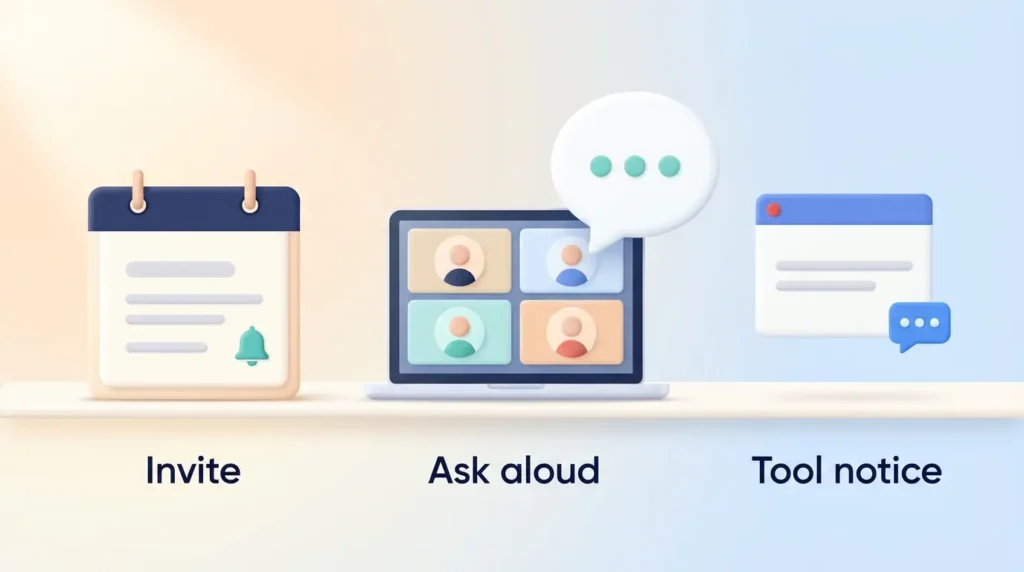
- In the invitation. Add one line to the calendar invite, for example: “This meeting will be transcribed by [tool] to create notes. Let me know if you prefer manual notes.”
- At the start of the call. Say it out loud and ask whether everyone is fine with it. Wait for an answer; silence is not a clear yes.
- Inside the tool. Many tools add their own notices. Granola, for example, can post an automatic chat message and show an on-screen watermark while it transcribes, according to its transparency documentation. These features help, but they do not replace asking.
Explain in one sentence what the tool captures and who will see the result. If someone objects, switch to manual notes right away and note the choice. This matters most with external guests, who never agreed to your internal policy.
Protect Meeting Privacy, Security, and Data Retention
A transcript can contain half-finished ideas or confidential client details. Treat it as a sensitive document.
Limit access
Keep notes private by default and share them only with people who need them. Check automatic sharing features that email the summary to every attendee or post it into a team channel.
Set retention periods
Many tools keep transcripts forever unless you change a setting. Granola’s security FAQ, for instance, says notes and transcripts are kept indefinitely unless an auto-deletion period is set. Write down a retention period for each type of meeting record and name an owner who checks that deletion happens.
Check what the vendor does with the data
Before you approve a tool, read its data-use terms. Three questions matter most:
- Does it keep the audio? Granola says it does not retain audio recordings and deletes cached audio once transcription is done. Other tools store full recordings.
- Does it train AI on your meetings? Some vendors use customer data for model improvement by default. Granola, for example, requires Free and Business users to opt out in its settings.
- Where is the data stored? For EU companies, storage location and a data processing agreement are basic requirements.
Our AI meeting notes workflow guide compares how popular tools handle storage, bots and privacy. A broader privacy compliance framework helps you fit the tool into your existing data rules.
Follow Meeting Etiquette and Review AI-Generated Notes
Rules only work if people use them in the moment.
During the meeting
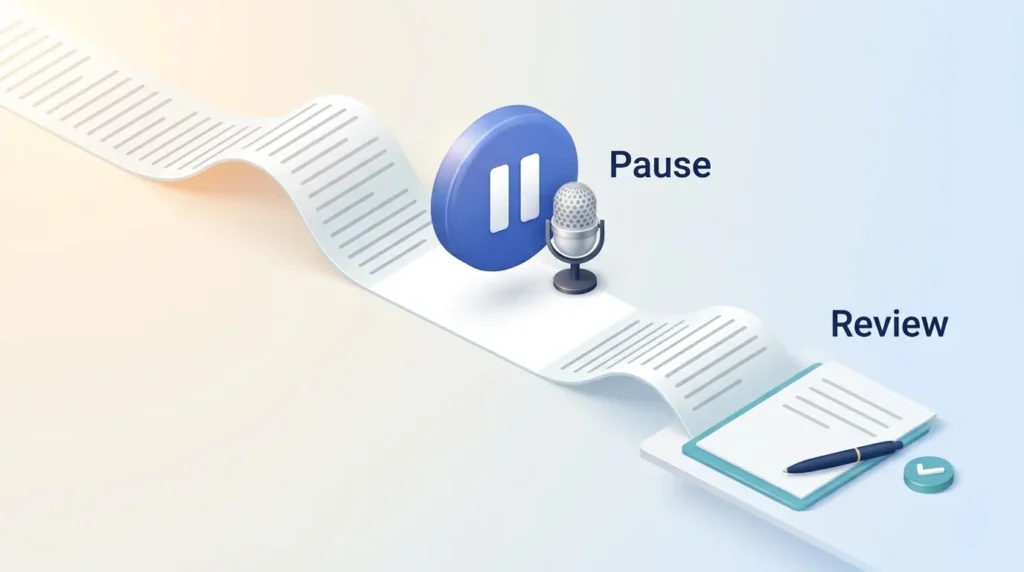
Pause the transcription before sensitive topics come up. A typical example: a project call drifts into a conversation about a colleague’s sick leave. The host stops the tool, finishes that part without it and restarts only after telling everyone. If a new person joins mid-meeting, tell them the call is being transcribed.
A visible bot can also make people more guarded. For brainstorming or open feedback, manual notes often work better. Our guides to hybrid meeting etiquette and running effective meetings cover the wider habits.
After the meeting
AI summaries are useful drafts, not reliable records. They can misattribute statements, miss a decision or turn a vague idea into a firm commitment. Before sharing, the host should check names, decisions, owners and deadlines. Remove anything captured by mistake, such as a private remark before the official start.
For important meetings, send the cleaned-up notes to attendees and ask for corrections. That turns the AI output into a record everyone trusts.
Conclusion
AI note-takers are worth using with clear rules. Allow them for routine collaboration, keep them out of sensitive conversations and treat every meeting as an all-party consent meeting. Tell people in advance what the tool collects and offer manual notes as a real choice.
Afterwards, limit access, set retention dates and check vendor settings for audio storage and AI training. Review every AI summary before you share it: the tool writes the draft, but people are responsible for the record.
These habits let you keep the time savings while respecting each person’s choice and privacy. They also build digital trust in remote teams. For related topics, see our guides to AI employee monitoring and AI ethics in the workplace.
Found this useful?
Make SmartKeys a preferred source on Google, and our articles will surface more often in your Top Stories, AI Overviews, and AI Mode.
Add as Preferred SourceFAQ
Is it legal to use an AI note-taker without telling everyone?
Not in all-party consent states such as California, Florida or Illinois, where every participant must agree before a conversation is recorded. Even in one-party consent states, telling everyone is safer, because remote meetings often include people from stricter states. In the EU, the GDPR also requires a clear notice. In practice, a short line in the invitation plus a spoken announcement at the start of the call covers most situations.
Did Otter.ai lose its privacy lawsuit?
No. On August 13, 2026, a federal judge in California allowed the main wiretap and biometric privacy claims to continue and dismissed some others with permission to refile. There is no finding that Otter broke the law. The case now moves into evidence gathering. For companies, the takeaway is to check vendor terms and get consent from every participant, however the case ends.
Do bot-free note-takers like Granola still need consent?
Yes. Bot-free tools capture audio directly from your computer instead of joining the call as a visible participant, but they still transcribe what everyone says. Recording laws care about the recording, not about whether a bot appears in the participant list. Because nobody sees a bot, an explicit announcement matters even more. Granola offers an optional chat message and on-screen watermark, but its own documentation says customers are responsible for deciding what notice or consent they need.
What should I do if I don’t want my conversation recorded?
Tell the meeting host, ideally before the call or as soon as the tool is announced. A good host will switch the note-taker off and take manual notes instead, without asking you to justify the choice. If a tool joins anyway, you can ask the host to remove it or to delete the transcript afterwards. You do not need to give a reason.
Can employees use their personal AI note-taker for work meetings?
It is better not to allow it. A personal account sits outside your company’s control, so you cannot set retention periods, block AI training on the data or delete transcripts when someone leaves. Vendor terms also make the account holder responsible for consent, and that duty still points back to your company when the meeting is a work meeting. Approve company accounts instead.
How long should meeting transcripts be kept?
Only as long as you need them for a clear purpose. There is no single legal deadline that fits every meeting, so set periods by type: short for routine syncs, longer for formal decisions or records you must keep for legal reasons. Switch on auto-deletion where the tool offers it. Under the GDPR, keeping personal data longer than necessary is itself a compliance problem.
Who is responsible for following the note-taking policy?
The meeting host is responsible in the moment. They announce the tool, confirm consent, pause it for sensitive topics and review and distribute the notes. The company is responsible for the framework: choosing approved tools, setting retention rules, configuring privacy settings and training staff. Because vendor terms usually place consent duties on the account holder, the company cannot hand that responsibility off to the tool provider.