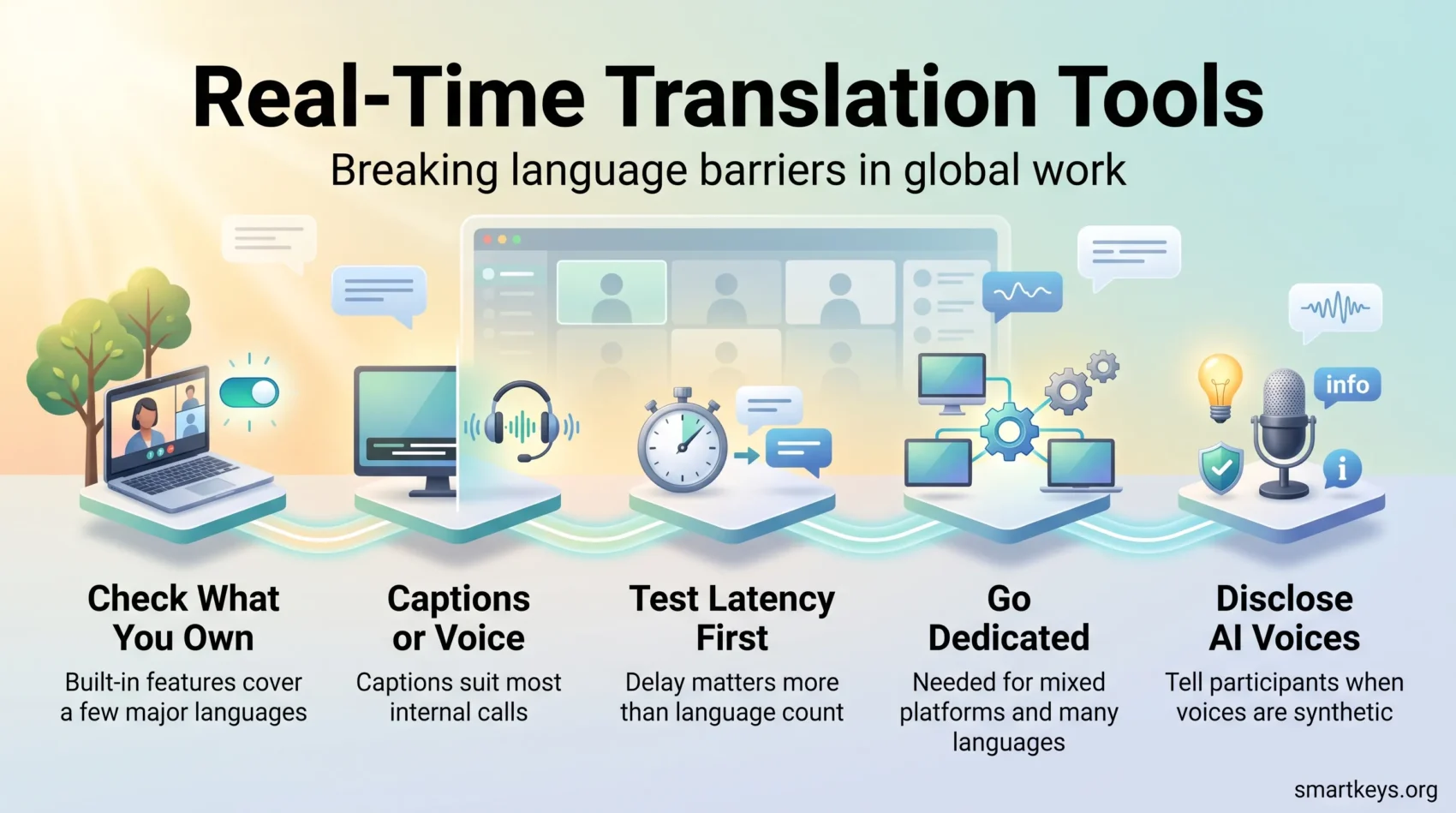
Real-time translation tools let people who speak different languages follow the same meeting as it happens. They listen to the speaker, then show translated captions on screen or play a translated voice in each listener’s language. For a team spread across countries, that can replace a shared second language nobody is fully comfortable in.
In 2026 this stopped being a niche add-on. Microsoft, Google and Zoom all shipped spoken translation inside their own meeting apps within about a year. That changes the buying question. It is no longer “which translation tool should we add?” The better question is: “Does the platform we already pay for cover us, and where does it fall short?”
The short answer: built-in features now handle a small set of major languages well, and little else. If your calls run English and Spanish or English and German on one platform, you may already own what you need. If you work across many languages, run customer-facing events, or switch between Zoom, Teams and Google Meet, a dedicated tool still earns its place.
Key Takeaways
- Teams, Google Meet and Zoom all offer spoken translation in 2026, but each covers only a handful of languages and only inside its own platform.
- Captions are cheaper, faster and enough for most internal calls. Spoken translation matters when people cannot read a screen for an hour.
- Dedicated tools still win on language breadth, cross-platform coverage and event-grade control.
- Price the total, not the headline: minute caps and per-user add-ons decide the real cost.
- Live captions on public events are now a compliance topic in the EU, and synthetic voices can trigger AI Act disclosure duties.
What changed in 2026: the meeting platforms caught up
Until recently, “translation” in a meeting app meant translated subtitles. Within roughly twelve months, every major vendor added translated speech as well. That is the biggest shift this category has seen, so it should reset your shortlist before you compare anything else.
Microsoft Teams: the Interpreter agent
Teams offers speech-to-speech interpretation through its Interpreter agent. It covers nine languages: Mandarin Chinese, English, French, German, Italian, Japanese, Korean, Portuguese and Spanish. Listeners can hear the translation in a simulated version of the speaker’s own voice or in a standard automated voice. Microsoft states that voice samples and biometric data are not retained.
Access depends on licensing. Individual users need a Microsoft 365 Copilot license, Microsoft’s paid AI add-on. Meeting rooms need a Teams Rooms Pro license, which includes 20 interpretation hours per room account per month. Support for Teams Rooms on Android began rolling out in late August 2026 and is expected to finish by late September. If you are still choosing a platform, our Zoom vs Microsoft Teams comparison covers the wider trade-offs.
Google Meet: five languages now, seventy in preview
Google made speech translation generally available in Meet on 27 January 2026. It translates in both directions between English and Spanish, French, German, Portuguese or Italian, with one language pair per meeting at launch. The translated audio mimics the speaker’s tone and pacing. It is included in Business Standard and Plus, Enterprise Standard and Plus, Frontline Plus, and Google AI Pro or Ultra subscriptions.
The bigger news came in June 2026. Google announced Gemini 3.5 Live Translate, a speech model covering more than 70 languages. Meet expands that to over 2,000 language combinations, but for now only selected Workspace business customers get it in a private preview. The same model rolled out in the Google Translate apps for Android and iOS. Once it reaches general availability in Meet, the gap between built-in and dedicated tools will narrow sharply, at least for organizations that only use Meet.
Zoom: translated captions plus voice translation
Zoom offers translated captions in 36 languages, plus three target-only languages. They come with Business Plus and Enterprise plans, or as an add-on of about $5 per user per month on other paid plans. Voice translation followed: it entered beta in April 2026 and became generally available on 24 July 2026 for Pro, Business and Enterprise accounts. It supports English, Chinese, French, Japanese and Spanish, with Arabic, German, Italian and Portuguese announced next. Zoom says no meeting audio is stored and no voice prints are created.
For developers, Zoom also sells a Translator API, a programming interface for translating text and files in bulk. It covers English plus eight other languages. That is useful for transcripts after the meeting, not for live conversation.
Captions or spoken translation? Decide this first
This single choice removes half the vendors from your list. The two modes solve different problems and cost very different amounts.
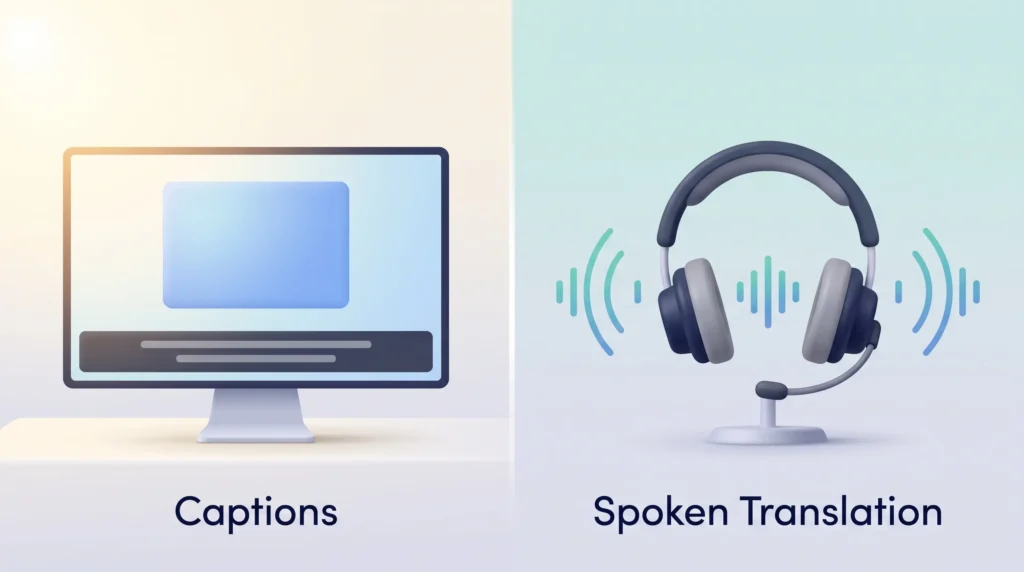
Translated captions put text on screen while someone speaks. They are cheaper, lag less behind the speaker, and are easier to check afterwards. They also help participants who are deaf or hard of hearing. For a weekly standup or an internal all-hands, captions are usually enough.
Spoken translation generates audio in the listener’s language. It matters when people cannot realistically read for an hour, in a real two-way negotiation, or when reading would pull attention away from a demo. It costs more, adds a few seconds of delay, and supports far fewer languages on every platform.
Human interpretation remains the answer for regulated, contractual or diplomatic sessions where a mistake carries legal weight. Many teams now combine both: interpreters on the main language channels, AI captions for every additional language.
- Internal, few languages: platform-native captions.
- Internal, many languages: a dedicated cross-platform tool.
- Customer-facing or branded: an event platform you control.
- Regulated or high-stakes: human interpreters, with AI as the backup layer.
How to evaluate live translation for meetings, webinars and events
Once you know which mode you need, test candidates with the same short script. Run it on the platforms you actually use and watch how each option handles captions, bots and overlays.
Latency and mid-sentence language switching
Latency is the delay between the original words and the translation. It matters more than the headline language count. Test what happens when a speaker switches from English to Mandarin mid-sentence, and how far the translation trails. A few seconds is normal in 2026. Much more than that breaks the flow of conversation, and you are effectively watching subtitles.
Platform fit and integrations
Check how the tool gets into the meeting. It might join as a bot participant, run as a browser extension, capture your computer’s audio through a desktop app, or plug in natively. Bot-free capture avoids awkward “who is that?” moments with guests. For events, confirm the tool works with your registration and streaming setup, and whether captions can feed an AV mixer, the device that sends audio and video to stage screens.
Pricing, minute caps and scalability
Read the pricing model before the feature list. Can you trial without a sales call? Several event-grade vendors still quote only on request, which slows any pilot. Then read the caps. JotMe’s Pro plan, for example, includes 200 translation minutes a month. That is about 3.3 hours, or roughly two weeks of one 20-minute daily call.
- Check accuracy on product names, internal jargon and acronyms, not just everyday speech.
- Test with fast speakers, strong accents and background noise before trusting it in an executive meeting.
- Confirm where audio and transcripts are stored, and for how long. This matters more under data localization laws, which require some data to stay in a specific country.
- Verify SSO (single sign-on with your company login), permissions and admin controls so IT can approve the rollout quickly.
The best real-time translation tools in 2026
Pick by scale first, then by language coverage. Weekly team calls, large webinars and conference interpretation are three different products. A vendor that is excellent at one is often average at another.
JotMe: broad coverage for everyday meetings
What it does: JotMe captures audio on your own device through a desktop app or Chrome extension, so no bot joins the call. It overlays live translation on Zoom, Microsoft Teams, Google Meet, Webex, Slack and many other apps. You also get searchable transcripts and meeting summaries.
What to watch: JotMe advertises more than 200 languages, but plans are metered in translation minutes. The free plan includes 20 minutes a month. Pro costs $10 per month billed annually with 200 minutes, and Premium costs $15 with 500 minutes, according to JotMe’s pricing page. Compare those caps with your real meeting hours. The transcripts also fit neatly into an AI meeting notes workflow.
Wordly: AI translation and captions at event scale
Wordly is built for webinars, conferences and larger meetings rather than quick calls. It advertises dozens of languages and more than 3,000 language pairs, with glossaries on higher tiers. Pricing is sold as hour packages valid for 12 months, starting at about $1,500 for 10 hours, billed only for minutes used. Wordly lists SOC 2 Type II and ISO 27001, two widely used security audits and certifications.
Interprefy: enterprise events with human interpreters
Interprefy combines remote simultaneous interpretation by human interpreters with AI speech translation and captions. Its AI supports speech and captions in about 80 languages, with more languages partly supported. It suits large enterprise and institutional events where security reviews are strict. For a small internal webinar, it is usually more than you need.
KUDO: interpreter marketplace plus AI
KUDO offers two routes. You can book professional interpreters through its marketplace, or use the KUDO AI Speech Translator, which provides audio and captions in more than 70 languages. It integrates with Microsoft Teams and several event platforms. That makes it a common choice for conferences where some sessions need humans and others do not.
DeepL Voice: for teams already using DeepL
DeepL Voice for Online Meetings works in Microsoft Teams, Zoom and Google Meet. DeepL lists voice-to-voice translation in 30 languages and live subtitles in more than 40. Pricing is quoted per customer. It is the obvious candidate if your company already uses DeepL for documents and wants the same engine in meetings.
Maestra AI: recorded content and dubbing
Maestra focuses on transcription, subtitles, dubbing and voice cloning. Its subscriptions are billed by included minutes. It fits best when your main need is turning recorded sessions and training videos into other languages, rather than live conversation.
Talo: simple bot-based translation
Talo sends one AI bot into Zoom, Google Meet or Teams calls to translate every speaker, covering more than 60 languages. A 7-day trial makes testing easy. Setup is simple for cross-border sales and onboarding calls, though everyone in the meeting sees the bot.
In short: JotMe or Talo for team meetings, Wordly or KUDO for events, and Interprefy or KUDO when human interpreters are required.
Built-in or dedicated? A short decision path
Stay with what you own if all your meetings happen on one platform and your languages are on its supported list. The sessions should also be internal, and you should already pay for the license tier that includes translation. That is a realistic scenario in 2026. In 2024 it was not.
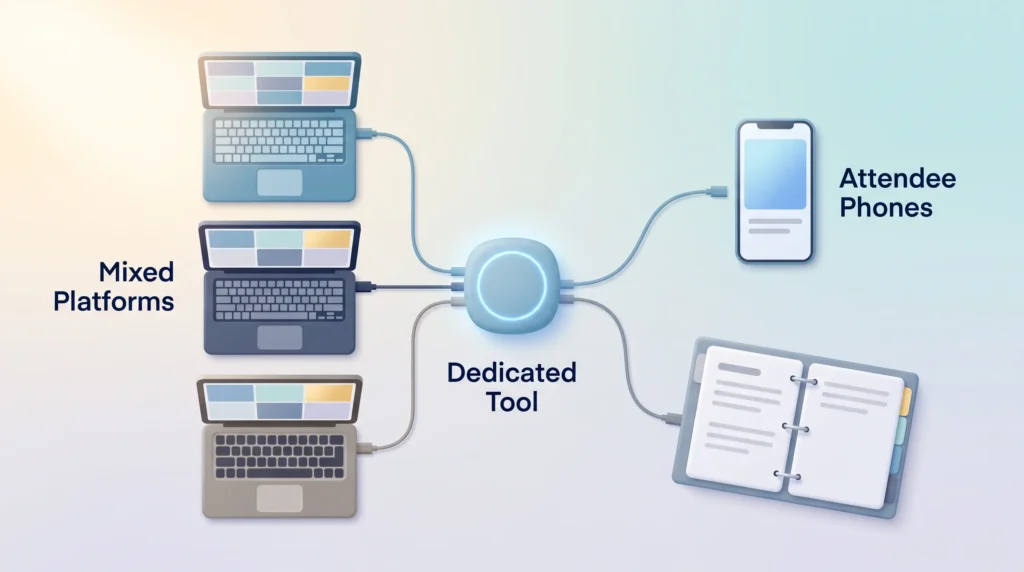
Buy a dedicated tool if any of the following is true:
- Your calls span Zoom and Teams and Google Meet. Native features never work across platforms.
- You need languages outside the five to nine each platform currently supports for speech.
- The audience is external and sees your branding, so generic captions are not acceptable.
- You need transcripts, glossaries or retention controls the platform does not offer.
- Attendees join events on their own phones rather than through your meeting app.
For distributed teams, translation is one layer of a wider setup. It works best alongside the practices in our guides to managing cross-border remote teams, follow-the-sun scheduling across time zones and AI-powered collaboration tools.
Match the tool to your use case
The same vendor rarely fits every meeting type. Map your scenarios first, then decide how many tools you actually need.
Internal meetings and sales calls:
- Prioritize fast setup and low intrusion. Bot-free overlays keep the call feeling normal, which matters most for remote sales teams working live deals.
- Look for searchable transcripts that feed your CRM and speed up follow-up.
- Where possible, skip the meeting entirely. Written updates and asynchronous communication tools let people read and translate at their own pace.
Webinars and conferences:
- Prioritize captions that scale to many attendees, mobile access and outputs for stage screens.
- Load a glossary before the event so product names and acronyms survive translation.
- For recurring programs, compare hour packages against per-event quotes as part of your wider virtual conference strategy.
Hybrid and in-person events:
- Book human interpreters for keynotes and anything contractual; use AI for the additional languages.
- Confirm AV integration and QR-code join flows so onsite audio and captions stay in sync.
- Give remote and onsite participants equal footing. Our notes on hybrid meeting etiquette and hybrid workforce tools cover the practical side.
Compliance: captions and synthetic voices are now legal questions
The European Accessibility Act (EAA) has applied since 28 June 2025. It sets accessibility requirements for many digital products and services sold to consumers in the EU, including by companies based elsewhere. Micro-enterprises providing services, meaning fewer than ten employees and no more than 2 million euros in annual turnover or balance sheet, are exempt. The technical benchmark is closely aligned with WCAG 2.1 Level AA, the widely used web accessibility standard.
In practice, accurate captions on public-facing streams and events are no longer a nice extra. Treat translation and accessibility as one project rather than two. Our guide to remote work accessibility covers the internal side.
Two further checks belong in the same review:
- Data handling. Ask where audio is processed, whether transcripts are kept, and which security certifications and GDPR commitments the vendor holds. Expectations here keep rising, as our overview of data privacy trends shows.
- AI transparency. The transparency rules in Article 50 of the EU AI Act have applied since 2 August 2026. AI-generated audio that imitates a real person can count as a deepfake that has to be labeled. If translated speech plays in a simulated version of someone’s voice, tell participants.
Implementation playbook: from pilot to routine
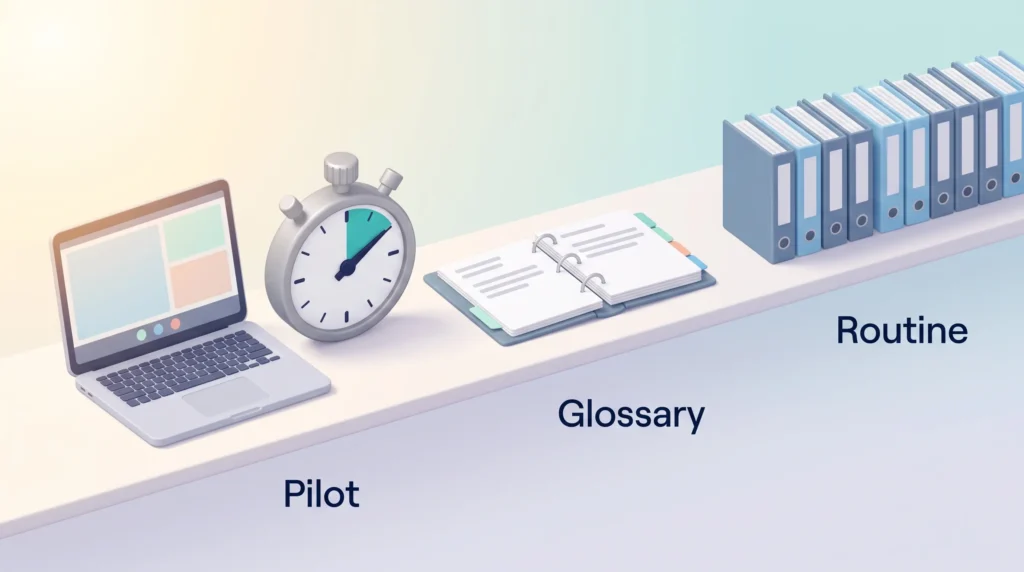
Start with a pilot on one meeting type. That lets you measure delay and transcript quality without disrupting the whole calendar.
Setup: extensions, native features and APIs
Choose a low-friction entry point. A browser extension or desktop app can be running in a meeting the same day. Native platform features depend on your admin enabling them and on the right license tier. For custom event builds, check whether the vendor offers an API or web SDK before you plan anything.
Operational tips
- Set default languages for each meeting type, and allow switching mid-call rather than locking a session to one pair.
- Build a glossary of product names, acronyms and executive titles. It is the cheapest accuracy fix available.
- For events, decide how attendees get access (QR code, embed or widget) and rehearse it.
- Set retention and export rules for recordings, transcripts and summaries before the first real session.
- Assign a producer to monitor captions and language channels during live events, with a clear vendor escalation path.
Translation also removes an excuse to hold more meetings than you need. Pair the rollout with a hard look at meeting efficiency so the new capability does not simply fill the calendar. For one-way content such as announcements, voice dictation plus a translated written update can be faster than a live call.
Conclusion
Start by checking what you already own. In 2026, that step alone settles the question for many teams. Organizations that meet on one platform in major languages are often covered by a license they already pay for.
If it does not cover you, shortlist two vendors and run a two-week pilot on one meeting type. Judge delay, mid-sentence switching and transcript quality, not the language count on the homepage. For everyday meetings across mixed platforms, test JotMe or Talo. For webinars and live events, try Wordly or KUDO. Where interpreters are required, look at Interprefy or KUDO’s marketplace. For recorded sessions, consider Maestra.
Then standardize glossaries, keep transcripts and share translated summaries so each session becomes reusable knowledge. Language access is quickly becoming a basic expectation for any organization working across borders, a shift worth reading alongside our view on globalization and the future of work.
Found this useful?
Make SmartKeys a preferred source on Google, and our articles will surface more often in your Top Stories, AI Overviews, and AI Mode.
Add as Preferred Source