

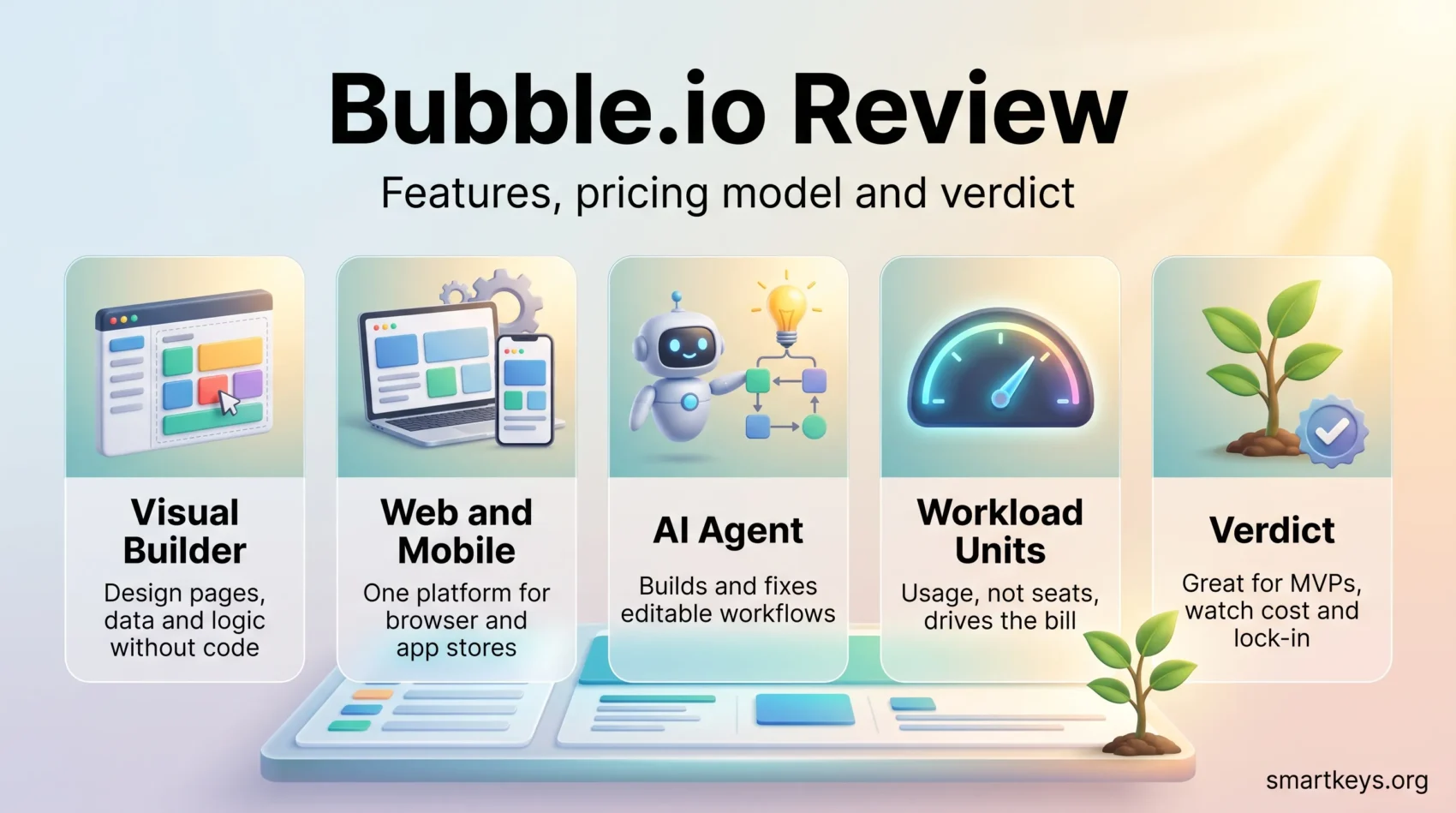
Bubble.io is one of the best known no-code platforms for building full web applications, and since 2025 it also builds native iOS and Android apps. For SaaS startups the promise is simple: ship a working product without hiring developers. This review covers what the platform does in 2026, what the plans cost, where the workload-unit model bites, and which projects it fits.
Key Takeaways
- Bubble.io is a visual, full-stack no-code app builder for web and, since June 2025, native mobile apps.
- Web-only paid plans start at $29 per month with annual billing; the web and mobile bundle starts at $59.
- The free plan includes 50,000 monthly workload units but cannot deploy a live app or use a custom domain.
- Pricing is usage based: workload units, not seats, decide what you pay as traffic grows.
- Reviewers rate it well overall (4.4 on G2, 4.6 on Capterra), with recurring criticism around the learning curve and cost at scale.
What is Bubble.io?
Bubble.io is a no-code app builder that lets you create web applications without writing code. You lay out pages visually, define a database, and wire up logic in a workflow editor. Front end, back end, database and hosting all come from the same platform.
Because the stack is bundled, features that normally take a developer days to assemble, such as sign-up, login and password reset, are configured in minutes. That speed is why founders pick it to validate an idea before committing engineering budget.
The platform supports API integrations, scheduled and recurring workflows, and relational-style data structures. The trade-off is that you work inside Bubble’s rendering engine, so deep visual customisation and low-level performance tuning are limited compared with hand-written code.
A community marketplace supplies templates and plugins. Many are paid and quality varies, so budget for add-ons if your app needs payments, charts or advanced auth. For a narrower alternative, our AppSheet review covers the low-code option aimed at internal business apps.

Bubble’s editor is split into Design, Workflow, Data and Logs tabs, with app performance tracking built in. Bubble Academy adds structured learning paths, short videos and interactive lessons, and that is where most new users should start.
Key Features of the Bubble.io Platform
Bubble covers the full application stack rather than one layer of it. These are the capabilities that decide whether it can carry a real product.
Drag-and-Drop Interface
You place elements on a page, set their properties in a side panel, and preview instantly. No markup or CSS is required, though understanding layout concepts still helps.
API Integrations
The API Connector lets you call external REST services and expose your own endpoints, so you can plug in payment gateways, social logins, mapping or AI services. That is what keeps Bubble apps from being closed boxes, and it sits inside the wider API economy. For heavier orchestration between systems, teams pair it with an iPaaS platform or a connector tool such as those in our Workato vs Zapier comparison.
Custom Workflows and Database Management
Workflows are event-driven: a click, page load, schedule or API call triggers a sequence of actions. The built-in database handles data types, fields and privacy rules, where access control is enforced. The same event-driven logic shows up across current business automation trends.
Native Mobile and Responsive Design
Bubble launched native mobile app building in public beta in June 2025, making it one platform for web and app stores. Per Bubble’s own 2025 review, builders created more than 180,000 mobile apps in the months that followed. On the web side, the responsive engine adapts layouts to screen sizes, though pixel-perfect results still take deliberate work.
AI Agent
In October 2025 Bubble added an AI Agent that works inside your specific app: it generates elements, explains and troubleshoots workflows, and follows platform conventions, while everything it produces stays visually editable. Output stays inspectable rather than opaque generated code, which fits the pattern we describe in AI agent workflows and in our look at how AI is reshaping SaaS products.

Bubble.io Pricing in 2026
Bubble sells three tracks: web only, mobile only, or both together. Every paid tier includes a monthly allowance of workload units (WUs), the metric for server processing.
Plans and Prices
The figures below are annual-billing rates from Bubble’s pricing page, as summarised by several independent trackers in 2026. Paying monthly costs roughly 20 percent more.
- Free: $0, 50,000 WUs per month, one editor, no live deployment and no custom domain.
- Starter: $29 per month web only, $42 mobile only, $59 for both. 175,000 WUs.
- Growth: $119 web, $169 mobile, $209 for both. 250,000 WUs.
- Team: $349 web, $449 mobile, $549 for both. 500,000 WUs.
- Enterprise: custom pricing and terms.
What Workload Units Mean for Your Budget
WUs are the part founders underestimate. Searches, workflow steps, API calls and scheduled jobs all consume them, so one inefficient search inside a repeating group can burn the allowance fast. Overage is billed on top of the plan, which makes cost forecasting a design problem rather than a procurement one. Build with pagination, narrow searches and backend workflows and the bill stays predictable.
Value for Startups
Compared with commissioning a custom build, a few hundred dollars a month to run a live product is cheap, and you move up a tier only when traffic justifies it. The caveat runs the other way too: a high-traffic app on Bubble can cost more per month than equivalent managed hosting, and by then migrating away is expensive. That trade-off is familiar from SaaS consolidation trends and from how teams evaluate cloud computing trends.
Pros and Cons of Bubble.io
Advantages
Bubble’s biggest advantage is time to first working version. Ideas that would sit in a backlog become clickable in days.
- Non-technical founders and operators can change the product themselves instead of queueing for developer time.
- One platform covers front end, back end, database, hosting and now mobile.
- A large template and plugin marketplace shortens common builds: marketplaces, directories, dashboards.
- A wealth of learning resources, from Academy paths to an active forum, supports self-teaching.
Limitations
The limitations are real and worth taking seriously before you commit a business to the platform.
- The learning curve is steeper than the marketing suggests, particularly for database structure and privacy rules.
- Technical SEO control is weaker than on purpose-built site builders, which matters for content-led products; our SEO tool comparison shows what content teams expect.
- Costs at scale are usage based and can climb faster than expected.
- Vendor lock-in is significant: there is no clean export path to conventional code.
- You depend on Bubble’s uptime and release decisions.
User Experience with Bubble.io
The Bubble.io user experience depends on what you bring to it. Anyone who has worked with databases and logic before tends to feel at home within a week. People with no development background often find the first serious project harder than expected, because Bubble asks you to think like a developer even though you never type code.
The editor is well organised and the preview loop is fast. Friction shows up in the details: responsive layout edge cases, privacy rules, and workflows that behave differently in test and live modes. Bubble Academy, the documentation and the forum carry most people through, and the AI Agent makes troubleshooting less lonely.
What Users Say About Bubble.io
Independent review sites are broadly positive. Bubble holds 4.4 out of 5 from 166 reviews on G2 and 4.6 out of 5 from 334 reviews on Capterra, with ease of use and customer service both rated 4.3 on Capterra.
Praise clusters around build speed and the community. Criticism clusters around three things: the learning curve, performance and cost as apps grow, and billing friction when plans change. If you are planning a commercial product, test the last two during your free build phase rather than discovering them later.
How Bubble.io Compares to Competitors
Bubble.io vs Adalo
Adalo is mobile-first and deliberately simpler: faster for a straightforward app, more constrained once your logic gets complicated. Bubble handles richer data models, conditional logic and integrations, so it suits products that need to grow.
Bubble.io vs SAP Build Apps (formerly AppGyver)
The old AppGyver comparison no longer applies. SAP acquired AppGyver, folded it into SAP Build Apps, and retired the free community edition, so the product now sits behind enterprise licensing on SAP’s Business Technology Platform. For an independent founder, it is no longer a realistic alternative to Bubble.
Bubble.io vs Webflow and FlutterFlow
Webflow wins on marketing sites and design control; Bubble wins on application logic. Our Bubble.io vs Webflow comparison works through that split in detail, and the FlutterFlow vs Webflow comparison covers the mobile-first alternative now that Bubble competes there too.
Getting Started with Bubble.io
Sign up with an email address and you are in the editor. Start from a template if your idea resembles a common pattern such as a marketplace, booking tool or internal dashboard. Start from a blank app if your data model is unusual, because unpicking someone else’s structure is often slower than building your own.
Either way, spend the first sessions on the Data tab rather than the Design tab. Most painful Bubble rebuilds trace back to a data structure designed after the pages instead of before them. Then work through a Bubble Academy path end to end before building anything you intend to charge for.
Bubble’s own figures give a sense of scale: more than six million apps have been created on the platform across 180-plus countries, and apps built on Bubble transacted over $1 billion in the year covered by its 2025 review. That does not guarantee your app will scale, but it does mean real businesses run on it.
Still deciding whether no-code fits your model? It is worth reading how founders approach the micro-SaaS business model, where vertical SaaS niches are opening up, and how a product-led growth playbook changes what you build first.
Verdict
Bubble.io is the strongest general-purpose no-code platform for building a real web application, and the 2025 mobile release closed its biggest gap. It fits validating an idea, running an internal tool, or operating a small commercial product. It is a poor fit for content-heavy sites that live on organic search, and a calculated risk for anything you expect to scale to heavy traffic, because usage-based costs and lock-in both grow with you. Build your MVP on it with open eyes and it earns its price.
Found this useful?
Make SmartKeys a preferred source on Google, and our articles will surface more often in your Top Stories, AI Overviews, and AI Mode.
Add as Preferred Source




