Most people do not have a filing problem. They have a finding problem. The file exists somewhere, but the folder you dropped it into three months ago no longer matches today’s work.
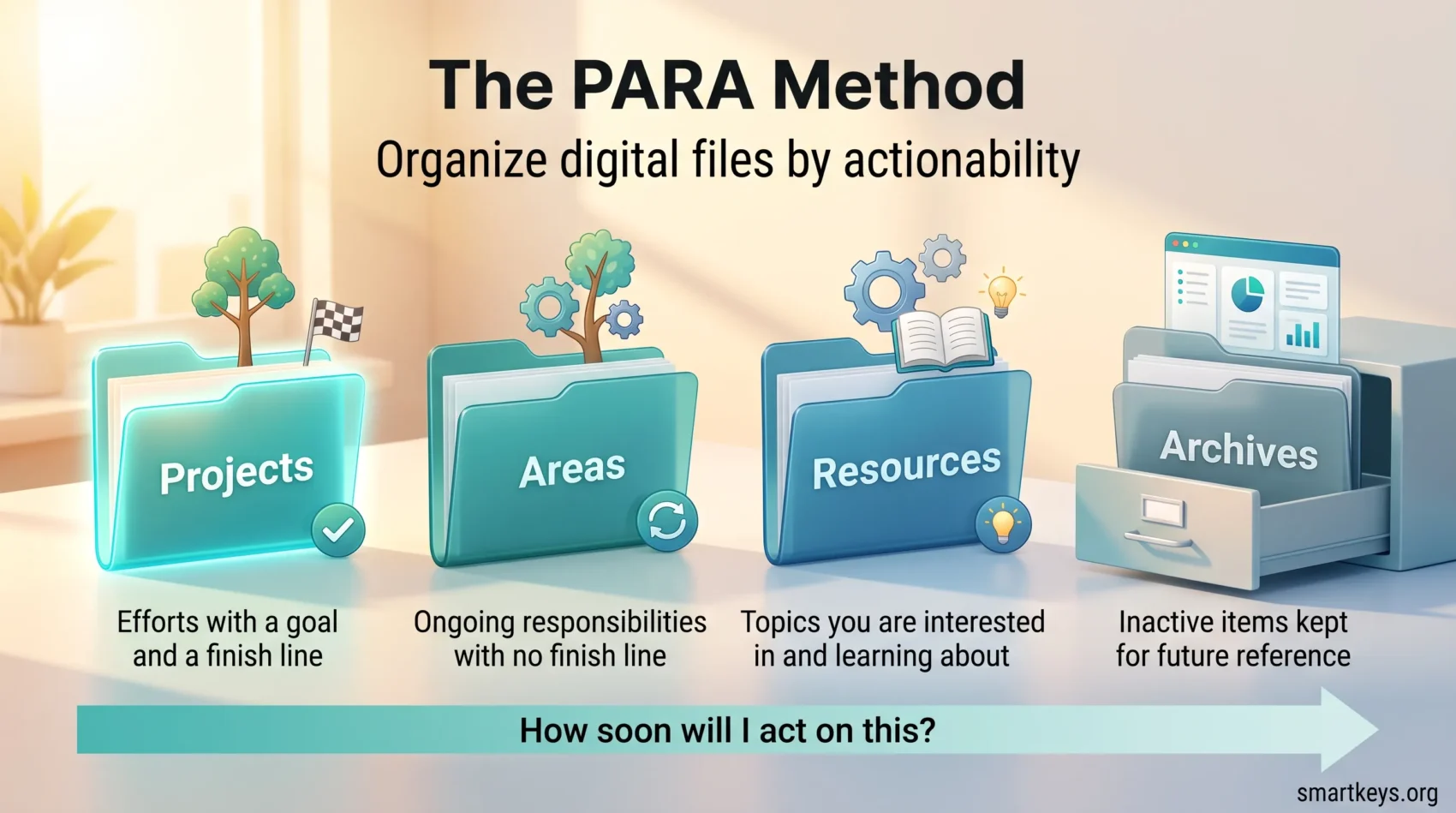
The PARA method organizes digital files, notes and tasks by how soon you will act on them, not by what subject they belong to. It comes from productivity writer Tiago Forte, who set it out in his 2023 book The PARA Method: Simplify, Organize, and Master Your Digital Life. Everything you keep goes into one of four folders: Projects, Areas, Resources or Archives. That is the whole system. This guide covers what each category means, how to set it up in one sitting, and where it usually breaks.
Key Takeaways
- PARA sorts digital information into four folders: Projects, Areas, Resources and Archives.
- The sorting question is “how soon will I act on this?”, not “what topic is this?”.
- A project has a finish line. An area never ends. That one difference does most of the work.
- The same four folders go in your files, cloud drive, notes app and task manager.
- Anything inactive moves to Archives rather than being deleted.
Why Organizing by Topic Stops Working
Ask most people where a document lives and you get a pause. It might be in a folder called Marketing, or Clients, or 2025, or loose on the desktop. Topic folders feel tidy the day you create them. They stop helping the moment you need one file for one piece of work.
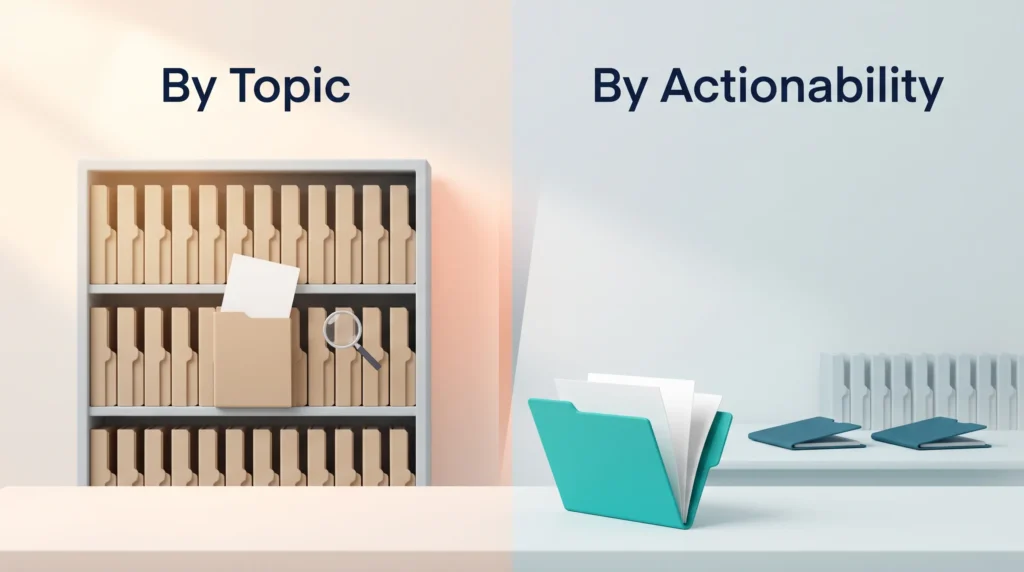
The reason is simple. A label like “Marketing” describes a subject. It says nothing about whether you need that file this week. Forte’s answer is to organize by actionability: the system should pull your actions closer and make them easier to start and finish. Sorting by how soon you will act puts current work at the top and lets everything else step out of view.
Why Digital Organization Matters
Every file you cannot find costs you twice: once while you search, and again when you rebuild something that already existed. Spread that across a drive, a notes app and an inbox, and the tax gets heavy. Managing digital overload is less about willpower than about having one predictable place to put things.
The Impact on Productivity and Focus
Searching is not only slow, it is distracting. Every detour to hunt down an attachment is an interruption you handed yourself. That is why file organization belongs beside focus management techniques and a proper digital declutter.
Understanding the Core Components of the PARA System
PARA has exactly four containers, and Forte defines them tightly.
Projects are short-term efforts, at work or in private life, that you take on with a certain goal in mind. They have a finish line and usually a date: launch the new pricing page, hire a designer, file the tax return.
Areas are the important parts of your work and life that require ongoing attention. There is no finish line, only a standard you want to hold: health, finances, team hiring, client relationships.
Resources are topics you are interested in and learning about: pricing research, design inspiration, a swipe file of emails that worked.
Archives hold anything from the other three categories that is no longer active but that you might want for future reference.
The order matters: Projects come first because they carry deadlines, Archives last because you rarely open them. If two categories seem to fit, choose the more actionable one.
How to Set Up the PARA Method in One Sitting
You need one uninterrupted hour and a willingness to leave your old folders alone.
- List your active projects first. Write down everything you are currently trying to finish, each with a clear outcome and a rough deadline. This list, not your folder tree, is the backbone of the system.
- Name your areas. These are the responsibilities that stay on your plate whether or not a project is running. Most people land somewhere between five and twelve.
- Create the four top-level folders. In your file system or cloud drive, make Projects, Areas, Resources and Archives, then one subfolder per project and per area.
- Move everything else into Archives. Do not sort it. Drop your entire old structure in as one dated folder. Nothing is lost, and you can pull items back out when you need them.
- Fill the folders on demand. The next time you open an old file, move it into the project or area it belongs to. Over a few weeks, the material you actually use migrates itself.
Step four is the one people skip, and it is the one that lets the setup finish in an hour instead of never. You are not reorganizing your past; you are giving your present somewhere to live. If getting things out of your head is the hard part, our guide to capturing tasks in a trusted system covers that habit.
Projects Versus Areas: The Distinction That Does the Work
When PARA fails, it almost always fails here. Everything gets filed as an area, the project list stays empty, and the system quietly turns back into topic folders wearing new names.
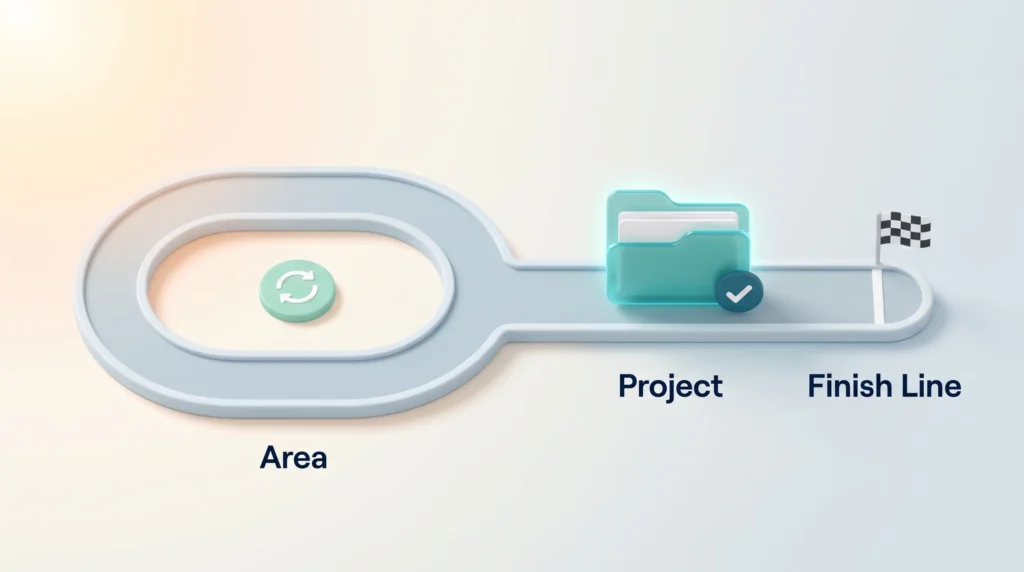
A test that works: can you tick this off? “Redesign the careers page” can be finished. “Recruiting” cannot. The first is a project, the second an area, and the careers page project lives inside the recruiting area while it runs.
Give every project an outcome you can picture, a date, and a visible next action. Without that next action, a project becomes an open loop that drains attention without moving.
Large commitments need splitting. “Rebuild the website” is not a project, it is a program. Rewriting the About page is one. Migrating the blog is another. Forte prescribes no fixed number, but a project list you cannot read in one look is a list you will stop trusting. Areas run slower: a short weekly review keeps projects honest, while a monthly review is usually enough for an area.
Transitioning from Traditional to Actionable Organization
Old habits follow you into new folders. Four patterns undo the switch most often.
- Splitting one job across many homes. Notes in one app, files in another, the brief still sitting in email. Before you can start, you have to reassemble the project, and that friction is charged every single time.
- Living only in areas. If everything is ongoing, nothing ever finishes, and progress becomes impossible to see or to show.
- Polishing the system instead of using it. Renaming folders and trying yet another app feels like work. It is productive procrastination, and it produces nothing.
- Refusing to archive. Archives exist so you can clear your view without deleting anything. If you have not touched it this quarter and do not expect to next quarter, it belongs there.
One rule keeps this simple: do not invent a fifth category. Every exception is a decision you will make again next week.
Boosting Productivity with the PARA System
Turning open-ended areas into finite projects makes progress visible. “Get fitter” produces nothing you can point at on Friday. “Run a 5K in June” produces a training plan, a race entry and a result. That is also what makes PARA useful for goal setting: a goal that never becomes a project stays an intention.
PARA is the organizing layer of Forte’s wider second brain approach, in which saved information feeds work you produce rather than sitting in storage. The goal is not a tidy drive. It is that everything you need for Tuesday morning is already in one folder when you sit down.
Tools and Techniques for Organizing Digital Files
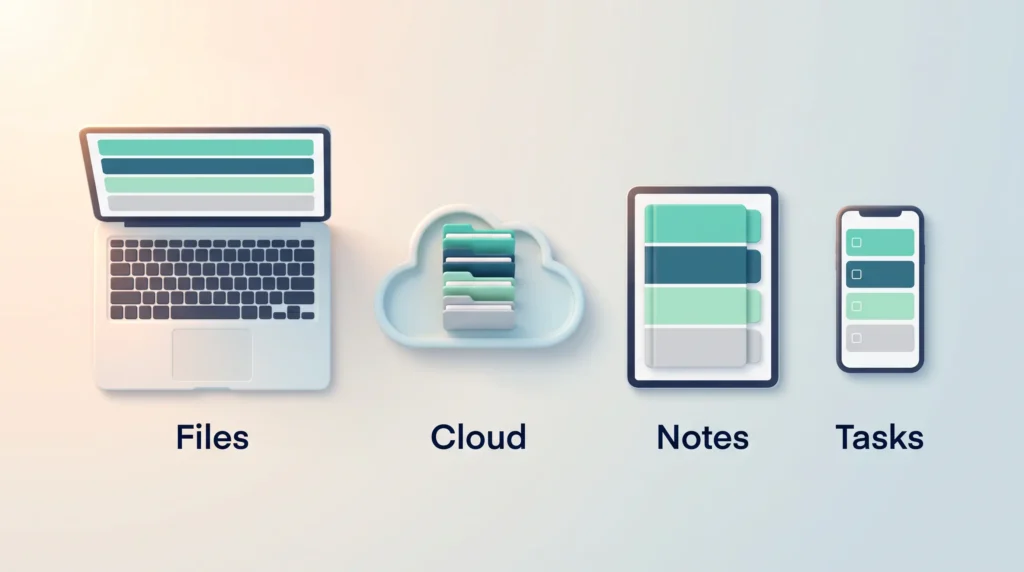
PARA is not an app. Forte describes it as a flexible system for organizing any type of digital information across any platform, so the same four folders go everywhere you keep things.
Leveraging Cloud Storage and Notetaking Apps
Build the identical top level in each place. For documents, the choice of storage platform matters far less than that consistency, though our comparison of Dropbox and Google Workspace helps if you are still deciding. In a notes app, the same four notebooks do the job, whether you use Evernote or OneNote or a database-style tool like Notion. Solid digital note-taking habits matter more than the app, and if you think out loud on your phone, learn how to turn voice memos into usable notes.
Integrating Task Managers like Todoist
In a task manager, each project becomes its own list and each area the parent folder above those lists. Todoist, Things, Microsoft To Do and ClickUp all support this shape. Labels then cut across it: a label such as “calls” gathers the phone calls from six projects into one view when you finally have half an hour. Recurring tasks keep an area at standard, since an area has no deadline of its own.
- Use the same four names in every tool, spelled the same way.
- Keep one subfolder per project and per area, and resist deeper nesting.
- Link a project’s task list to its notes and its files so you can move between them in one click.
- Set recurring tasks for the routines that hold each area at standard.
- Add color coding only once the four folders are in place, never as a replacement for them.
If your day already runs on a task management system or a set of working to-do lists, PARA does not replace it. It adds a filing cabinet with the same vocabulary.
What PARA Looks Like in Practice
A team lead. Her areas include Hiring, Team Development and Budget. Under Hiring sit two projects: fill the analyst role by 30 September, and rewrite the interview scorecard. When the analyst starts, that folder moves to Archives and Hiring goes quiet until the next opening. Nothing is deleted, and the scorecard stays one search away.
A freelancer. Every engagement with an end date is a project; the client relationship itself is an area. Resources hold his contract templates and pricing research. When a retainer ends, the project folder is archived and the invoice history stays in the area.
Private life. Learning Spanish for a trip in March is a project. Speaking Spanish afterwards is an area, and the flashcard decks belong in Resources. Training the dog is a project; walking the dog is an area. The distinction sounds pedantic until you notice only one of the two can ever be finished.
Teams can use the same shape on a shared drive, which is often the cheapest knowledge management available: when a colleague is away, their projects are readable without a handover call. It also suits a paperless workflow, since scans arrive with an obvious destination.
Conclusion
PARA works because it asks one question instead of many. Not “what is this about”, but “how soon will I act on it”. Four folders, one decision, and a habit you can run without thinking.
Start small. List your projects, name your areas, create the four folders, and put everything else into Archives with today’s date on it. Then protect it with a short weekly look at projects and a monthly look at areas. You will still lose the occasional file, but you will stop rebuilding work that already exists. For the habit layer around it, our self-management framework and time management guides pick up where PARA stops.
Found this useful?
Make SmartKeys a preferred source on Google, and our articles will surface more often in your Top Stories, AI Overviews, and AI Mode.
Add as Preferred Source