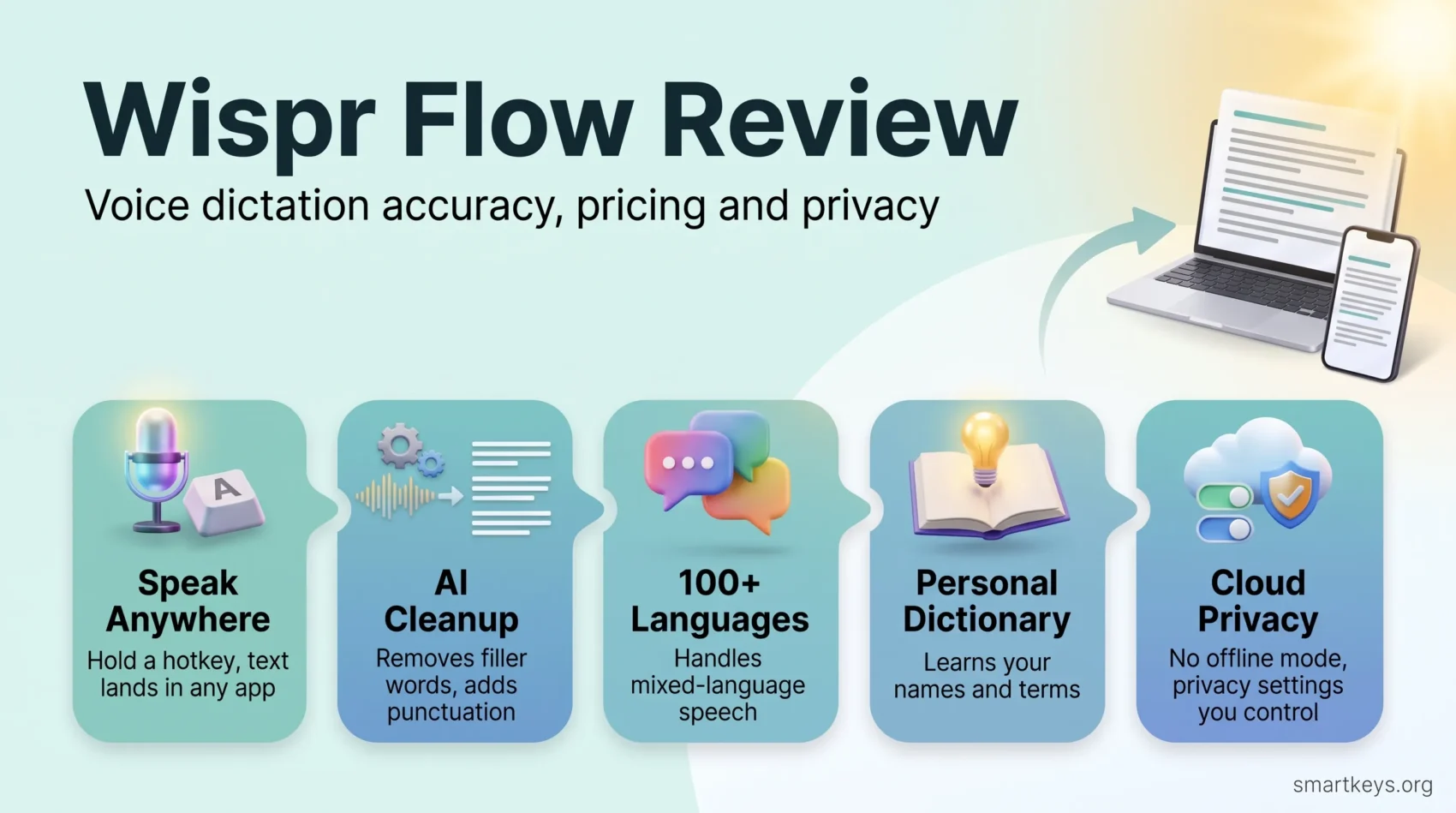
Wispr Flow is a voice dictation app that turns what you say into clean, punctuated text in almost any text field on your computer or phone. You press a key, speak, and the cleaned-up text lands in Gmail, Slack, Google Docs or your code editor. For people who write a lot, that promise is simple: talk at speaking speed instead of typing at keyboard speed.
This Wispr Flow review covers what the app does well, where it falls short, what each plan costs in September 2026 and what happens to your voice data. It helps you decide whether a paid dictation tool beats the free one already on your device.
Key Takeaways
- Wispr Flow works on Mac, Windows, iPhone and Android. Linux, iPad and Chromebooks are not supported.
- The Free plan caps dictation at 2,000 words a week on desktop and 1,000 a week on mobile.
- Pro costs $15 per user a month, or $12 a month billed annually, and removes the word caps.
- All transcription happens in the cloud. There is no offline mode.
- Privacy settings let you switch off model training and cloud storage of your dictation history.
- The company raised a $280 million Series B in August 2026 and now also sells a meeting notetaker.
What Is Wispr Flow?
Wispr Flow is made by Wispr, a San Francisco startup led by CEO Tanay Kothari. The app started on the Mac, reached the iPhone in June 2025 and launched on Android in February 2026, according to TechCrunch. A Windows version covers most office PCs.
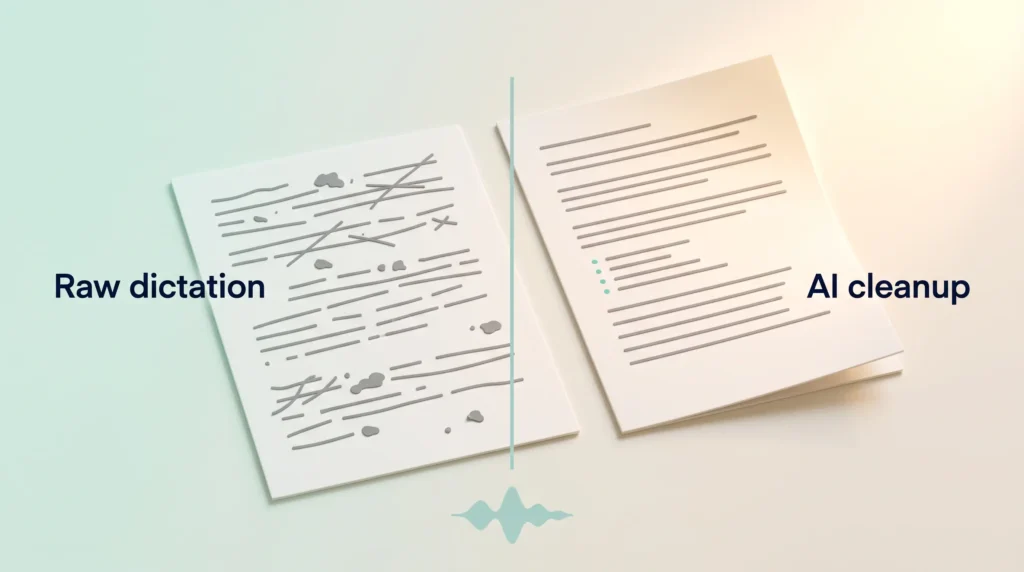
The key difference from built-in voice dictation tools is the editing layer. Classic dictation writes down every “um” and false start. Wispr Flow’s AI model removes filler words, adds punctuation and formats lists before the text appears. If you say “let’s meet Tuesday, no wait, Wednesday”, a feature called Backtrack keeps only the corrected version.
The app supports more than 100 languages and can handle switching between languages in one sentence. That matters for international teams where people mix English with their first language, a common situation in cross-border teams.
How Wispr Flow Fits Into Your Workflow
On desktop, you hold a hotkey (the Fn key by default on a Mac), speak, and release. The text appears in whatever field has your cursor. You never switch to a separate app. That avoids the small interruptions described in our guide to task switching and focus.
Typical uses include:
- Email and chat. Replying to a long message in Gmail or Slack takes a few spoken sentences instead of several minutes of typing. It pairs well with a clear email workflow.
- First drafts. Talking through an outline is often faster than staring at a blank page. Many writers use dictation for a rough brain dump and then edit by keyboard.
- Coding. Wispr Flow recognizes developer terms and integrates with AI code editors such as Cursor and Windsurf, so you can dictate prompts, commit messages and documentation.
- On the go. On iPhone the app works as a keyboard; on Android it uses a floating bubble you tap or hold. That makes it handy for capturing ideas during a commute or between meetings.
One practical limit: every dictation needs an internet connection, because transcription runs on Wispr’s servers.
How Accurate Is the Dictation?
Accuracy is the question most buyers care about, and it is also where marketing numbers vary the most. Wispr does not publish an independently audited accuracy rate for everyday use. In August 2026 it announced a new speech model called Canto. Wispr said it would “reduce error rates from 30% to less than 10%”, as reported by TechCrunch. That is a company claim, not an independent test, and results depend heavily on your microphone, accent and vocabulary.
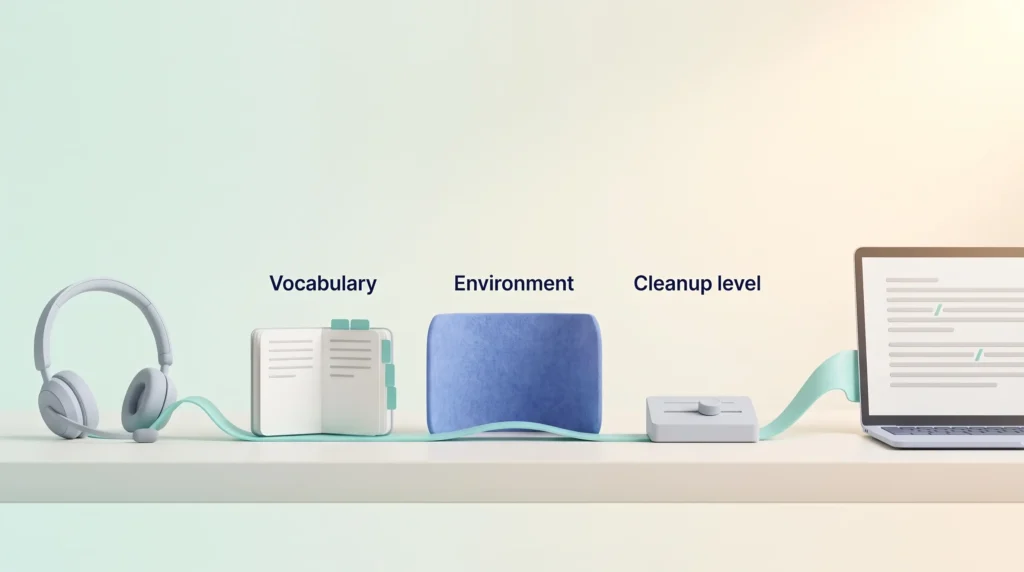
In practice, three factors decide how much editing you still do:
- Your vocabulary. Names, product terms and jargon cause most errors. The personal dictionary helps here: when you correct a spelling, Flow adds the word automatically.
- Your environment. A headset microphone beats a laptop microphone in a busy office. Whisper Mode lets you speak quietly in shared spaces, but a quieter voice gives the model less to work with.
- The cleanup level. The AI editing is helpful for emails, but it can smooth out phrasing you chose on purpose. If you write in a distinctive voice, check the output before sending.
Our advice: test the free plan for a week with your real work, tricky names included, and count your corrections.
Core Features and AI Editing
Personal Dictionary and Snippets
The dictionary learns your names and terms over time. Snippets are voice shortcuts for text you repeat often, such as a scheduling link, a standard intro or an FAQ answer. They work much like the text expansion tools you trigger by keyboard, only spoken. Teams on paid plans can share one dictionary and one snippet library, so everybody spells the client’s product name the same way.
Styles
Styles adjust tone to the app you are in: more formal in documents, more casual in chat, warmer in emails. This currently works for English on desktop only.
Notetaker
In 2026 Wispr added a meeting notetaker for Mac and Windows. It competes with tools like Granola, Fireflies and Read AI. If you already use an AI meeting notes workflow, compare the two before paying for both. Note that the Windows Notetaker needs 16 GB of RAM, according to Wispr’s system requirements.
Pricing and Plans in 2026
Wispr Flow uses a per-user subscription. These are the list prices on wisprflow.ai/pricing as of September 2026:
- Free: $0. 2,000 words a week on desktop and 1,000 a week on mobile, 100+ languages, dictionary and snippets, limited Notetaker access.
- Pro: $15 per user a month, or $12 a month billed annually ($144 a year). Unlimited dictation, shared dictionary, team workspace, central billing, usage analytics and priority support.
- Growth: $23 per user a month, or $18 a month billed annually. Adds SSO (single sign-on, so staff log in with their company account), HIPAA enforcement with a Business Associate Agreement, admin controls over model training and individual usage reports.
- Enterprise: custom pricing on annual contracts. Adds SCIM provisioning (automatic creation and removal of user accounts), audit logs, locked model training, invoicing and support with service-level agreements.
Students and educators with an education email get 50% off Pro, and nonprofits get a discount as well. Wispr’s help center says creating or joining a team can unlock 14 days of Pro without a credit card, once per person.
Is $144 a year worth it? If you dictate more than 2,000 words a week on desktop, you will hit the free cap regularly. Below that, the Free plan may cover you. If you already pay for several writing tools, check for overlap first; subscription fatigue is real, and a consolidated tool stack is easier to manage.
Privacy and Security
Because every dictation goes to the cloud, privacy matters, especially for client or health data.
Where Your Voice Goes
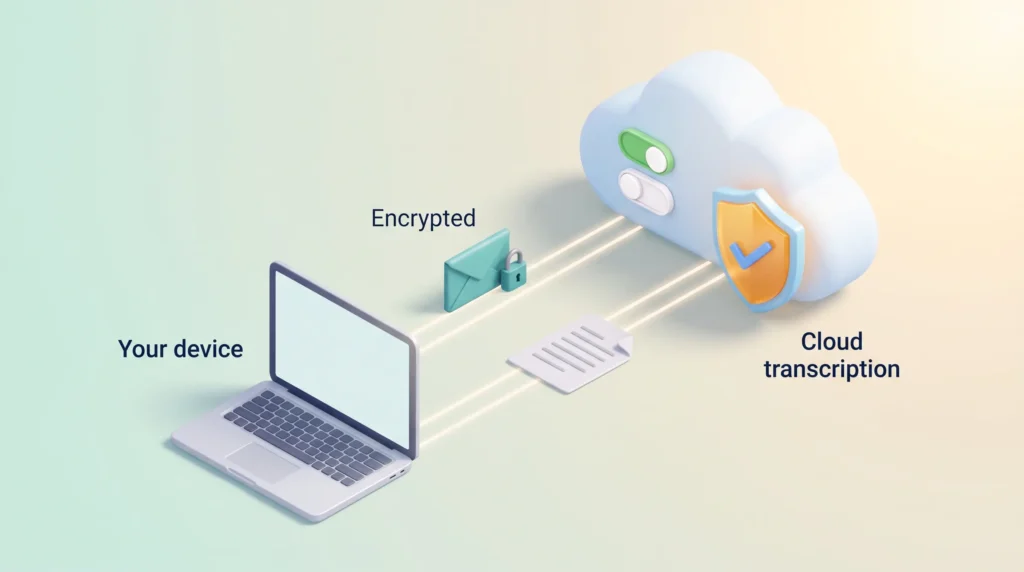
Wispr states on its data controls page that “transcription always occurs on the cloud.” Data is encrypted in transit and at rest. Wispr says it has zero data retention agreements with all third-party AI providers it uses, so those providers cannot train on your data.
Settings You Control
Three settings under Settings, Data and Privacy decide how much Wispr keeps:
- Model training: if enabled, your audio, transcripts and edits may be used to improve Wispr’s models. Switch it off if that bothers you. On Enterprise plans it is off and cannot be turned on.
- Dictation Cloud Storage: controls whether transcripts, audio and history are stored on Wispr’s servers. Turning it off limits cross-device history.
- Context Awareness: lets Flow read text from the active window to improve accuracy. Useful, but think about what is on your screen when you dictate.
Certifications
Wispr’s help center lists an active SOC 2 Type II report, an independent audit of security controls shared under NDA. It also lists an ISO 27001:2022 certificate issued in September 2025 and HIPAA support with a Business Associate Agreement. The company describes itself as aligned with GDPR and CCPA rather than certified. Before rolling Flow out to a team, ask for the current reports, and check your own AI usage guidelines. Unapproved cloud tools are a classic source of shadow AI risk. The broader rules are covered in our guide to data privacy at work.
Real-World Strengths and Weaknesses
Strengths:
- Works in almost any app without copy and paste.
- AI cleanup produces text you can often send with light edits.
- Strong multilingual support, including mixed-language speech.
- Helps people who find typing slow or tiring, such as those with repetitive strain or dyslexia. Our guide to accessible remote work covers more tools in this area.
Weaknesses:
- No offline mode, so no dictation without internet.
- No support for Linux, iPad, Chromebooks, virtual machines or remote desktops.
- A subscription for something built-in tools do partly for free.
- Some users report performance problems on Windows, so test it on your own machine before a team rollout.
Wispr Flow Compared With Other Dictation Tools
- Built-in dictation (Apple Dictation, Windows voice typing, Google Docs voice typing) is free and good enough for short notes. It lacks the AI cleanup and struggles with longer, messier speech.
- Local tools such as Superwhisper and MacWhisper can run speech models on your own device. That suits people who want offline use or do not want audio leaving their machine. Some offer one-time licences instead of a subscription.
- Other AI dictation apps such as Willow, Monologue and Aqua compete directly with Wispr Flow on cloud-based cleanup.
- Text-to-speech tools like Speechify do the opposite job: they read text aloud. They complement dictation rather than replace it.
For hands-free control beyond writing, look at voice AI assistants instead.
Verdict: Who Should Use Wispr Flow?
Wispr Flow is one of the most polished cloud dictation apps in 2026. It works across Mac, Windows, iPhone and Android and fits into the apps you already use. Anyone who writes many emails, messages or drafts can save real typing time.
Choose it if you write a lot, work mostly online and are comfortable with cloud processing after reviewing the privacy settings. Start on the Free plan, and upgrade to Pro only when the weekly cap gets in your way. Look elsewhere if you need offline dictation, use Linux, or handle data that must never leave your device. In that case a local tool is the safer choice.
Found this useful?
Make SmartKeys a preferred source on Google, and our articles will surface more often in your Top Stories, AI Overviews, and AI Mode.
Add as Preferred SourceFAQ
What is Wispr Flow?
Wispr Flow is an AI voice dictation app for Mac, Windows, iPhone and Android. You hold a hotkey or tap a button and speak. The app turns your words into clean text in the active field, such as Gmail, Slack or a code editor. Unlike basic dictation, it runs your speech through an AI editing step that removes filler words, adds punctuation and formats lists. It supports more than 100 languages, including mixed-language speech.
Is Wispr Flow free?
Yes, there is a Free plan, but it has weekly word limits. As of September 2026 it allows 2,000 words a week on desktop and 1,000 on mobile. The personal dictionary, snippets and limited Notetaker access are included. Pro removes these caps for $15 per user a month, or $12 a month billed annually. Students and educators get 50% off Pro with an education email. Creating or joining a team can also unlock a 14-day Pro trial without a credit card, once per person.
Does Wispr Flow work offline?
No. Wispr states that transcription always happens in the cloud, so you need an internet connection every time you dictate. As a result, it does not work on flights or with poor coverage, and your audio always leaves your device. If offline use matters to you, look at local dictation tools such as Superwhisper or MacWhisper, which can run speech models on your own computer.
Is Wispr Flow safe for confidential work?
It can be, if you configure it carefully and your company approves it. Data is encrypted in transit and at rest. Wispr holds a SOC 2 Type II report and an ISO 27001 certificate and offers a HIPAA Business Associate Agreement. You can switch off model training, cloud storage of your dictation history and Context Awareness in the settings. Enterprise plans lock model training off. Still, every dictation is processed on Wispr’s servers, so check your company’s AI policy before dictating client or health data.
Which devices does Wispr Flow support?
Wispr Flow runs on Mac (macOS 12 or later), Windows 10 and 11, iPhone (iOS 18.3 or later) and Android 13 or newer. On iPhone it works as a keyboard, while on Android it uses a floating bubble. According to Wispr’s help center, iPad, Linux, Chromebooks, virtual machines and remote desktop environments are not supported. A working microphone is required on every platform.
What is the difference between Pro and Growth?
Pro is for individuals and small teams who want unlimited dictation, a shared dictionary, central billing and usage analytics. Growth costs $23 per user a month, or $18 billed annually. It adds single sign-on with SAML, HIPAA enforcement with a Business Associate Agreement, admin control over model training and individual usage reports. If your IT team requires company logins or you handle health data, Growth is the more realistic starting point. Enterprise adds custom contracts, provisioning and audit logs on top.
How does Wispr Flow compare to built-in dictation?
Built-in dictation is free, fine for short notes and partly runs on your device. Wispr Flow adds an AI editing layer that removes filler words, fixes punctuation, understands corrections mid-sentence and adapts tone to the app you are in. It also learns your vocabulary through a personal dictionary. For long emails and drafts, that usually means less manual cleanup. For a quick text message, the free built-in option is often enough.