

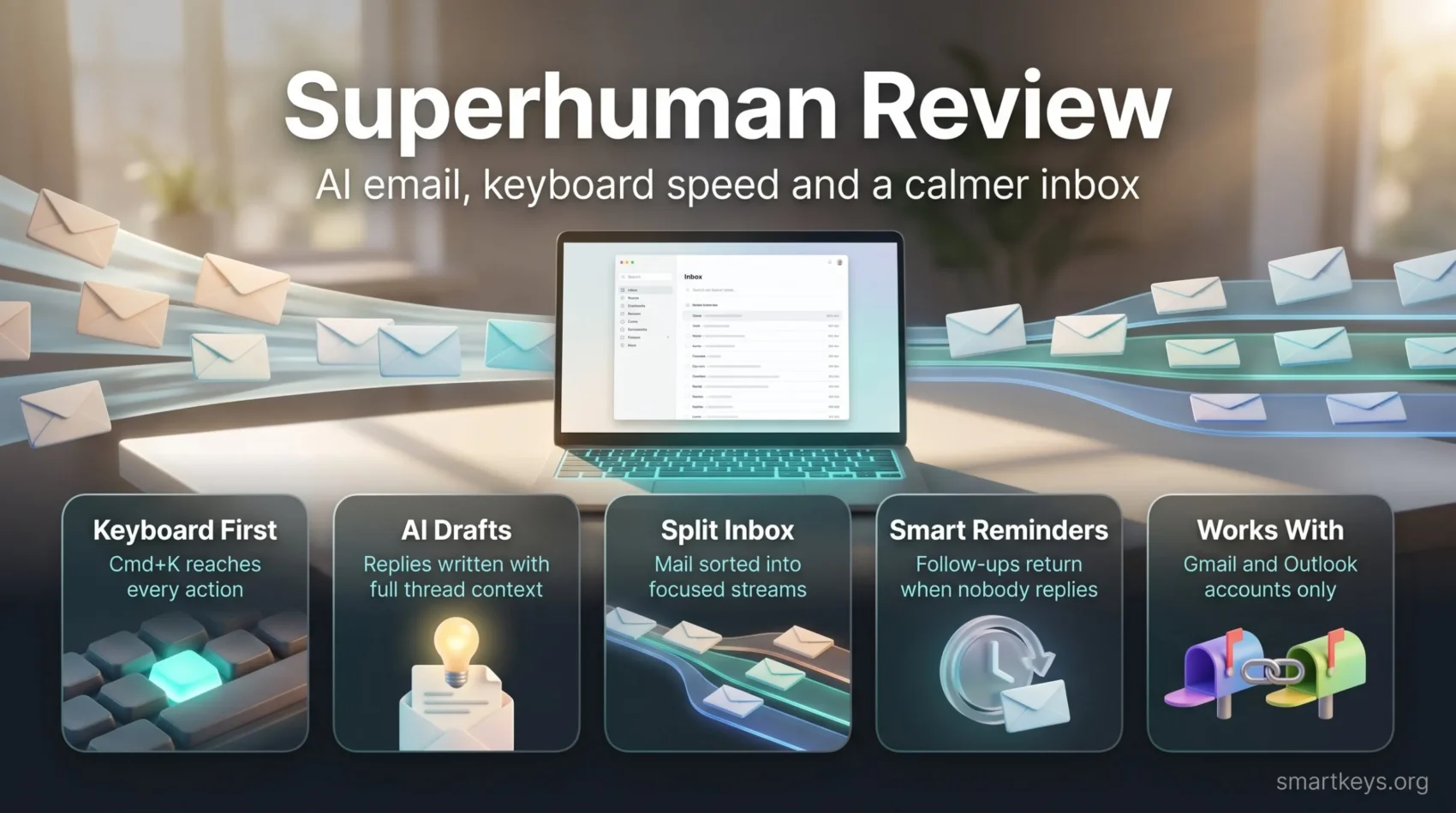
Superhuman is a premium email client, an app that sits on top of your existing Gmail or Outlook account and replaces the way you read, sort and answer mail. It does not host your email. Your messages stay with Google or Microsoft, and Superhuman gives you a faster, keyboard-driven interface plus AI tools for writing and triage.
A lot has changed since the app first built its reputation. Grammarly bought Superhuman in July 2025, then renamed the whole company to Superhuman in October 2025. The email app is now called Superhuman Mail and sits inside a bigger suite with Grammarly, Superhuman Docs (formerly Coda) and an AI assistant called Superhuman Go.
This Superhuman review covers what the app does in 2026, what it costs, how the Grammarly-era bundle changes the math, and who should pick a cheaper or more team-friendly tool instead.
Key Takeaways
- Superhuman Mail works with Gmail and Outlook accounts only. You keep paying for Google Workspace or Microsoft 365 separately.
- Starter costs $30 a month or $300 a year. Business costs $40 a month or $396 a year.
- Business adds Auto Drafts, Ask AI, custom Auto Labels and HubSpot and Salesforce integration.
- Since October 2025, Superhuman is also the name of the parent company that owns Grammarly and Superhuman Docs.
- It is built for individuals with heavy inboxes. Support and sales teams that answer from one shared address are better served by a shared inbox or help desk.
See if Superhuman fits your inbox
What Superhuman Is and Who Owns It Now
Rahul Vohra founded Superhuman in 2014. The app launched with a simple promise: make email feel fast. For years it was invite-only, which gave it an exclusive image among founders and investors. Today anyone can sign up.
The ownership story matters for buyers in 2026. Grammarly announced the acquisition of Superhuman in July 2025. On October 29, 2025, Grammarly renamed the company to Superhuman and launched the Superhuman Suite. Grammarly kept its product name. In July 2026, Coda followed and became Superhuman Docs. If you are weighing that part of the suite, our comparison of Notion AI and Coda (now Superhuman Docs) covers it in detail.
So “Superhuman” can now mean the email app or the company behind Grammarly. This review is about the email app.
Core Features: Speed, Search and a Low-Distraction Design
Superhuman’s main selling point is speed. The company designs its interface so that common actions like opening a message, archiving or searching feel instant. You notice this most after a few days of heavy use, when small delays in a regular browser inbox start to add up.
The layout is deliberately plain: one list of conversations, few buttons, no ads. You process mail in one pass, then move on.
Supported accounts are limited. Superhuman started as a Gmail-only app and later added Outlook. It still does not work with iCloud, Fastmail or other IMAP providers (IMAP is the standard protocol most other mail services use). Apps are available for Mac, Windows, the web, iPhone and Android, so your setup looks the same on each device.
Speed up your inbox with Superhuman
Keyboard Shortcuts
Almost everything in Superhuman has a keyboard shortcut. You can move between conversations, archive, reply and set reminders without touching the mouse. Two shortcuts are worth learning on day one:
- Cmd+K (Ctrl+K on Windows) opens Superhuman Command, a search box for every action in the app. It also lists all shortcuts.
- C starts a new email, and / opens search.
Expect a learning curve. Most people feel slower than in Gmail for the first week or two, then faster once the shortcuts become habit. If you want to build that habit across all your apps, our guide to working faster with keyboard shortcuts is a good starting point. Pairing shortcuts with text expansion snippets speeds up repetitive replies even more.
Superhuman AI Features Explained
Superhuman AI is a set of writing and sorting tools built into the inbox. They use the full email thread as context, so a draft reply can refer to what was actually said earlier in the conversation.
Writing and Replying
You can ask the AI to write a draft from a short instruction, such as “decline politely and suggest next Tuesday.” Instant Reply offers short suggested answers for quick acknowledgments. On the Business plan, Auto Drafts goes a step further: it prepares reply drafts before you open a message, so you only review and send.
The AI is designed to pick up your usual tone. Still, treat every draft as a first version and check names, dates and commitments before sending. A draft only saves time if the message is still clear, so the basics of writing clear emails apply to AI output too. Our guide to delegating tasks to AI explains which writing jobs are safe to hand off.
Summaries, Auto Labels and Ask AI
Auto Summarize shows a one-line summary above long threads, so you can catch up without reading ten replies. Auto Labels sort incoming mail into groups such as messages that need a response, meetings or marketing. Business users can create custom Auto Labels in plain language.
Ask AI, also a Business feature, lets you question your inbox like a search assistant. For example, you can ask “What did the client agree to about the delivery date?” and get an answer based on your emails. This works best when the answer really sits in your mail; it cannot know what was only said in a call.
These features overlap with AI built into Gmail and Outlook, so check what your current plan already includes. Our overview of AI-powered assistants at work explains where such tools help and where they fall short.
Test Superhuman AI in your inbox
Inbox Management: Split Inbox, Reminders and Scheduling
Beyond AI, Superhuman offers a set of classic inbox tools. Together they support an email workflow where your inbox only holds what still needs action.

- Split Inbox divides your mail into separate streams, for example important messages, team mail, newsletters and notifications. You work through one stream at a time instead of a mixed pile.
- Remind Me hides a message and brings it back at a set time, such as in two hours or next Monday.
- Follow-up reminders bring a sent message back if nobody replies, so you do not need a separate tracking list.
- Send Later schedules an email for a specific time, which helps when you work across time zones.
- Snippets store reusable text blocks for answers you write often.
- Share Availability inserts open time slots from your calendar into an email, which cuts the back-and-forth of scheduling meetings.
These tools fit well with methods like Inbox Zero or email batching. If you start with thousands of unread messages, work through our plan for clearing an email backlog first. Superhuman makes a clean inbox easier to keep, but it will not clear years of old mail on its own.
One caution: read statuses show when a recipient opened your email. This relies on tracking, which some recipients find intrusive. Decide on a policy before using it with clients, especially if data privacy rules at work apply to your team.
Superhuman Pricing in 2026
Superhuman Mail is sold on its own or as part of the Superhuman Suite. According to the official pricing help page (checked October 2026), the standalone Mail plans look like this:
| Plan | Monthly billing | Annual billing | What you get |
|---|---|---|---|
| Starter | $30 per user | $300 per year (about $25 per month) | Superhuman Mail, Share Availability, shared conversations and team comments, most AI features |
| Business | $40 per user | $396 per year (about $33 per month) | Everything in Starter plus Auto Drafts, Ask AI, custom Auto Labels, HubSpot and Salesforce integration, Recent Opens feed |
| Enterprise | Custom | Custom | Everything in Business plus advanced security and controls, SSO and dedicated support |
Student and non-profit pricing is available on request. Remember that these prices come on top of your email provider. A Superhuman user still needs a Gmail, Google Workspace or Microsoft 365 account.
How the Superhuman Suite Changes the Math
The Superhuman Suite bundles Superhuman Mail, Grammarly, Superhuman Docs and Superhuman Go under one subscription. It has Free, Pro, Business and Enterprise tiers. The important detail: Mail is only included from the Business suite tier upward. The Free and Pro suite plans cover Grammarly, Docs and Go, but not the email app.
Two limits apply. The suite is currently offered to new customers and teams, and existing Mail subscribers cannot move their Mail plan into it. Superhuman also states that there are no discounts on the suite right now.
In practice, a quick comparison is worth doing. If you already pay for Grammarly and want Mail with Business features, the Business suite may be the simpler purchase, because it covers all four products in one bill. If you only want the email app and do not use Grammarly or Docs, the standalone Starter plan is the cheaper entry point. Check the current suite prices on superhuman.com before deciding, since bundle offers change more often than the core Mail prices.
Is Superhuman Worth $30 a Month?
It depends on how much of your day goes into email. Superhuman says its users save hours every week, but that is a vendor claim, not an independent measurement. If you spend two or more hours a day in your inbox, saving a few minutes per hour quickly covers $30 a month. If you check mail a few times a day, the gain will be small.
A practical test: run a short time audit of your email habits for a week before your trial, then repeat it after two weeks in Superhuman. Compare the numbers instead of relying on how fast the app feels.
Superhuman vs Gmail and Other Email Clients
Superhuman competes both with the free apps you already have and with other paid email clients. Each alternative solves a slightly different problem.
Gmail and Outlook
The built-in apps come free with your account and include their own AI features on many business plans. They are less focused on fast keyboard triage. If your problem is too much mail rather than slow handling, better filters may be enough.
Shortwave
Shortwave is an AI-first client for Gmail. It leans heavily on its AI assistant for search, sorting and drafting. Its pricing page lists Business at $30, Premier at $45 and Max at $120 per seat per month, with a 14-day free trial. Shortwave raised its prices and moved new subscriptions to monthly billing in mid-2026, so there is no annual discount to factor in. It fits Gmail users who want more AI depth than speed.
Spark Mail
Spark is the budget-friendly option. It has a free plan with unlimited email accounts, and paid plans cost $10 per user per month (Plus) or $20 (Pro), or $99 and $199 per year with annual billing, according to Spark’s pricing page. It also supports providers beyond Gmail and Outlook, which Superhuman does not.
Shared Inbox Tools
Superhuman supports shared conversations and team comments, but it has no thread assignment or common queue for a support address. Tools like Gmelius or a help desk such as those in our Zendesk vs Freshdesk comparison handle that job better.
Getting Started
Plan for a short adjustment period. Save your most-used replies as snippets, set up your Split Inbox streams and learn five shortcuts in week one. Turn off notifications you no longer need, because a faster client cannot help if every new message still pulls you away from deep work. Starter and Business users also get access to Superhuman Mail webinars.
Who Should Use Superhuman

Superhuman is a strong fit for:
- Founders, executives and investors who handle a large volume of personal email every day.
- Freelancers and consultants whose client communication runs through email and who value fast, polished replies.
- Salespeople working alone who want HubSpot or Salesforce context next to their mail on the Business plan.
- Existing Grammarly customers who can get Mail inside a suite plan.
It is a weaker fit if you:
- Work in support, operations or sales teams that answer from a shared address.
- Use an email provider other than Gmail or Outlook.
- Receive modest amounts of mail and mostly need better habits, such as clearer email templates or fewer notifications.
Verdict
Superhuman Mail remains one of the fastest ways to work through a busy Gmail or Outlook inbox. The keyboard-first design and the AI tools save real effort for people who live in email. Under the new Superhuman company, the app has become part of a larger suite, which makes it better value for Grammarly users and more complex to price for everyone else.
If your inbox is your main workplace and you work mostly alone, a trial is worth your time. If you share an inbox with a team or only need lighter AI help, Spark, Shortwave or the AI features already in Gmail and Outlook are cheaper routes. For a wider look at tools in this space, see our roundup of top productivity apps.
Try Superhuman Mail
Found this useful? Make SmartKeys a preferred source on Google, and our articles will surface more often in your Top Stories, AI Overviews, and AI Mode. Superhuman is built for speed and keyboard use, while Gmail and Outlook are general-purpose apps. It runs on top of your existing Gmail or Outlook account, so your email provider stays the same. What changes is the interface: nearly every action has a shortcut, the layout hides distractions, and features like Split Inbox, reminders and AI drafts help you process mail in one pass. Superhuman Mail Starter costs $30 a month, or $300 a year with annual billing. Business costs $40 per month, or $396 per year, and adds Auto Drafts, Ask AI, custom Auto Labels and CRM integrations. Enterprise pricing is quoted on request. Mail is also included in the Business tier of the Superhuman Suite, which bundles Grammarly, Superhuman Docs and Superhuman Go. Yes, although the naming flipped. Grammarly acquired Superhuman in July 2025. In October 2025 the combined company renamed itself Superhuman. Grammarly remains a product name inside that company, next to Superhuman Mail, Superhuman Docs (formerly Coda) and the AI assistant Superhuman Go. Not at the moment. Superhuman says the suite is currently available to new customers and teams, and existing Mail subscribers cannot move their Mail plan into the Business suite. If you already pay for Mail and buy a suite plan, Mail is still billed separately. Superhuman also lists no discounts for the suite right now. Check the help center before renewing, because these terms may change. Superhuman works with Gmail and Google Workspace accounts and with Microsoft Outlook and Microsoft 365 accounts. It does not support iCloud, Fastmail or generic IMAP providers. If you use one of those, you would need to move your mail to Google or Microsoft first or choose a client like Spark that supports more providers. Apps are available for Mac, Windows, the web, iPhone and Android. Only partly. Superhuman lets you share conversations and leave comments for colleagues, which helps with occasional collaboration. It does not offer a shared queue for an address like support@, and you cannot assign threads to teammates. Support, operations and sales teams that answer from one common inbox are better served by a shared-inbox tool or a help desk. Superhuman AI reads your email threads to write drafts, summaries and answers, so it needs access to your mail content. Businesses with strict rules should review Superhuman’s security documentation and consider the Enterprise plan, which adds advanced security controls and SSO. For every user, the practical rule is the same: review AI drafts before sending, especially when they contain dates, prices or commitments. Spark Mail is the most common budget alternative. It has a free plan and paid plans from $10 per user per month, or $99 a year with annual billing. It supports many email providers and includes AI writing tools. If you mainly want AI help, check first what your current Gmail or Outlook plan already includes before paying for a separate client.FAQ
What makes Superhuman different from Gmail or Outlook?
How much does Superhuman cost in 2026?
Is Superhuman part of Grammarly now?
Can existing Superhuman Mail users switch to the Superhuman Suite?
Which email accounts does Superhuman support?
Does Superhuman work for teams with a shared inbox?
Is Superhuman AI safe to use for business email?
What is a good cheaper alternative to Superhuman?





