

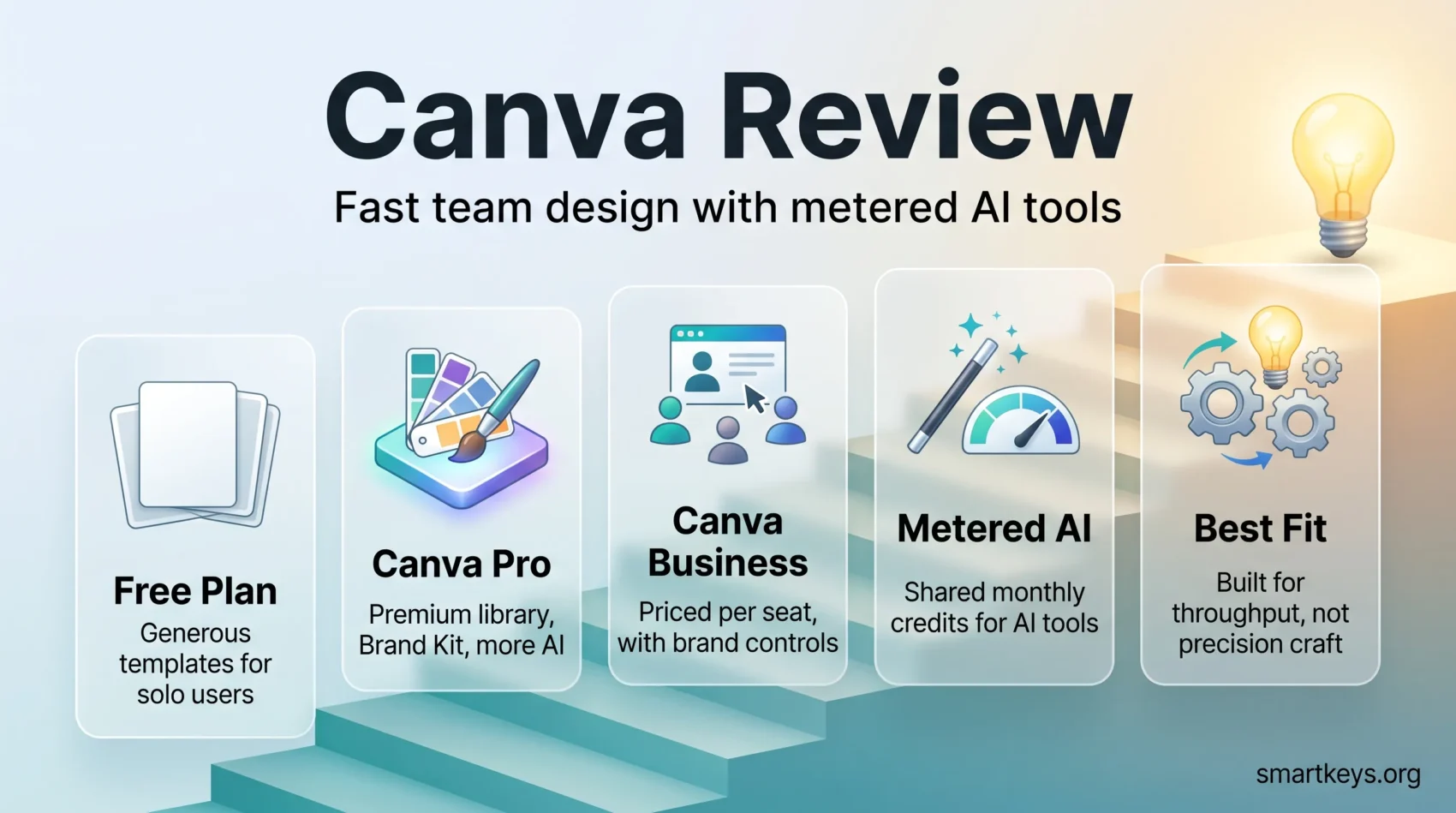
Canva has grown from a template tool for non-designers into one of the largest design platforms in the world. In February 2026 the company said it had passed 265 million monthly active users and around 31 million paying subscribers, with annualised revenue of roughly $4 billion. That scale matters for a simple reason: it is why almost every marketing, HR and sales team you meet has a Canva tab open somewhere.
This Canva review looks at what the platform actually does in 2026, what the current plans cost, where its AI tools are genuinely useful, and where you will still hit a wall. Prices quoted are US list prices and vary by region.
Key Takeaways
- Canva reported 265 million monthly active users and about 31 million paying subscribers in February 2026.
- The free plan is unusually generous and is enough for a lot of solo users.
- Canva Pro costs $18 per month or $144 per year for a single person.
- Canva Business (formerly Teams) is billed per seat, at $25 per user per month or $250 per user per year.
- AI features are metered by a shared monthly credit allowance that scales with your plan.
- Canva for Education and Canva for Nonprofits give eligible users paid features at no cost.
- It is a fast, collaborative production tool, not a replacement for a professional vector or photo editor.
What Canva Is and Who It Is For
Canva launched in 2012 with a straightforward goal: let people who are not designers produce decent-looking work without learning professional software. Fourteen years later that is still the core promise, and it is why the platform sits with marketers, teachers, recruiters, founders and social media managers rather than with agencies.
The editor is browser-based, with desktop and mobile apps on top. You start from a template or a blank canvas, drag elements in, and publish or export. There is no file management to learn and no rendering step. That immediacy is the whole product.
Canva is a good fit if you produce a steady stream of routine visual work: social posts, decks, one-pagers, internal comms, simple video. It is a poor fit if you need precise typographic control, print-production colour management or complex vector work. For that, a dedicated tool such as Adobe Creative Cloud or a comparison like Figma vs Sketch is the more honest starting point.
Key Features of the Canva Platform
The library is the headline asset. Canva reports millions of templates and a stock catalogue of over 100 million photos, graphics, videos and audio tracks, a large share of which sits behind the paid tiers. In practice you rarely start from nothing.
Around that sit the features that make it work as a team tool rather than a toy:
- Magic Resize: reformat one design into every other size you need without rebuilding it.
- Brand Kit: store logos, colour palettes and fonts so a team stays on-brand without policing. Business and Enterprise plans add brand controls and template locking.
- Real-time collaboration: multiple people in one design, with comments and approval workflows on the paid team plans.
- Canva Docs, Sheets and Presentations: the Visual Suite extends the editor into documents, spreadsheets and decks, which is where Canva overlaps with Google Workspace.
- Publishing and print: schedule to social channels, export in web and print formats, or order physical products through Canva’s Print Shop.
Canva ships changes constantly. In 2026 alone it added offline editing, Learn Grid for classroom resources, an expanded Print Shop, and Canva Grow for ad creation and performance tracking. It also made the Affinity professional suite free to all account holders, which was a direct shot at subscription-based creative software.
If your work is mostly campaign assets and brand storytelling, that breadth is the point: fewer tools, one brand kit, one place your team already knows.
Canva AI and Magic Studio in 2026
Canva’s AI layer has moved well past novelty. The 2026 releases turned it into a conversational, agentic system: you describe what you want, and Canva returns editable design objects rather than a flat image.
Magic Switch: Converting Designs Effortlessly
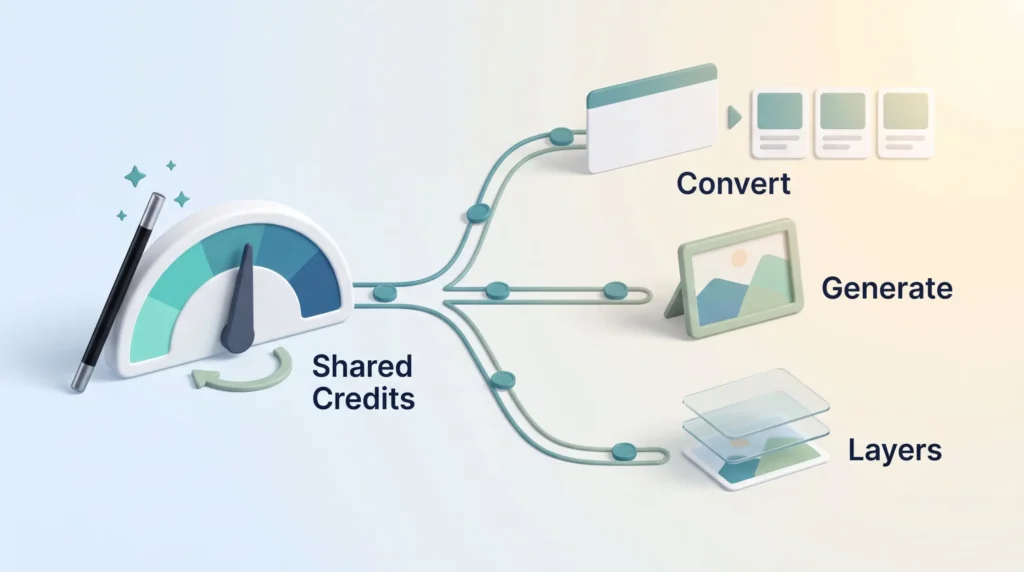
Magic Switch converts a finished design into other formats and languages. A deck becomes a social carousel, a blog graphic becomes a Pinterest pin. It is the single feature most likely to save a marketing team real hours, and it pairs naturally with a scheduling workflow like the one covered in our Buffer vs Hootsuite comparison.
Dream Lab and Magic Media: Text to Image and Video
Dream Lab is Canva’s image generator, built on technology from Leonardo.AI, which Canva acquired. Magic Media handles short text-to-video. Both are useful for concepting and filler visuals; both still need a human eye before anything ships. If video is central to your output, a purpose-built tool such as Synthesia, HeyGen or a voice tool like Murf AI will take you further.
Magic Expand, Magic Grab and Magic Layers
Magic Expand extends an image beyond its original frame. Magic Grab lifts an element out of a photo so you can move or replace it. Magic Layers, added in 2026, converts a flat AI-generated image into an editable, layered design. These are the small tools you end up using daily.
How AI Usage Is Metered
This is the part people miss. Canva does not give unlimited AI. All AI tools draw on a shared monthly credit allowance that resets on your billing date and scales with your plan, with paid tiers getting substantially more than Free. Failed generations still consume credits, so iterating on a prompt costs you. Heavy users can and do run out mid-month.
Canva Templates: Where the Speed Comes From
Templates are the reason a non-designer can produce something presentable in ten minutes. Canva covers social formats, presentations, documents, resumes, invoices, packaging, merchandise and print, and the free tier already includes millions of them.
The drag-and-drop editor makes customisation forgiving. Swap the palette, change the typeface, drop in your logo, resize. Nothing breaks in the way it does in professional software, which is exactly why the platform works for people who do not want to think about design systems.
The trade-off is sameness. Popular templates are used by millions of people, so a Canva-built brand can look like every other Canva-built brand. Teams that care about differentiation use templates as a skeleton and replace the visual language, which is where a bit of structured design thinking pays off more than any feature.
Canva Pricing in 2026
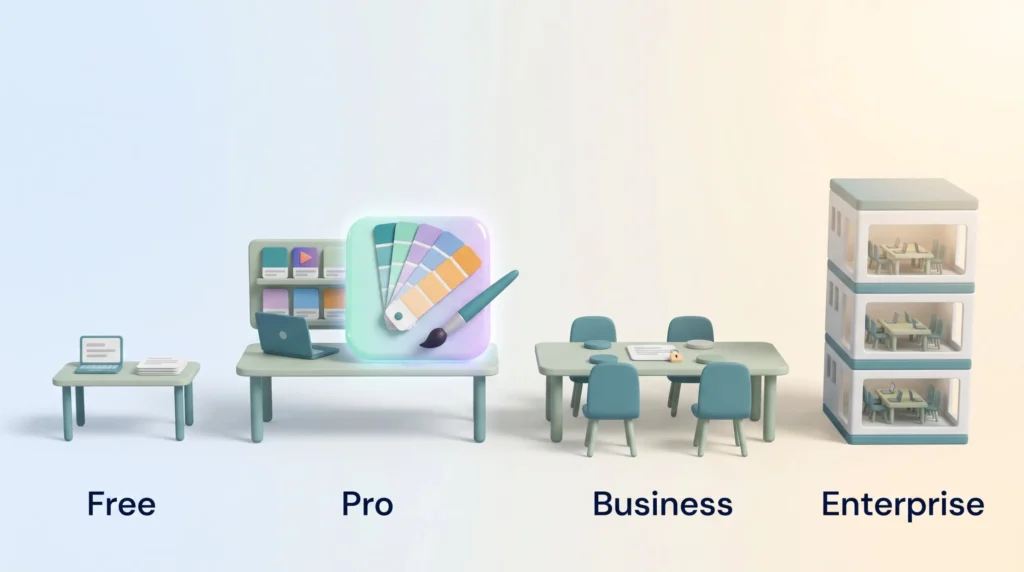
Canva runs four tiers. Prices below are US list prices; Canva applies regional pricing, so your local figure may differ.
Canva Free vs Canva Pro
The free plan is genuinely usable. You get millions of templates, a large free asset library, 5 GB of storage and a limited AI allowance. For a solo user posting a few graphics a week, it is often enough.
Canva Pro costs $18 per month, or $144 per year if you pay annually, for one person. It adds:
- The full premium asset library of 100 million-plus photos, videos, graphics and audio.
- 100 GB of cloud storage.
- Magic Resize, background remover and transparent-background exports.
- Brand Kits and the full Magic Studio toolset, with a much larger AI credit allowance.
The upgrade earns its keep if you publish regularly, need brand consistency, or lean on the AI tools. If you open Canva twice a month, it does not.
Canva Business and Enterprise
Canva Business — the plan previously sold as Canva Teams — is $25 per user per month or $250 per user per year. It adds brand controls, template locking, approval workflows, admin reporting and far more storage per seat. Note that this is per seat: a five-person team is a meaningfully different bill from a single Pro licence.
Canva Enterprise is custom-priced and aimed at large organisations that need SSO, multiple teams, tighter governance and dedicated support. If you are comparing it against other departmental subscriptions, our writeups on Semrush and ClickUp give a sense of how per-seat pricing compounds across a stack.
Free Access for Education and Nonprofits
Canva for Education gives verified K-12 teachers and their students paid features at no cost. Canva for Nonprofits does the same for eligible organisations, with a seat cap and a discount beyond it. These programmes are real and widely used, and they are the reason Canva’s install base in schools is so large.
Getting Started With Canva
Onboarding is the easiest part. Pick a design type, choose a template, and the editor opens with everything already sized correctly. Canva’s built-in tutorials cover the basics in a few minutes.
The steps worth doing properly on day one:
- Build your Brand Kit before you build anything else.
- Learn Magic Resize early — it changes how you plan a campaign.
- Set up folders and naming conventions before the library sprawls.
- Decide who can edit brand templates and who cannot.
- Connect your publishing channels so exports do not become a manual step.
Teams that treat Canva as shared infrastructure rather than a personal tool get far more out of it. That means agreeing on templates and permissions up front, in the same way you would when rolling out any of the productivity apps your team relies on.
Canva Review: What Users Actually Say
The consistent praise is speed. Marketers and social media managers report that Canva removes the bottleneck of waiting on a designer for routine assets, and that non-designers can be productive in an afternoon. Collaboration and brand kits come up repeatedly in team reviews.
“Canva transformed the way I approach design. It made everything so much easier!”
The recurring complaints are more specific than “it’s limited”. Users flag inconsistent AI output quality, the credit system running dry, renewal pricing rising between cycles, per-seat costs scaling faster than expected on Business, and export fidelity for print work. Advanced users hit the ceiling on typography and vector editing quickly.
Where Canva Falls Short
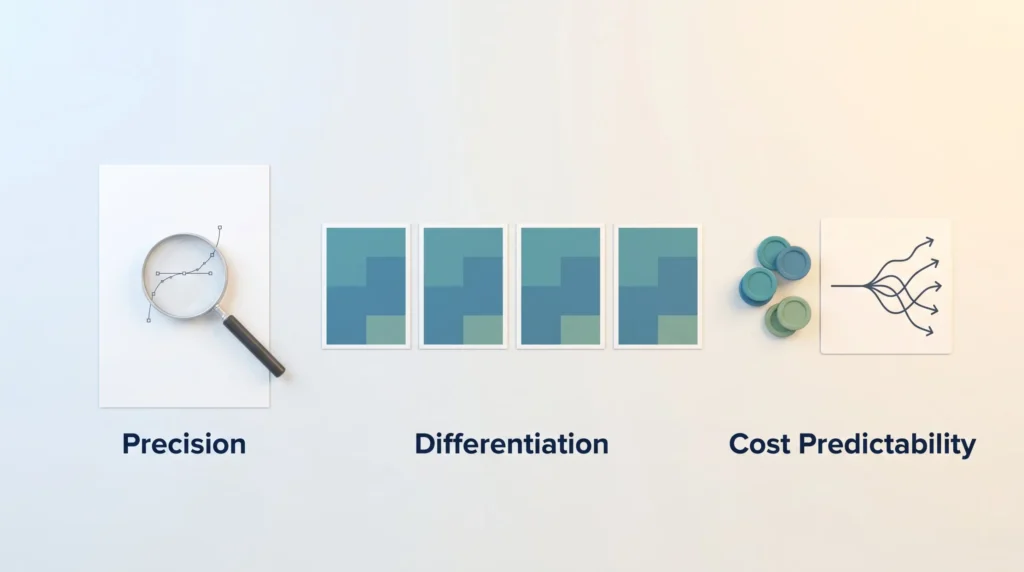
Three honest limits. First, precision: kerning, complex paths and colour-managed print output are not what this tool is built for. Second, differentiation: template-driven design converges, and it shows. Third, cost predictability: between per-seat billing, metered AI credits and paid add-ons, a growing team’s Canva bill is harder to forecast than the headline price suggests.
If you need a website builder rather than a design tool, Squarespace vs Wix is the better comparison. For whiteboarding and workshops, look at Miro vs Lucidspark. For ad creative at volume, AdCreative.ai is purpose-built, and for email design your Mailchimp vs Klaviyo decision matters more than your design tool.
Conclusion
Canva in 2026 is a production platform, not a design studio, and it is very good at being that. The free tier is one of the most generous in software. Pro at $18 a month is easy to justify for anyone publishing regularly. Business at $25 per seat is worth it when brand control and approval workflows are actually a problem you have, and expensive when they are not.
The AI tools are useful and improving quickly, but they are metered, and treating them as unlimited is the fastest way to be disappointed. The template library is Canva’s greatest strength and its biggest creative risk.
Buy it if your bottleneck is throughput. Look elsewhere if your bottleneck is craft. For most teams building routine assets alongside their wider AI marketing workflow, it is the least painful option on the market.
Found this useful?
Make SmartKeys a preferred source on Google, and our articles will surface more often in your Top Stories, AI Overviews, and AI Mode.
Add as Preferred Source




