

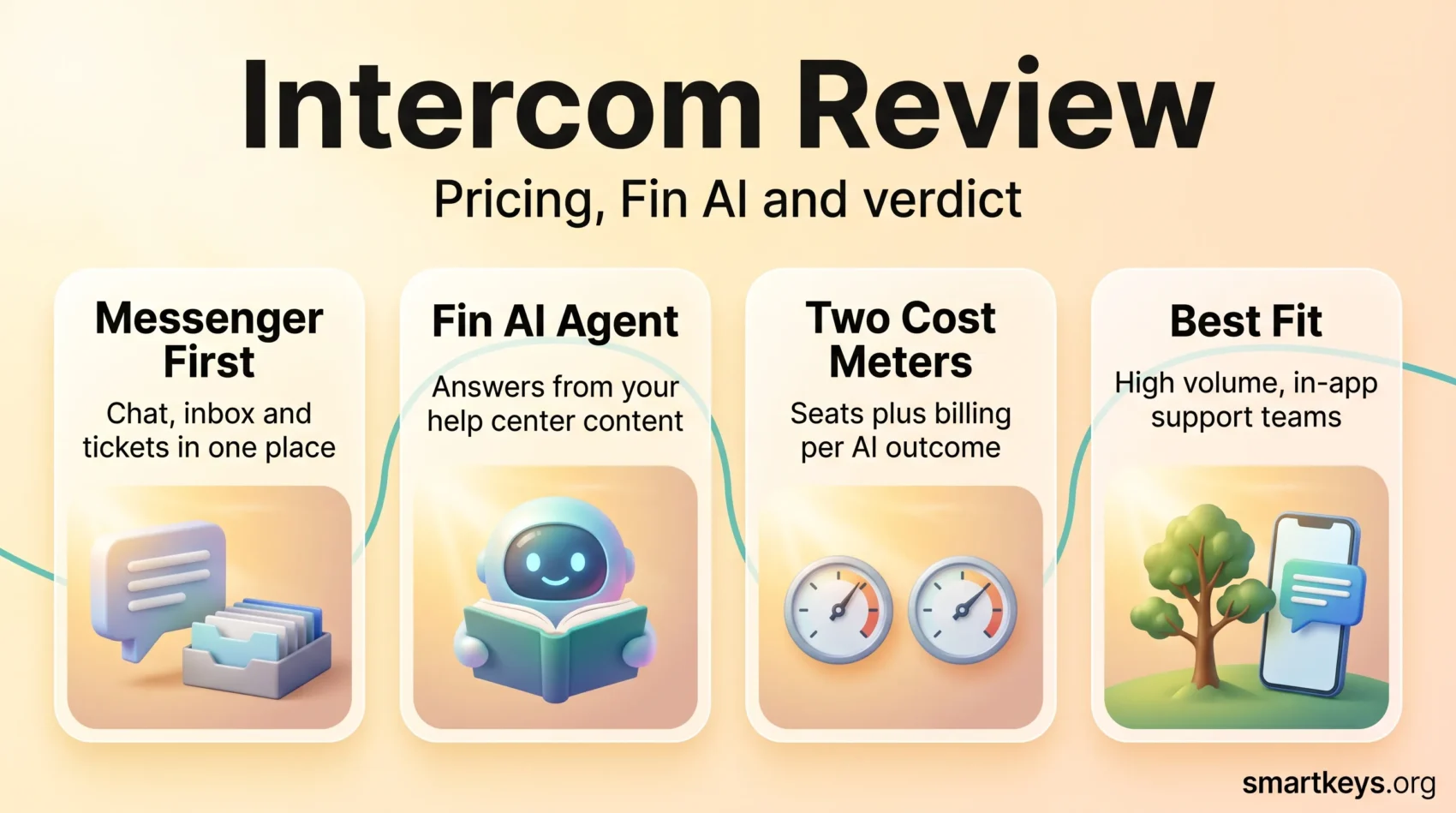
Intercom sells itself as an AI-first customer service platform, and in 2026 that is no longer just marketing language. The company moved its AI agent, Fin, to the front of the product and shifted a large share of the bill away from seats and onto AI outcomes. This Intercom review looks at what the platform actually does, what the plans cost now, where the invoice grows faster than teams expect, and which businesses are better served by something cheaper.
Intercom is used by companies including Atlassian, Shopify and New Relic, and it still ranks among the better-reviewed tools in its category. It is not the right fit for everyone, though. The gap between the headline seat price and the total you pay is wider here than at almost any competitor, so the pricing section deserves more attention than the feature list.
Key Takeaways
- Seat pricing starts at $29 per seat per month on annual billing, rising to $85 and $132 on the higher tiers.
- Fin, the AI agent, is billed separately at $0.99 per outcome with a 50 outcome monthly minimum.
- The Messenger, shared inbox, ticketing and help center are solid and genuinely pleasant to use.
- Reviewers on Capterra rate Intercom 4.5 out of 5, while consistently flagging pricing as the weak point.
- Small teams with low ticket volume will usually pay less elsewhere for comparable core features.
What Is Intercom?
Intercom is a customer service platform built around a website and in-app messenger. Founded in 2011 in San Francisco, it began as a live chat tool and has grown into a full support suite covering ticketing, a help center, proactive messaging and an AI agent.
The product is aimed at teams that talk to customers inside a web or mobile app rather than mainly by phone. If your customers reach you through a chat bubble in the corner of your product, Intercom is designed for exactly that pattern. If most of your volume arrives by phone, a traditional helpdesk will fit better.
Who Intercom Is Built For
Intercom suits software companies, e-commerce brands and subscription businesses with a digital-first customer base. It works particularly well when support, onboarding and product education overlap, because the same messenger handles a support ticket, a product tour and a pricing question. Teams already thinking about conversational commerce or a broader customer experience strategy get more out of it than teams that just need a ticket queue. It is a poor fit where you need heavy phone support, field service management, or a fixed monthly cost that does not move with volume.
Intercom Features You Should Know
The feature set is broad. These are the parts that matter most in daily use.
Messenger and Shared Inbox
The Messenger is Intercom’s strongest asset. It is fast, looks good on mobile and can be styled to match your brand without custom code. Behind it sits a shared inbox where conversations, email and tickets land in one queue, with assignment rules, macros and internal notes. Agents see the user’s plan, recent events and past conversations next to the message, which cuts the usual tab-switching. Higher plans add multiple team inboxes, round robin assignment and workflow automation, so a growing team can route billing questions away from technical ones without building anything custom.
Fin, the AI Agent
Fin is the headline product in 2026. It answers questions using your help center content, past conversations and connected knowledge sources, then hands off to a human when it cannot resolve the issue. It supports text and voice channels and can follow multi-step procedures rather than only returning an article.
Intercom publishes customer results on its own site rather than independent benchmarks, so read them as vendor-reported. Givebutter is quoted as handling more than 5,000 conversations a month with Fin and fully resolving about half of them. Real resolution rates vary enormously with content quality: a well-maintained help center is the biggest predictor of whether an AI chatbot deployment works.
Copilot for Agents
Copilot is the agent-facing counterpart to Fin. It drafts replies, summarises long threads and surfaces documentation while a human works a ticket. It is a separate per-seat add-on rather than bundled, worth noting when you compare list prices with other AI assistants at work.
Help Center and Proactive Messaging
Every plan includes a public help center. Advanced adds private and multilingual help centers, useful if you support several markets. Proactive tools cover in-product banners, tooltips, product tours and outbound messages, useful for onboarding and for reducing repeat tickets before they are created.
Integrations and Data
Intercom maintains a large app store with prebuilt connectors for the tools most support teams already run, including Salesforce, HubSpot, Slack, Jira, Stripe, Shopify and Google Analytics, plus a documented REST API and webhooks. If you run a customer data platform or sync to a warehouse, the API is capable enough to build on.
Intercom Pricing in 2026
Pricing is where most evaluations of Intercom succeed or fail. There are two separate meters: seats and AI outcomes.
Seat Plans
On annual billing, Intercom’s published prices are:
- Essential: $29 per seat per month. Messenger, shared inbox, ticketing, a public help center and prebuilt reports.
- Advanced: $85 per seat per month. Adds multiple team inboxes, workflow automation, round robin assignment, private and multilingual help centers, plus 20 free Lite seats.
- Expert: $132 per seat per month. Adds single sign-on and identity management, HIPAA support, service level agreements, multibrand support and 50 free Lite seats.
Month-to-month billing costs more, roughly $39, $99 and $139 per seat depending on current promotions. Lite seats are limited-access logins for colleagues who occasionally read or comment on conversations, not full agent licences, so do not plan headcount around them.
What Fin Costs
Fin is billed at $0.99 per outcome, charged at most once per conversation, with a minimum of 50 outcomes per month. An outcome covers a resolution, a procedure handoff or a disqualification. Sales qualifications are billed separately at $9.99 each, which is easy to overlook when modelling costs for a lead generation use case.
This is usage-based pricing in its purest form, and it cuts both ways. If Fin resolves little, you pay little. If it works well and volume grows, the AI line can exceed the seat line: 5,000 monthly conversations at a 50% resolution rate is roughly $2,475 a month for Fin alone, before a single seat.
A Realistic Cost Example
Take eight agents on Advanced with 3,000 conversations a month and Fin resolving 40% of them. Seats cost about $680 a month on annual billing. Fin adds roughly 1,200 outcomes at $0.99, or about $1,188. Add Copilot for four agents and the monthly total lands near $2,000, or around $24,000 a year. That is defensible for a team deflecting more than a thousand conversations a month, and difficult for a five-person startup. Pay-as-you-go charges for SMS, WhatsApp and phone minutes sit on top.
Intercom Benefits for Your Business
Faster, More Contextual Conversations
The strongest argument for Intercom is speed of resolution. Because customer context, past tickets and product events sit next to the conversation, agents spend less time reconstructing what happened. Add Fin handling repetitive tier-one questions and the human queue shrinks to the work that needs judgement, the same logic behind most successful customer success tooling.
Support That Feeds Retention
Intercom’s proactive messaging gives you a way to act before a customer churns. Onboarding tours, targeted in-app messages and health-based outreach are triggered from the same platform that answers tickets, which is harder to coordinate when those tools live in separate systems. If retention is a board-level metric, that consolidation has real value.
Lead Qualification Inside the Product
Intercom also runs on marketing sites, where Fin can qualify inbound visitors and route them to sales. That overlaps with what a CRM does, so check whether you need it before paying $9.99 per qualification. Teams already invested in a CRM stack should compare it against what their platform offers, as covered in our look at current CRM trends.
User Experience and Support
Ease of Use
Intercom’s interface is one of the better ones in this category. The inbox is uncluttered, the Messenger builder is simple, and a new agent can be productive within a day. Complexity appears in the layers below: workflow builders, custom objects, segmentation rules and reporting all take time to learn, and configuring Fin properly is a project rather than a toggle. Budget for setup. Teams that switch Fin on without curating their help center content get disappointing resolution rates and blame the AI.
Documentation and Vendor Support
Documentation is thorough and the developer docs are clear. Vendor support draws mixed reviews. On Capterra, where Intercom holds 4.5 out of 5 across more than 1,100 reviews, the recurring complaints are confusing pricing, price increases and slow support responses relative to what the platform costs.
Security and Compliance
Intercom supports SOC 2, GDPR obligations and, on the Expert plan, HIPAA. Single sign-on and identity management are also Expert-tier features, worth knowing early if your security review requires them. Anyone deploying an AI agent to EU customers should check their obligations under the EU AI Act, including telling users they are talking to a machine.
Intercom Compared With the Alternatives
How Intercom Stacks Up
Zendesk is the closest large competitor. Suite Team starts at $55 per agent per month annually and Suite Professional at $115, so at entry level Intercom is cheaper per seat while Zendesk bundles more helpdesk depth. Our detailed review of Zendesk covers that trade-off, and the Zendesk versus Freshdesk comparison helps if a ticket-first workflow suits you better.
For smaller teams, Tidio and Help Scout are the obvious cheaper options. Our Intercom versus Help Scout comparison goes into that trade-off in detail. On the sales-led chat side, Drift and LiveChat compete for the same conversational lead capture budget, and HubSpot’s service tools are worth a look if you already run their stack, as covered in our HubSpot Marketing Hub review.
Where Intercom Genuinely Wins
Three things justify the premium. The Messenger is better than anything comparable. Fin is a mature AI agent rather than a bolted-on chatbot, long enough in production to have its rough edges worn off. And the product is coherent, with support, onboarding, proactive messaging and AI sharing one customer record. If your support motion is genuinely in-product, that is hard to replicate with three cheaper tools.
Intercom Pros and Cons
Advantages
- Best-in-class Messenger: Fast, attractive, easy to brand and pleasant on mobile.
- Mature AI agent: Fin handles voice and text, follows procedures and hands off cleanly to humans.
- Unified customer record: Support, onboarding and proactive messaging share one context.
- Strong review scores: 4.5 out of 5 on Capterra across more than 1,100 reviews.
- Free trial: A 14-day trial lets you test Fin before committing.
Disadvantages
- Two meters running: Seats plus per-outcome AI billing makes forecasting hard.
- Add-ons add up: Copilot, proactive support and messaging channels are billed separately.
- Support complaints: Reviewers repeatedly cite slow responses given the price.
- Enterprise features gated high: Single sign-on and HIPAA require the Expert plan.
- Weak for phone-first teams: Voice remains secondary to in-app messaging.
The Verdict
Intercom is an excellent product with an uncomfortable price tag. If your customers live inside your app, your volume is high enough that AI deflection saves real salary cost, and you can maintain the help center content Fin depends on, it is one of the best choices available.
If you have a small team, modest volume, or you mainly need a reliable ticket queue with email support, you will get most of the value elsewhere for far less. The test is simple: model your monthly conversation volume against $0.99 per resolved outcome, add your seats, and see whether the number looks like a bargain or a shock. That calculation tells you more than any feature comparison, particularly as SaaS pricing keeps shifting toward consumption models.
Found this useful?
Make SmartKeys a preferred source on Google, and our articles will surface more often in your Top Stories, AI Overviews, and AI Mode.
Add as Preferred Source




