

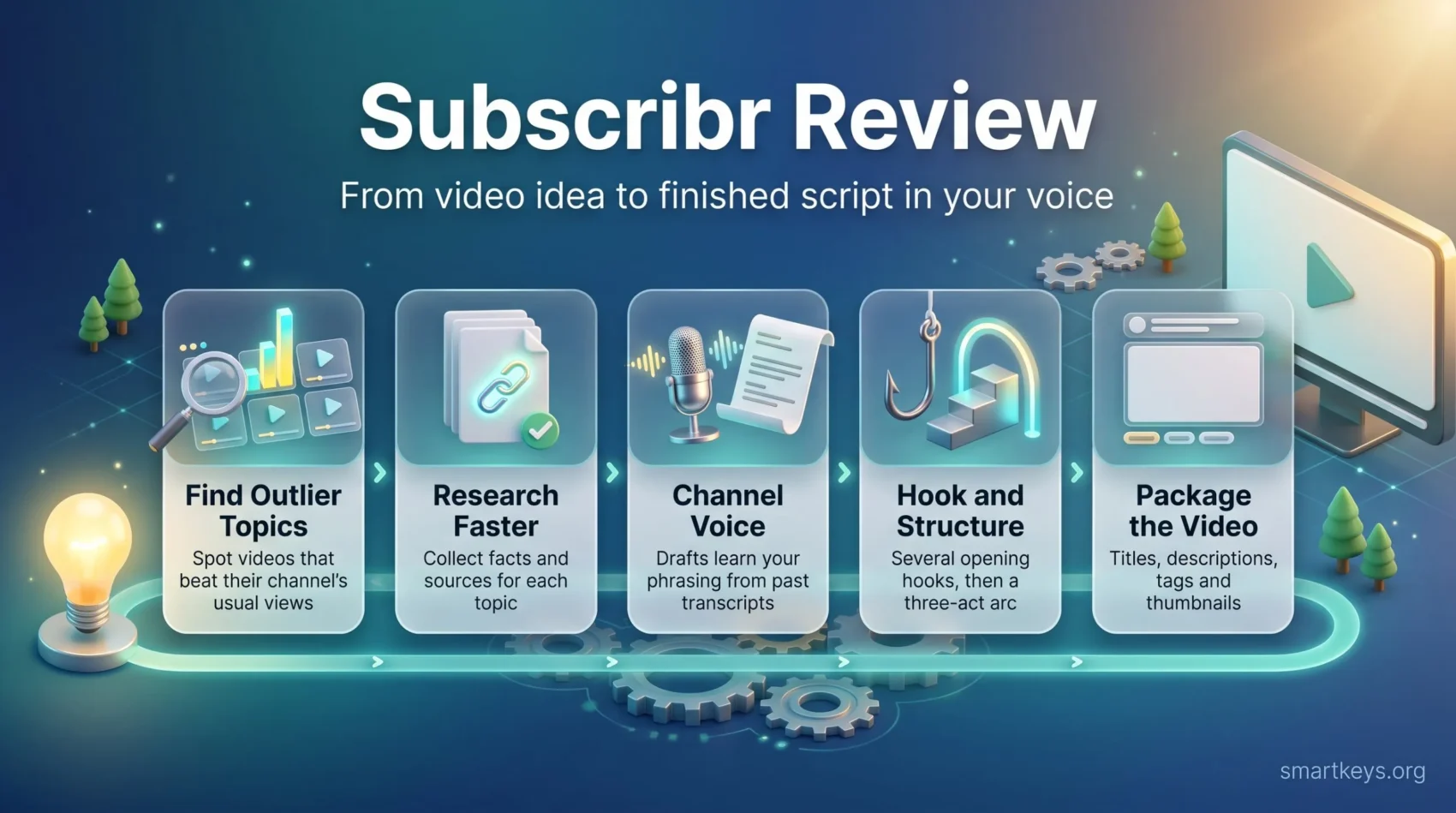
A good YouTube video starts long before you press record. You pick a topic, research it, write a script that holds attention, and then package the result with a title and thumbnail that make people click. For most solo creators, the script is the step that eats the most hours.
Subscribr is an AI tool built for exactly that step. Unlike general writing assistants that cover blogs, ads and emails, it focuses only on YouTube: topic ideas, research, scripts, thumbnails and, more recently, AI-generated video. This Subscribr review looks at how the tool works in 2026, what the new Growth, Pro and Max plans cost, how far the credits go, and where you still need your own judgment.
Key Takeaways
- Subscribr is a YouTube-only AI workspace that takes you from topic idea to finished script, thumbnail and optional AI video.
- Its main strength is Channel Voice, which learns your phrasing from past transcripts so drafts sound less generic.
- Paid plans start at $99 per month (Growth), with Pro at $249 and Max at $499. A free plan covers ideation and research only.
- Subscribr’s own pricing page puts a ten-minute script at about 5 script credits, so Growth covers roughly a dozen ten-minute scripts a month.
- The AppSumo lifetime deal is currently sold out, so the older low one-time prices no longer apply.
- It does not replace keyword tools like vidIQ or TubeBuddy, and every script still needs a human edit and fact-check before you record.
Why YouTube Scripts Take So Much Time
YouTube rewards videos that keep people watching. Writing scripts that hold attention without filler is hard, especially when you publish every week.
Many creators get stuck at the same point: a promising idea but no clear structure. Turning a rough topic into a tight narrative can take a full day, and missed upload days often start here.
AI writing tools have become a common answer to this bottleneck. They can speed up research and first drafts. They cannot, however, decide what your audience cares about, check every fact, or add the personal experience that makes a channel worth subscribing to. Keep that split in mind as you read the rest of this review. For a wider look at how people and algorithms share creative work, see our guide to AI in creative work.
What Is Subscribr? A Beginner’s Guide
Subscribr is a web app that helps YouTube creators plan, research and write videos. It is built around a simple observation: many creators have good ideas but struggle to turn them into scripts that keep viewers watching.
The tool covers the whole pre-production path in one project:
- Ideation: finding topics that already work for similar channels.
- Research: collecting facts and sources for the chosen topic.
- Scripting: drafting the video section by section in your voice.
- Packaging: title ideas, descriptions, tags and thumbnails.
- Video: optional AI video generation and editing on paid plans.
What separates it from a general chatbot is its focus on YouTube-specific goals. Two terms matter here. Retention is the share of a video people actually watch. Click-through rate (CTR) is the share of people who click after seeing your thumbnail and title. Subscribr’s prompts and templates are designed around both.
The platform is beginner-friendly, but it works best when you already know who your audience is and what your channel stands for. Our guide to brand storytelling helps if you are still defining that.
Who Subscribr Is For (and Who Should Skip It)
Subscribr fits different creators for different reasons:
- New creators get a guided structure that shows how strong YouTube scripts are built. That helps while you are still finding your voice.
- Established channels can publish more often when research and writing are the bottleneck.
- Faceless channels, where the creator never appears on camera, benefit from repeatable workflows across related channels.
- Agencies can keep a separate voice and set of brand rules for each client channel.
It is a weaker fit if you publish only a few videos a year, mainly need keyword data, or make short-form clips. For short, social-first videos, a tool like Syllaby is closer to what you need. In short, consider Subscribr if consistent long-form publishing matters more to you than occasional experiments.
Channel Voice: Making Scripts Sound Like You
A recognizable voice is what turns casual viewers into subscribers. Subscribr’s Channel Voice feature analyzes transcripts from your existing videos or samples of your writing. It picks up your typical phrasing, tone and vocabulary and uses them when drafting.
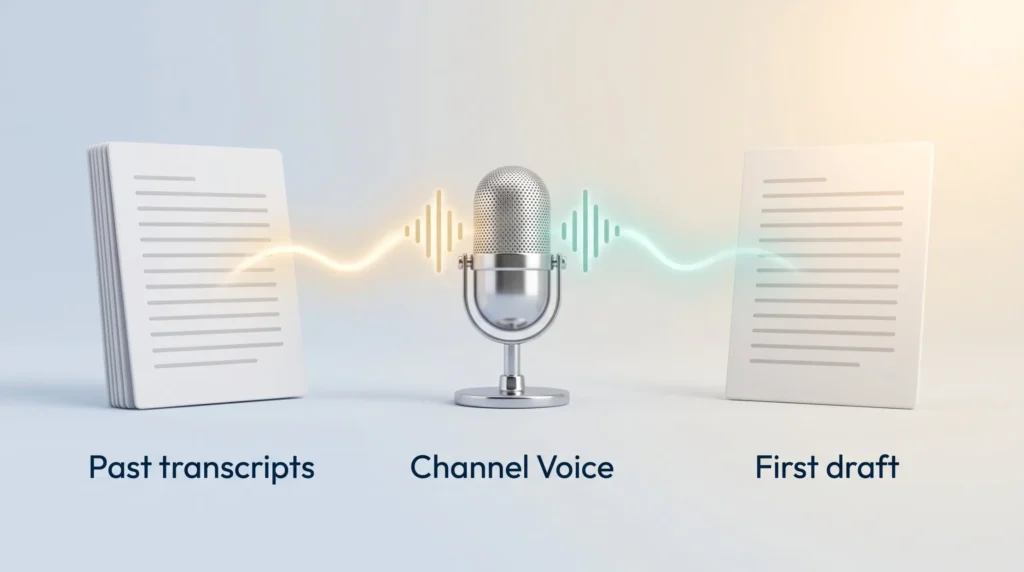
Generic AI scripts tend to sound flat. You can refine the result with custom instructions, such as “use very simple language” or “avoid jokes in the intro.” Independent tester Dave Swift found that the voice profile captured a casual, conversational tone close to how he actually speaks.
Treat the output as a strong first draft, not a finished script. It still needs your own stories, opinions and humor. The upside is consistency when several people write for one channel. Pairing it with a personal prompt library keeps your instructions consistent too.
Ideation Chat and the Outlier Database
Finding the next topic is often harder than writing about it. Subscribr’s Ideation Chat works like a research partner. You point it at existing YouTube channels in your niche, and it suggests content pillars (recurring themes), titles and angles.
Behind it sits what Subscribr calls an outlier database. According to Subscribr’s website, it covers more than 35 million videos and flags “outliers”: videos that beat their own channel’s usual views by five to ten times. An outlier tells you that a topic or packaging idea caught on beyond the channel’s normal audience, which makes it a useful signal for your own planning.
For example, a personal finance channel could spot one competitor video that did ten times its usual views and study why that angle worked. Data-backed ideas still need your own twist, though.
Script Generation for Long-Form Videos
Subscribr is built for long-form videos, from tutorials to documentary-style explainers. Instead of producing one giant block of text, it drafts the script section by section. You can set word counts per section and regenerate a single passage without starting over.
You can also feed it research material such as article or study links. Dave Swift’s review notes that research input starts at about 5,000 words and can be expanded with extra credits. A built-in revision pass also helped in his test: it tightened a script from about 2,600 to 2,400 words while improving the flow.
Even so, check every draft for these common problems:
- Repeated ideas across sections
- Claims without a source
- Uneven pacing and weak transitions
- Emotional moments that feel generic
Longer scripts cost more credits and need more review time, so plan for both.
Hooks and Story Structure
Viewers decide within the first 30 seconds whether a video is worth their time. Subscribr generates several opening hooks per video, so you can pick one that sparks curiosity, sets up a conflict or promises a clear benefit.
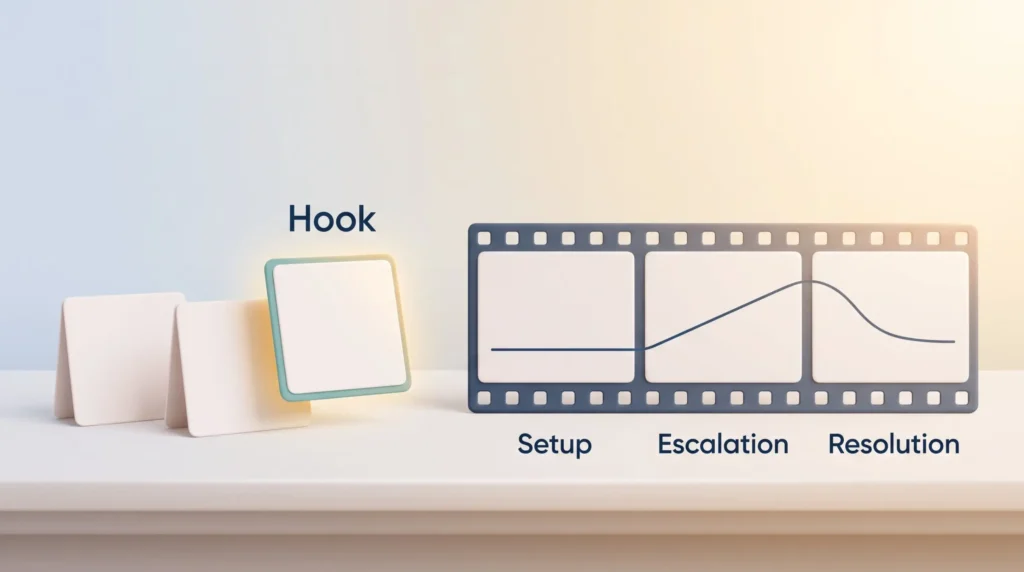
A good hook also confirms that the video will deliver what the title and thumbnail promised. After the hook, Subscribr can organize the script with a three-act structure: a setup that frames the problem, an escalation that builds tension, and a resolution that pays it off. This makes longer videos easier to follow.
Proven structures help, but adapt them. A tutorial may need a straight step-by-step path rather than a story arc.
Hands-On Walkthrough: From Idea to Finished Script
Here is what a typical project looks like, step by step:
- Set up your channel. Upload transcripts from your best-performing videos. Channel Voice uses them to learn your tone. Add notes on audience, language and formatting.
- Find a topic. Use Ideation Chat to scan competitors and outliers. Say you pick “How iCloud Transformed Apple’s Entire Business.”
- Research. Collect a summary and sources for the topic, and add your own links.
- Choose a hook. Review several opening options and pick the strongest.
- Draft section by section. Set word counts, generate each part and regenerate weak passages.
- Package the video. Generate title ideas, a description and tags, then review the full script overview.
Dave Swift noted a few rough edges in this flow. Audience profile fields could not be edited one by one. Edits are accepted per section, so rejecting one bad change means rejecting good ones in the same section. There were also no saved description templates for repeated links. Creating your own templates for repetitive tasks outside the tool fills that gap, and a short pre-publish checklist helps you catch errors before upload.
Beyond Scripts: Thumbnails and AI Video
Subscribr has grown from a script writer into a broader production tool. Two additions stand out.
AI Thumbnail Studio. It generates thumbnail concepts from 157 proven formats and can copy the style of a competitor’s thumbnail that you paste in. Paid plans include a monthly thumbnail allowance. Templates give you a starting point, but they do not guarantee a higher click-through rate. Test your packaging against your own audience data. For more design control, a general tool like Canva is still useful.
AI video generation and editing. Paid plans include a set number of video minutes per month, with 14 signature visual styles to choose from. Always check pacing, factual accuracy, visual relevance and voice quality before publishing. If you need presenter-style videos with avatars instead, compare HeyGen and Synthesia. For narration only, voice tools such as Murf AI are an option, and for short video ads, Creatify is a closer fit.
MCP and AI Agent Connections
Subscribr supports MCP, the Model Context Protocol. MCP is an open standard that lets AI assistants connect to outside tools and data. In practice, it means you can work with Subscribr from assistants such as Claude, ChatGPT, Codex or Cursor, which Subscribr lists on its website. According to the site, MCP access is available on every plan, including the free one.
This helps if you already work through an AI assistant, for example to pull outlier ideas and draft a content plan in one conversation. Our guide to AI agent workflows explains how such setups work day to day. New to these terms? The AI glossary covers them in plain language.
Faster production is not the same as better content, though. Strategy, accuracy and audience trust remain your job.
Subscribr Pricing and Credits in 2026
According to the official pricing page, there is a free plan and three paid tiers. Annual billing is advertised as “2 months free.”
| Plan | Price per month | Channels / users | Script credits | Thumbnails | Video minutes |
|---|---|---|---|---|---|
| Free | $0 | 1 / 1 | None (3 idea batches, 10 research searches) | None | None |
| Growth | $99 | 3 / 3 | 60 | 150 | 66 |
| Pro | $249 | 5 / 10 | 180 | 500 | 185 |
| Max | $499 | Unlimited | 300 | 1,000 | 415 |
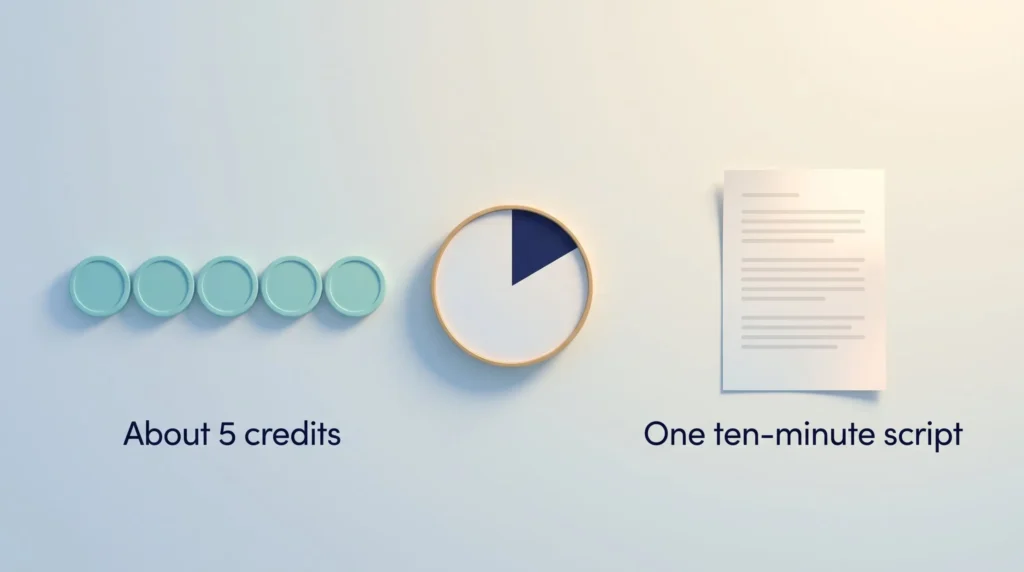
Credits are how Subscribr meters usage. The pricing page states that about 5 script credits equal one ten-minute script. That puts Growth at roughly 12 ten-minute scripts a month, Pro at about 36 and Max at about 60. Longer videos and extra revisions use more credits, so your real number will be lower if you rewrite a lot. The pricing page also sizes the plans by finished videos: up to 8 a month on Growth, 23 on Pro and 52 on Max. Check which limit you will hit first.
Plan credits refresh each billing cycle and do not roll over. If you run out of video minutes, top-ups start at $20, and purchased top-up credits stay available until you use them. To pick a plan, multiply your monthly videos by their average length and add a buffer for revisions.
Prices and credit rules can change, so confirm them on the pricing page before you subscribe. A spreadsheet in your productivity dashboard makes it easy to track credits used per video.
What Happened to the Lifetime Deal?
Subscribr was sold as a one-time lifetime deal on AppSumo, a marketplace for software deals. Older reviews quote low one-time prices for these tiers. As of this update, the AppSumo listing shows the deal as sold out. Visitors can only sign up to be notified if it returns.
When it was available, the deal came with a 60-day refund window. Existing lifetime owners should check what their tier includes, because it differs from the new plans. New buyers should plan with the monthly prices above.
Limitations and Downsides
Subscribr does a lot, but it has clear limits you should know before paying:
- Credit system. Credits cover scripts, thumbnails and video separately. That takes time to understand, and heavy revisers burn through them quickly.
- No keyword research. Subscribr does not replace dedicated YouTube SEO tools like vidIQ or TubeBuddy. You will still need one for search volume and tag data.
- Learning curve. First-time users need a few projects to understand the stages, credit use and publishing flow.
- Editing friction. Section-level edit acceptance and fixed audience profiles, as noted above, slow down fine-tuning.
- Overlap with general AI assistants. A critical Trustpilot reviewer argued that much of the output could be produced with ChatGPT or Claude. That is partly true for raw text. What Subscribr adds is the YouTube-specific workflow, data and voice matching.
Finally, watch out for over-automation. Heavy use of templates can dilute your voice and make videos feel interchangeable. If your team uses AI tools regularly, set clear generative AI usage guidelines for fact-checking and disclosure.
How Subscribr Compares to Other Tools
Your choice depends on where your bottleneck sits: finding topics, ranking in search, or writing the script.
- General AI assistants (ChatGPT, Claude, Jasper): flexible and good for many writing tasks. They lack YouTube outlier data and built-in hook and structure templates, so you have to supply that context yourself.
- vidIQ and TubeBuddy: focused on keyword research, analytics and competitor tracking. They complement Subscribr rather than replace it.
- Syllaby: built for short-form social video ideas and scripts. Read our Syllaby review if TikTok, Reels or Shorts are your focus.
- Subscribr: strongest for long-form YouTube scripts that need research, a consistent voice and repeatable production.
Many creators combine one SEO tool with one writing tool. If you also repurpose videos into podcasts, a tool like Jellypod can extend the same content to audio. For the bigger picture on how platforms shape reach, see our overview of social media’s impact on business growth.
What Users Say
Subscribr reports more than 5,000 creators using the tool. User ratings are strong. On Trustpilot, the tool holds a TrustScore of 4.5 out of 5 from about 83 reviews at the time of writing. The AppSumo listing shows 4.8 stars from 164 reviews.
Positive reviews often mention time saved on scripting, voice matching and responsive support. Critical reviews focus on overlap with general AI tools and on cost. A free plan test with your own channel tells you more than any star rating.
Verdict: Is Subscribr Worth It in 2026?
Subscribr is a strong choice for creators who publish long-form YouTube videos regularly and lose too much time on research and scripting. Channel Voice, the outlier database and section-by-section drafting make it more useful than a general chatbot for this specific job.
The trade-offs are real. The paid plans start at $99 a month, the lifetime deal is gone, and you still need a separate keyword tool. Every script needs fact-checking and your personal touch before you record. If perfection holds you back, remember that a solid draft you can edit beats a blank page; our article on overcoming perfectionism covers that mindset.
Start with the free plan to test ideation and research. Move to Growth only if you know you will publish enough videos each month to use the credits. Think of Subscribr as a capable co-pilot: the best results still come from your strategy and editorial judgment.
Test Subscribr on your channel
Found this useful? Make SmartKeys a preferred source on Google, and our articles will surface more often in your Top Stories, AI Overviews, and AI Mode.FAQ
What is Subscribr and how does it work?
What does Subscribr cost in 2026?
Is there a free version of Subscribr?
How many scripts do Subscribr credits cover?
Can I customize the channel voice in Subscribr?
Is there a lifetime deal available for Subscribr?
Can I use Subscribr for more than just scriptwriting?
How does Subscribr compare to other scriptwriting tools?
Are there any limitations to using Subscribr?





