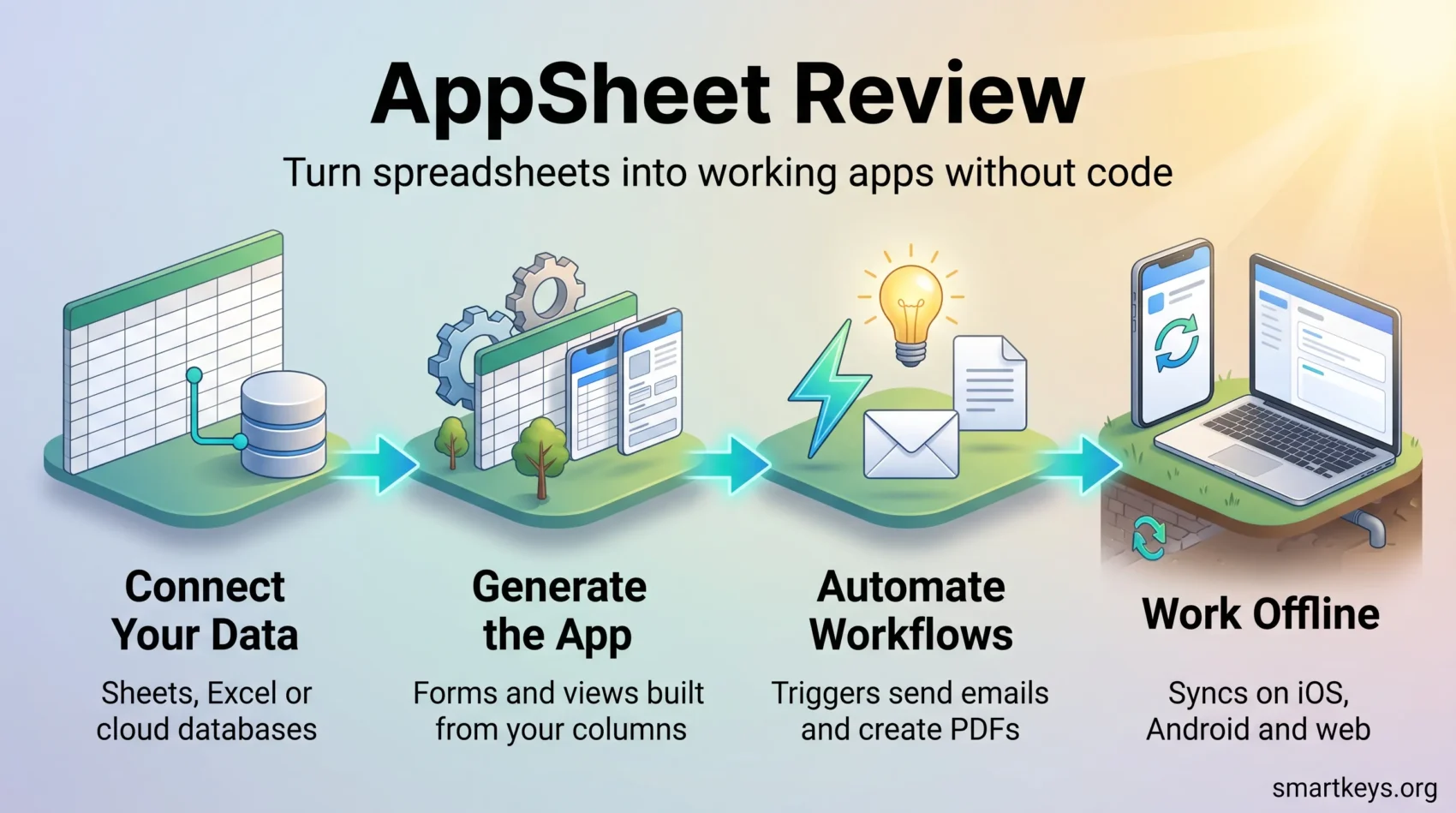
AppSheet turns a spreadsheet or a database table into a working mobile and web app without a line of code. Google owns the platform, and AppSheet Core is bundled into most paid Google Workspace plans, so many teams already pay for it without knowing.
This AppSheet review covers what it costs in 2026, what it does well, and one change that outweighs any single feature: in May 2026 Google moved AppSheet into a stability-first mode and cut back new development.
Key Takeaways
- Pricing is unchanged in 2026: Starter $5, Core $10 and Enterprise Plus $20 per user per month, plus Publisher Pro at $50 per app per month.
- Prototyping is free, including up to 10 test users.
- AppSheet Core is included in most paid Google Workspace plans, which changes the cost calculation entirely.
- In May 2026 Google announced a stability-first strategy: fewer new features, more bug fixing.
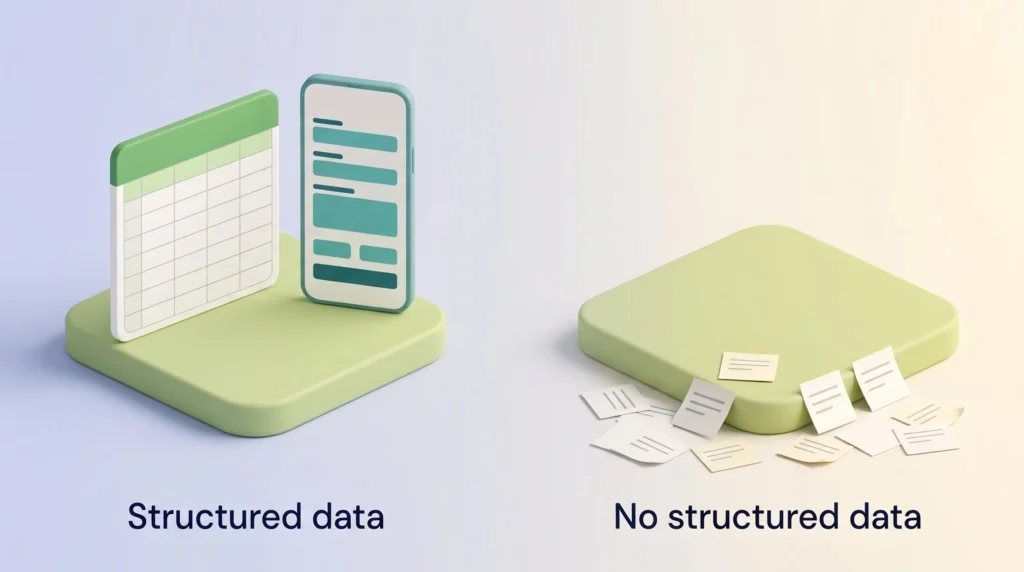
- The platform needs structured data. Without a spreadsheet or database to point it at, there is nothing to build on.
- Capterra reviewers rate AppSheet 4.7 out of 5 across 547 reviews, praising speed and criticising troubleshooting.
What AppSheet Is and How It Works
AppSheet is a no-code platform, meaning you configure the app in a visual editor rather than writing programming code. You point it at a data source, it reads the columns, and it generates the screens, forms, filters and permissions around them.
An example makes this clearer. Say you keep 400 pieces of equipment in a Google Sheet. Point AppSheet at it and within an afternoon you have a phone app where a technician scans a location, updates a status field, attaches a photo and syncs it back, even after working with no signal in a basement. Nobody wrote code, and the sheet stays the single source of truth.
That is the pattern AppSheet is built for: internal tools wrapped around data you already own. It sits alongside other low-code platforms, but tilts toward operations rather than product teams.
AppSheet Pricing in 2026
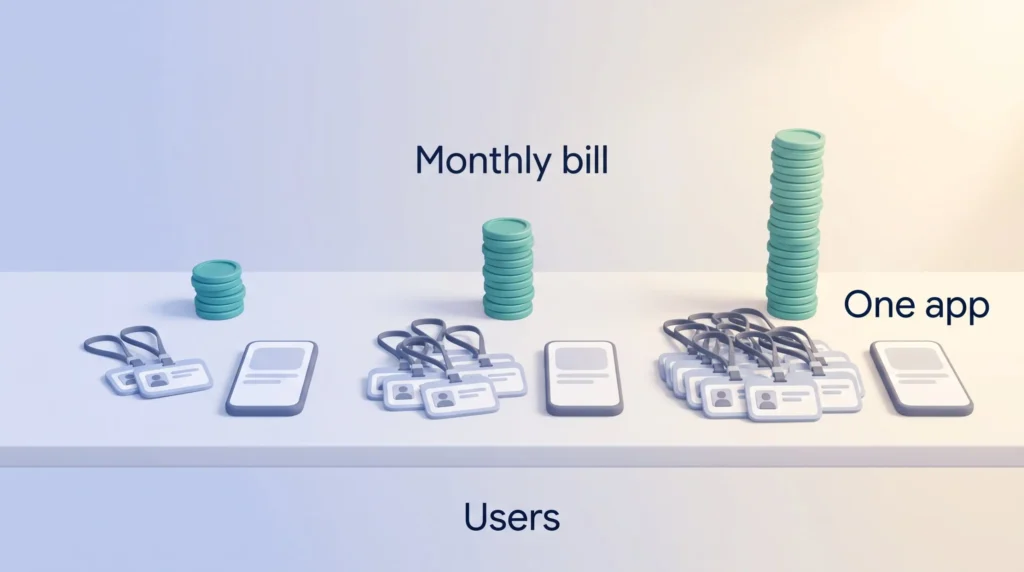
Prices have not moved this year. AppSheet charges per user, so your bill grows with headcount, not app count. Forty field staff on Core costs $400 a month, whether they use one app or ten.
| Plan | Price | Data sources | Database limit |
|---|---|---|---|
| Free (prototype) | $0 | Build and test only | Up to 10 test users |
| Starter | $5 per user per month | Spreadsheets, cloud file storage | 5 databases, 2,500 rows each |
| Core | $10 per user per month | Adds cloud databases | 10 databases, 2,500 rows each |
| Enterprise Plus | $20 per user per month | Adds APIs, SaaS and enterprise data services | 200 databases, 200,000 rows each |
| Publisher Pro | $50 per app per month | Core feature set | Unlimited users per app |
Which Plan You Actually Need
The free tier is for building, not for running a business. Starter adds deployment but keeps you on spreadsheets and file storage, with community support only: if your app breaks on a Friday, there is no queue to call.
Core is where most teams land, with cloud databases, security controls and email support. It comes with most paid Google Workspace plans, so if you already run Google Workspace, check your admin console before buying seats.
Enterprise Plus is a different product in practice. It opens up APIs and enterprise data services, raises the row ceiling to 200,000, and adds governance, team management and authentication through Active Directory or Okta. It needs a Workspace administrator account, and the Gemini AI tasks sit here and nowhere else. Publisher Pro is the only sensible choice for public apps, charging per app rather than per user.
Key Features Worth Knowing About
The Visual Editor and Data Connections
You build by arranging views, columns and actions in a browser editor, and AppSheet infers a lot from your data: date columns become date pickers, an email column becomes a validated field. It connects to Google Sheets and Drive, Excel files, Cloud SQL, Azure SQL, AWS, Salesforce objects, Smartsheet, OData and Apigee, so it sits on top of systems you already run. If you need many systems talking to each other at once, a dedicated integration platform is the better layer.
Automation and Gemini AI Tasks
Automation earns its keep. You set a trigger (a row changes, a date arrives) and an action follows: send an email, update a table, generate a PDF. It is the logic behind most digital workflows, wired to your own data.
Since October 2025, Enterprise Plus customers also get AI tasks powered by Gemini: Extract, Extract Rows, Categorize and Summarize. In practice that means pulling line items off a photographed invoice, sorting requests by type, or condensing a long inspection log. Useful, but locked to the top tier.
Offline Use and Cross-Platform Delivery
The same app runs on iOS, Android and the web without separate builds, and keeps working offline, syncing when the connection returns. For field teams this matters more than any AI feature, and it is why AppSheet appears so often in mobile productivity setups for staff who are rarely at a desk.
What Teams Actually Build With It
Three patterns recur. The first is inventory and asset tracking: stock levels, equipment registers and tool checkouts, usually with barcode scanning. The second is lightweight request and relationship tracking, a stripped-down alternative to a full CRM system. The third is field service and inspections, where a technician records a job, photographs the result and captures a signature on site, which fits maintenance programmes needing clean, timestamped field data.
What these share is a defined process and data someone owns. AppSheet is weakest when neither is true. For personal task and note work, general productivity apps are simpler.
The 2026 Strategy Shift and What It Means for You
On 15 May 2026, the AppSheet team posted a product strategy update on Google’s developer forum. New feature development will be significantly reduced, with only a limited set of key features delivered. Office hours and long-term roadmap reporting are being scaled back in favour of responding to issues as they arise. Bug fixing, support and decisions on existing Preview Features remain in scope.
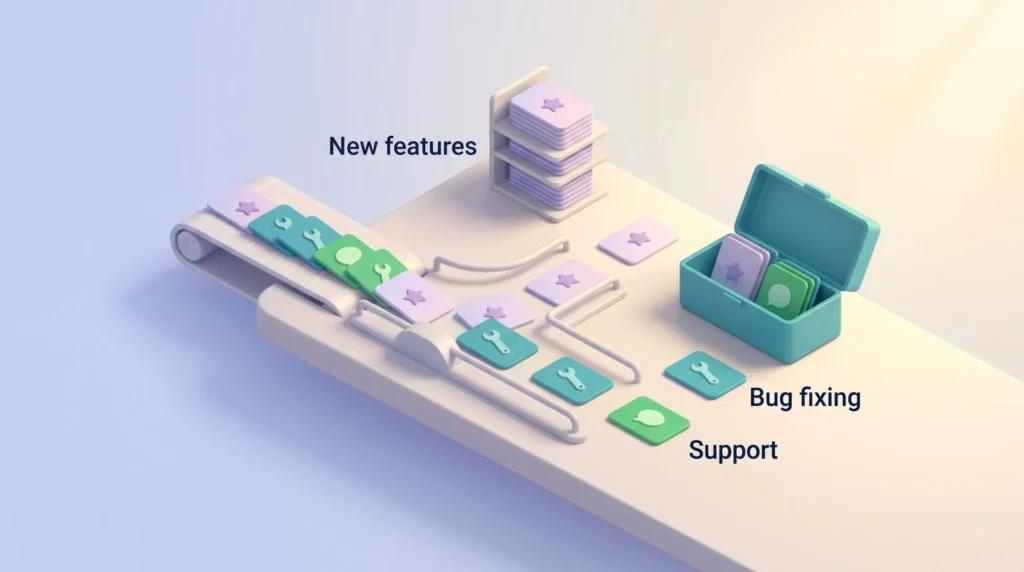
Google is putting AppSheet into maintenance-heavy mode with no timeline for resuming normal development. Reaction was mixed: some welcomed the honesty, others pointed to features promised for years that never shipped.
The practical test is simple. If your app can be built with what ships today, a stable platform is arguably a benefit. If your plan depends on something on the roadmap, assume it will not arrive.
What Reviewers Say
AppSheet holds 4.7 out of 5 on Capterra across 547 reviews: 4.5 for ease of use, 4.4 for customer service, 4.6 for value for money and 4.5 for features. The praise is consistent, in that people build working apps fast without developers.
So are the complaints. Reviewers describe vague error messages and thin documentation that make debugging slow, and several find the plans confusing and expensive as a team grows. Both match the platform’s shape: easy to start, harder to diagnose when something misbehaves.
Security and HIPAA
Application security controls start at Core; governance, team management and advanced authentication are Enterprise Plus features. If you handle protected health information, Google’s guidance is specific. You must sign a Business Associate Agreement before any such data touches AppSheet, mark health fields as sensitive so they are obscured in audit logs, keep that data out of app definitions such as view or data source names, and never include it in support tickets. Calling the platform simply HIPAA-compliant is too loose: compliance depends on the agreement and the setup, which matters in any healthcare technology project.
Who Should Use AppSheet, and Who Should Not
A Good Fit
AppSheet suits teams already inside Google Workspace who own structured data and want to replace paper forms, shared spreadsheets or a stalled IT request. If you understand your tables and how they relate, you will get a working tool quickly. It also gives internal building some structure, rather than staff quietly signing up for tools alone, which is how shadow IT begins.
A Poor Fit
Skip it if you have no structured data, because AppSheet has nothing to generate an app around. Skip it for customer-facing products that must look distinctive, since the interface prioritises function over visual design. And skip it if your project depends on features that have not shipped yet.
AppSheet Alternatives
AppSheet bills per user, while these three bill per workspace or per app, which flips the maths as headcount grows.
Glide
Glide builds apps from spreadsheets and sells by workspace. The free plan covers 2 team members and 10 projects; Basic is $25 a month, Plus $50, and Pro starts at $125 for 5 team members with unlimited published apps. Usage runs on credits, so heavy automation costs more.
Noloco
Noloco targets client portals and internal tools. The free plan holds 2,000 records and 50 active clients. Build is $79 a month with 10 seats included, then $6 per extra seat, and 25,000 records with more sold in blocks. It connects to Airtable, Google Sheets, Postgres, Supabase and HubSpot, which suits teams whose data already lives in an Airtable-style base.
Blaze
Blaze is the regulated-industry option and is priced accordingly. Sandbox is free for prototypes without real data, Production starts at $750 a month for one published app and up to 100 end users, and Growth at $2,500. There are no per-seat fees, and it carries HIPAA BAA coverage, HITRUST e1 and SOC 2 Type II. For a general-purpose no-code build, Bubble.io is the more common comparison.
Verdict
AppSheet remains one of the cheapest credible ways to turn a spreadsheet into a real internal app, especially if Google Workspace already covers the Core tier. Offline support, data connections and automation all hold up.
The caveat is the 2026 shift: buy it for what it does today, not for what the roadmap suggests. Prototype on the free tier first, then decide. If you are still weighing platforms, our comparison of Bubble.io and Webflow and our look at low-code process automation cover the wider field, while business intelligence tools answer reporting problems better than data capture tools do.
Found this useful?
Make SmartKeys a preferred source on Google, and our articles will surface more often in your Top Stories, AI Overviews, and AI Mode.
Add as Preferred Source