

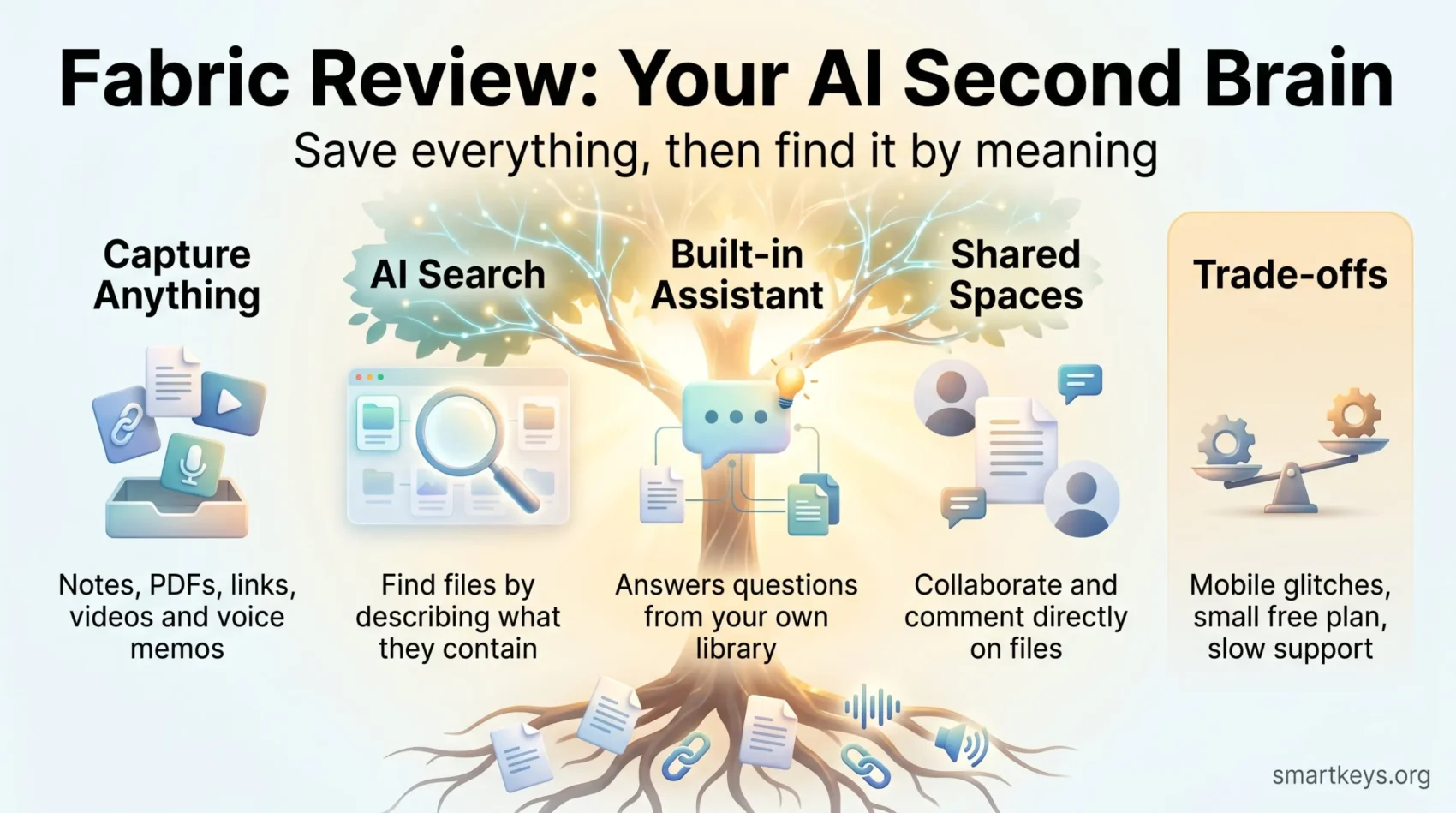
Fabric (fabric.so) is an AI workspace that promises to act as your “second brain”: one place where notes, files, links, voice memos and meeting recordings land, and where AI does the sorting for you. Instead of building folders and tags by hand, you save things and let the app find connections later.
This Fabric AI review explains what the app actually does in 2026, what the free and paid plans include, where users run into problems, and how Fabric compares to Notion, Obsidian and Evernote. It is written for freelancers, team leads and anyone who keeps losing useful material across too many apps.
Key Takeaways
- Fabric saves almost any content type and uses AI search, so you can find things by describing them instead of remembering file names.
- A free plan exists, but it is small (reported at 250 MB and up to 1,000 items). Paid plans start at roughly $5 per month on annual billing.
- User feedback is split: people praise the browser extension and fast capture, while others report lag, failed uploads and slow support.
- Fabric.so is not the same product as “fabric”, the open-source AI command-line tool by Daniel Miessler. Many online reviews mix the two up.
- It suits people who hate manual organizing. If you want full control over structure or offline files, Notion or Obsidian fit better.
What Is Fabric?
Fabric is a cloud workspace developed by WFHLand, Inc., according to its Google Play listing. It runs on the web, iOS, Android and desktop, and it comes with a Chrome extension for saving web pages.
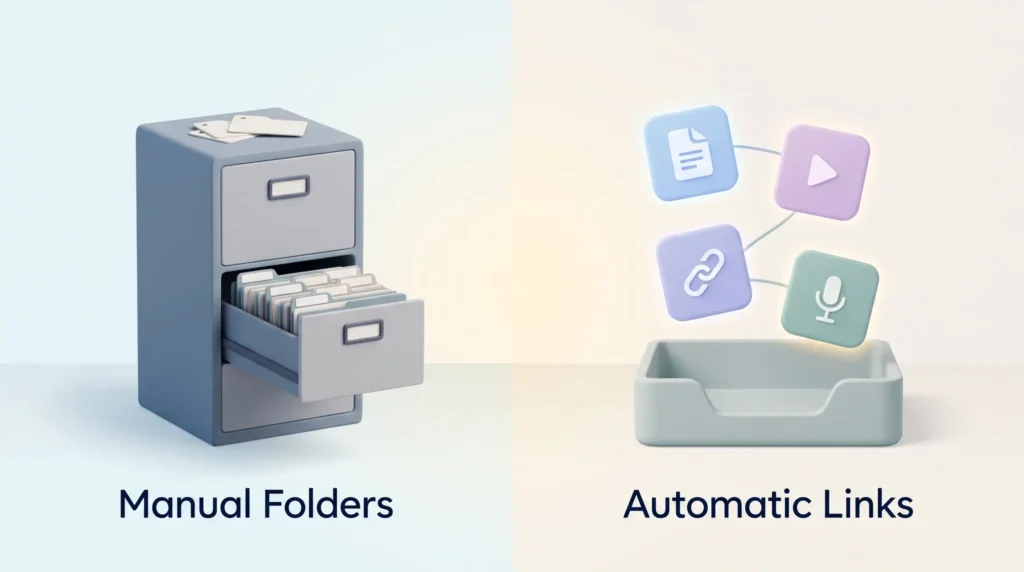
The idea behind it is the second brain framework: an external system that stores what you learn so your own memory does not have to. Classic second-brain setups depend on discipline. You decide on folders, tags and naming rules, and then you stick to them. Fabric removes most of that work. The company markets this as “death to organizing”.
In practice, you drop in a PDF, a YouTube link, a screenshot or a quick note. Fabric reads the content, adds it to a searchable index and links it to related items. Weeks later, you can type “the pricing slide from the agency pitch” and get the right file back, even if you never named it that way.
That approach suits people who capture a lot but rarely tidy up. If your current digital note-taking system is a mix of bookmarks, downloads and half-finished notes, Fabric is built for exactly that problem.
Fabric.so vs. “fabric” by Daniel Miessler: Two Different Tools
Before going further, one common mix-up needs clearing up. There is a popular open-source project on GitHub called fabric, created by security researcher Daniel Miessler. It is a command-line tool that runs reusable AI prompts, called Patterns, for jobs like summarizing an article or extracting key points from a video transcript.
That project has nothing to do with Fabric.so. It has no visual workspace, no mobile app and no shared spaces. It is aimed at developers who are comfortable in a terminal.
Several reviews online, including earlier versions of this one, blended features of both products. This review covers only Fabric.so, the consumer and team workspace.
Key Features of Fabric in 2026
Fabric’s feature set has grown well beyond simple bookmarking. Here is what the app offers today, grouped by the job it does for you.
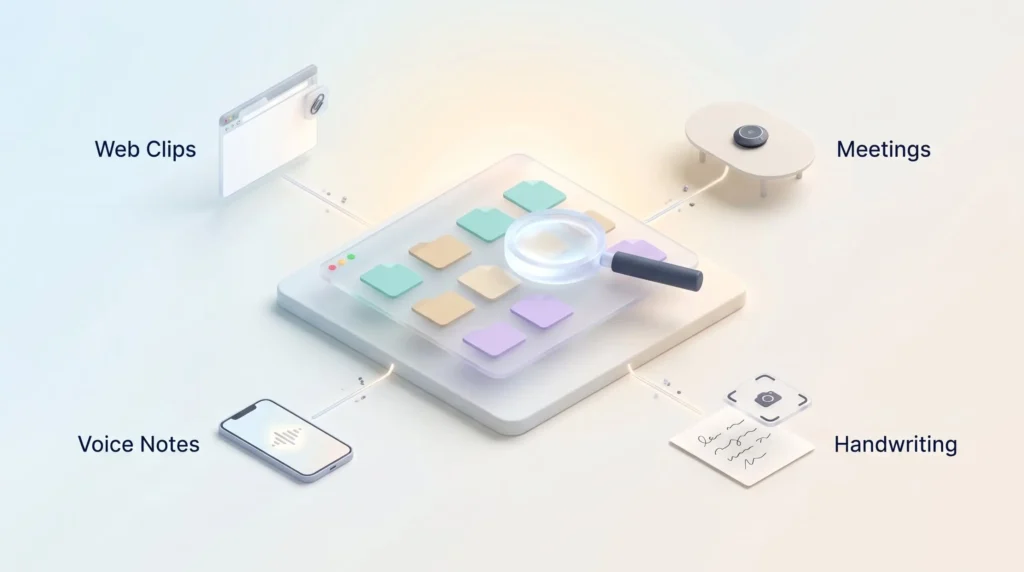
Universal capture
You can save articles, PDFs, images, videos, audio files, documents, slides, spreadsheets, e-books and links. The Chrome extension clips a page in one click, and the mobile apps accept shares from other apps. A quick-capture hotkey on desktop opens a blank note without switching windows.
This matters because friction kills capture habits. The easier it is to get ideas out of your head and into a trusted system, the more likely you are to actually do it. One limitation: the extension saves one tab at a time, which gets tedious if you are closing a pile of research tabs. If that is a daily pain point, our guide to taming browser tab overload helps on the habit side.
AI search and the built-in assistant
Fabric uses semantic search, meaning it matches the meaning of your query rather than exact keywords. According to Fabric, search also looks inside documents and videos and can find images by what they show or by color.
The built-in AI assistant answers questions based on your own library. You might ask “What did the client say about the launch date?” and get an answer with references to the saved files it drew on. Fabric states that the assistant is included in every plan, including the free one.
A fair caution: AI answers are only as good as what you saved, and several reviewers found responses inconsistent in 2025. Treat answers as a starting point and open the cited source before you rely on it.
Meetings, voice notes and handwriting
The mobile app records voice notes and transcribes them, so spoken ideas become searchable text. A meeting recorder creates transcripts and pulls out action items. A handwriting scanner turns photos of paper notes into digital text.
These features overlap with dedicated tools. If meetings are your main use case, compare them with a proper AI meeting notes workflow. For voice memos, the principles in our article on turning voice memos into usable notes apply to Fabric as well.
Collaboration and shared spaces
Fabric organizes content into “spaces” instead of rigid folders. You can share a space with colleagues, edit documents together in real time, and add comments or annotations directly on a PDF, image or web page. That keeps feedback attached to the material instead of scattered across email threads.
For small teams, this can work as a lightweight shared library for research, creative references and project decisions. Larger organizations will want to check admin controls and permissions first, and think about the broader question of keeping organizational knowledge findable in remote teams.
Integrations, agents and MCP
Fabric connects with Gmail, Slack, Google Drive and Dropbox, according to its app store listing, so search can reach content that lives outside the app. It also offers a canvas view, a visual whiteboard for arranging notes and files side by side.
Newer additions point toward automation. Fabric lists AI agents for recurring tasks, such as summarizing calls or sending reports. It also supports MCP (Model Context Protocol), an open standard that lets outside AI assistants read from your Fabric library. In plain terms: a compatible chatbot could answer questions using your saved notes.
These features are newer and less proven than the core capture and search tools. If you are curious about the bigger trend, see our overview of AI agents in business.
Fabric Pricing and Limits in 2026
Pricing is where Fabric is hardest to pin down. Plan names and prices differ between sources, and Fabric’s own pricing page could not be checked directly for this review. The table below reflects what independent and official sources reported in August and September 2026.
| Plan | Reported price | What you get |
|---|---|---|
| Free | $0 | 250 MB storage, up to 1,000 items, AI assistant included |
| Entry paid plan (Basic or Plus) | About $5 per month, or $60 per year | Higher storage and item limits |
| Pro | About $150 per year | More storage and AI usage |
| Max | About $390 per year | Highest limits for heavy users |
Sources: Fabric’s comparison page mentions a “generous free plan” and a “$5/mo Plus tier”. The Saner.ai Fabric review (updated September 2026) lists the free limits and the annual prices for Basic, Pro and Max. Monthly billing costs more than the annual rate.
Two points deserve attention before you pay:
- Refunds: Saner reports that Fabric does not offer refunds. Test the free plan thoroughly first.
- Storage fills fast: 250 MB is enough for notes and links, but a handful of recorded meetings or video files will use it up quickly.
If you already pay for several overlapping apps, adding another subscription may not be the answer. Our piece on work tech overload explains how to decide which tools to keep.
Usability: What Users Like and Dislike
The Fabric app holds a 4.5-star average on Google Play with more than 100,000 downloads, as of September 2026. The written reviews, however, show a clear split.
What people like:
- A clean, visual interface that feels calmer than most productivity apps.
- A fast browser extension, praised especially by former Evernote users.
- A side panel that shows similar saved items next to whatever you are viewing.
- Responsive founders on Discord who take feature requests seriously.
What people dislike:
- Creating a note on mobile takes several taps, which slows quick capture.
- Navigation that some compare to a file manager rather than a notes app.
- Small mobile text with no option to change the font size, according to one reviewer.
- Only light and dark themes, with requests for more options.
None of these are deal-breakers alone. Together, they suggest the app is still maturing on mobile.
Reliability and Support
Reliability is the most frequent complaint. Mobile users have reported lag, uploads that never finish, endless loading icons and video files that will not play. One user saw a “no internet” message despite a strong connection. In one developer reply, Fabric attributed upload failures to an unexpected surge in regional demand.
Support is another weak spot. Saner describes support as mainly running through Discord. The Google Play listing gives as the contact address. One subscriber on an annual plan complained that paying for a year should include direct, fast help.
Troubleshooting follows the usual steps. Update the app, restart it, check the connection, and try the web version if mobile fails. If a problem persists, email support with screenshots.
Security and Privacy
Because Fabric’s AI reads everything you save, privacy deserves a careful look. Fabric states that it uses AES-256 encryption, a strong and widely used encryption standard. It also cites a CASA Tier 2 assessment. CASA (Cloud Application Security Assessment) is a security review framework that Google requires for apps accessing sensitive Gmail or Drive data.
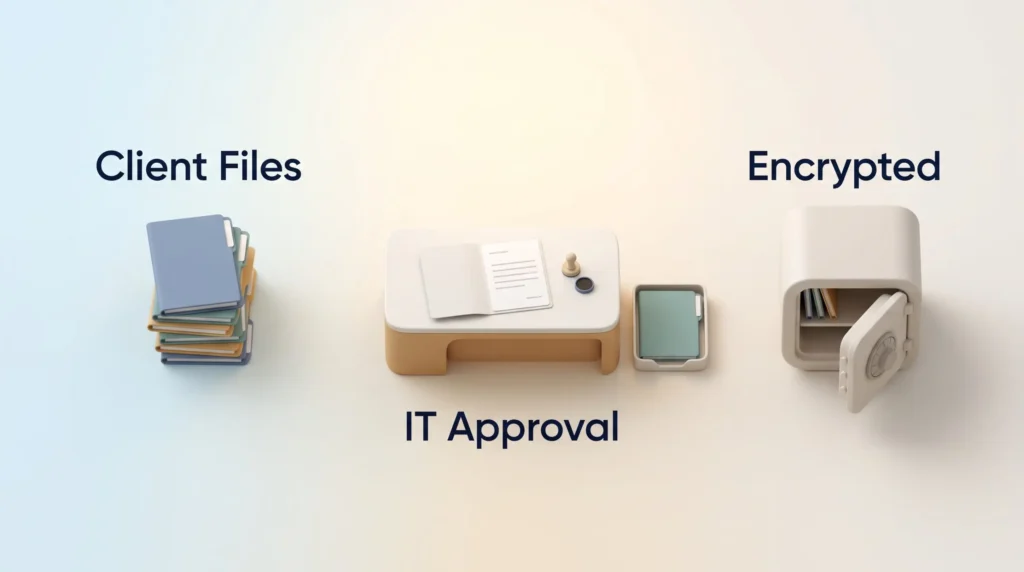
The Google Play data safety section says data is encrypted in transit, users can request deletion, and no data is shared with third parties. Saner notes that there is limited public information about the company and its data practices.
Practical advice: read the current privacy policy before uploading client files, contracts or personal documents. If you work in a company, check whether Fabric is approved by IT. Putting work data into unapproved tools is a classic case of shadow AI at work.
Fabric vs. Notion, Obsidian and Evernote
Fabric competes with established note and knowledge apps, but its philosophy is different. The main question is how much structure you want to build yourself.
- Notion is a flexible workspace of pages and databases. It is excellent for structured projects and team wikis but requires setup. See how it stacks up in Monday.com vs Notion and Airtable vs Notion, or read Notion AI vs Coda for its AI features.
- Obsidian stores notes as plain Markdown files on your own device. You get full control, strong linking and offline access, but little automatic organizing. It suits people who enjoy building their system.
- Evernote has a long history of web clipping and document scanning. Our comparisons of Evernote vs OneNote and Evernote vs Google Keep cover its current plans.
Fabric’s edge is automatic connection and media-heavy capture. Its weakness is maturity: stability, support and transparent pricing still trail the established players. For a wider view, browse our list of top productivity apps.
Who Should Use Fabric?
Fabric is a good fit if you:
- Save a lot of mixed content (articles, PDFs, videos, voice notes) and rarely organize it.
- Prefer searching over filing.
- Work alone or in a small team that needs a shared research library.
Look elsewhere if you:
- Need rock-solid mobile performance every day.
- Want local files you fully control, or work offline often.
- Handle sensitive client data under strict compliance rules.
Also be honest about your habits. A new app will not fix a capture routine you never review. Our guide for the knowledge worker dealing with information overload and the warning about spending more time organizing than doing are useful reality checks.
Verdict
Fabric is one of the more ambitious second-brain apps in 2026. Its strengths are real: fast capture of almost any file type, AI search that finds things by meaning, and an assistant that answers from your own library. For people drowning in scattered bookmarks and downloads, that can save real time.
The trade-offs are just as real. Mobile reliability is uneven, support mostly runs through Discord, pricing information is inconsistent, and refunds are reportedly not offered. Start on the free plan, save a few weeks of real work, and only upgrade if search and stability hold up for you.
Found this useful?
Make SmartKeys a preferred source on Google, and our articles will surface more often in your Top Stories, AI Overviews, and AI Mode.
Add as Preferred SourceFAQ
What is Fabric.so used for?
Fabric.so is used as a “second brain”: a single place to save notes, files, links, voice memos and meeting recordings, then find them again with AI search. Instead of sorting everything into folders, you save content and Fabric indexes it and links related items. You can later ask the built-in assistant questions about your saved material, such as what a client said in a recorded call. It works for individuals collecting research and for small teams sharing a library through shared spaces.
Is Fabric free to use?
Yes, Fabric has a free plan, but it is limited. Independent reviews in 2026 report 250 MB of storage and up to 1,000 saved items. Fabric states that the AI assistant is included on every plan, including the free one. Paid plans start at roughly $5 per month on annual billing, with Pro and Max tiers for heavier use. Because refunds are reportedly not offered, test the free plan with real work before upgrading.
Is Fabric.so the same as Daniel Miessler’s fabric?
No. They are two unrelated products that share a name. Fabric.so is a visual workspace with web, desktop and mobile apps for saving and searching your content. Daniel Miessler’s fabric is an open-source command-line tool on GitHub that runs reusable AI prompts, called Patterns, for tasks like summarizing text. The open-source tool targets developers who work in a terminal and has no shared spaces or mobile app. Many online reviews confuse the two, so check which one a source is describing.
Is my data safe in Fabric?
Fabric states that it uses AES-256 encryption and has passed a CASA Tier 2 security assessment, a review framework Google uses for apps that access Gmail or Drive data. Its Google Play listing says data is encrypted in transit, deletion can be requested and nothing is shared with third parties. Still, the AI reads everything you upload, and public information about the company’s data practices is limited. Read the current privacy policy first and avoid uploading highly sensitive client files without approval from your employer.
Can Fabric replace Notion or Obsidian?
It depends on how you work. Fabric can replace Notion or Obsidian for people who mainly collect material and want to find it again by searching. It is weaker for structured work: Notion is better for databases, project tracking and team wikis, and Obsidian is better if you want local Markdown files, offline access and full control over links. Many users keep Fabric as a capture and research library alongside a structured tool for planning and writing.
How do I get support if Fabric is not working?
Start with the basics: update the app, restart it, check your connection and try the web version if the mobile app fails. If the problem continues, contact the team. The Google Play listing gives as the support address, and the founders are active on Fabric’s Discord server, which independent reviewers describe as the main support channel. Include screenshots and your device details, since reported issues often involve failed uploads or video playback on mobile.
Does Fabric work with other apps and AI tools?
Yes. According to its app listing, Fabric connects with Gmail, Slack, Google Drive and Dropbox, so search can include content stored there. You can also import documents from Notion. Fabric supports MCP (Model Context Protocol), an open standard that lets compatible AI assistants read from your Fabric library. The Chrome extension handles web capture. Agent and MCP features are newer than the core app, so test them on non-critical tasks first.





