

Pricing, credits, security, and support are all covered below, including the 14-day free trial and the custom plan for teams that need tighter compliance and higher limits.
Start Your 14-Day Free TrialKey Takeaways
- Cassidy pairs no-code AI agents with a shared knowledge base, so answers draw on your own files rather than generic web text.
- The workflow builder turns multi-step processes such as research, draft, and review into one background job.
- Starter includes 3 seats and 10,000 monthly AI credits; Business pricing is quote-only.
- Compliance coverage is broad: SOC 2 Type II, GDPR, HIPAA, and CASA.
- The weak spots are credit budgeting, Chrome-only tooling, and output quality that tracks your document hygiene.
- For category context, see our overview of AI assistants.
Cassidy is a platform for building AI agents, meaning software helpers that read your company documents and then handle routine work such as research, drafting, and ticket triage. This review covers what it does well in 2026, what it costs, and where it stops.
What Cassidy AI Is and Who It Is For
Most AI tools answer from public training data. Cassidy is built for the opposite job: answering from your data. You connect the systems where your files already live, and that material becomes the context behind every reply and every automated workflow.
A plain-English definition
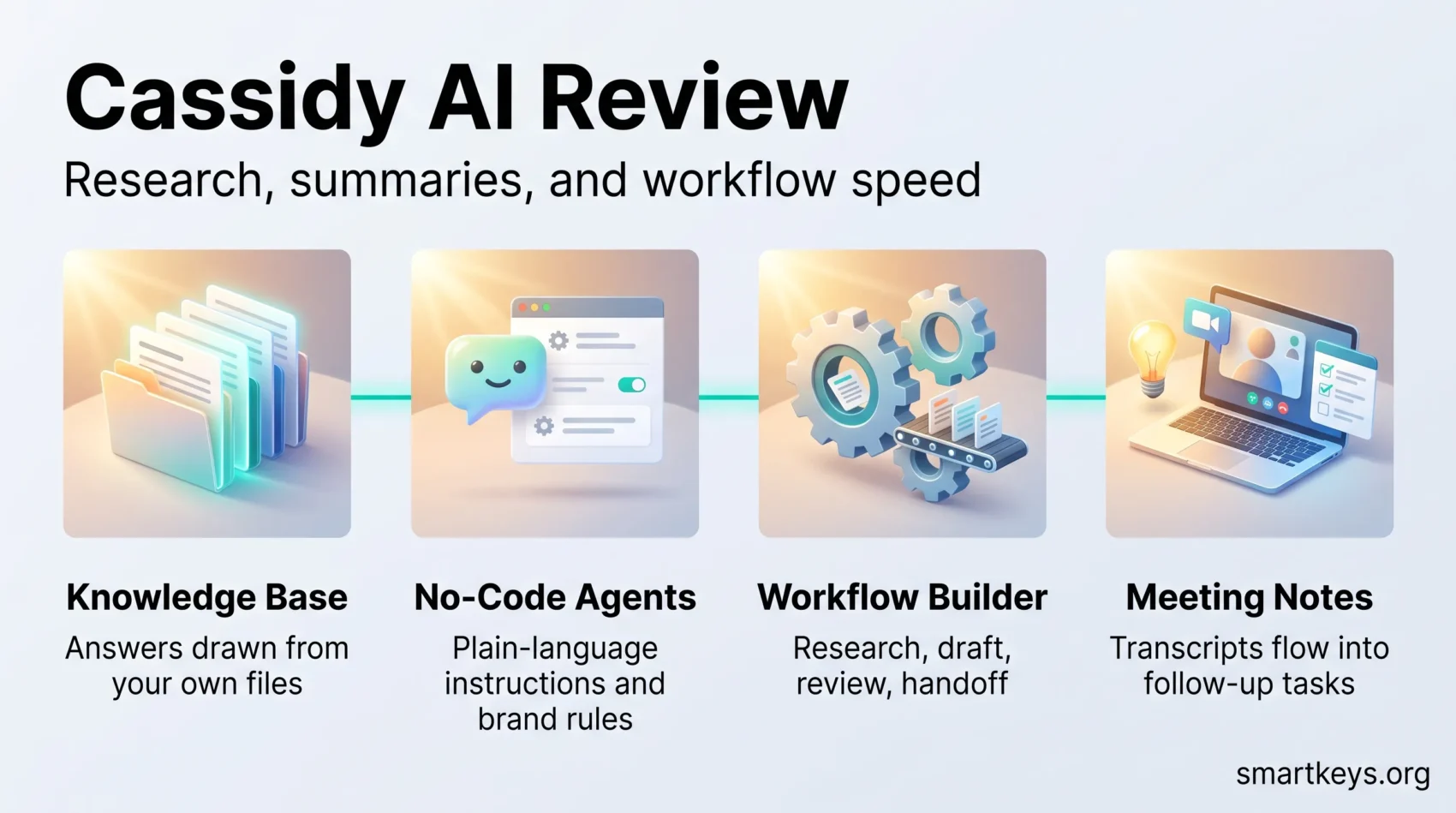
Cassidy has four parts. The knowledge base holds your connected documents. Agents are chat assistants you configure with instructions and brand rules. Workflows are step-by-step automations that run in the background. Meetings is a notetaker that joins calls and hands transcripts to your agents.
Why that combination matters: a generic chatbot can draft a support reply, but it does not know your refund policy. An agent grounded in your knowledge base does. Our guide to AI agent workflows explains how these pieces usually fit together.
Which teams get the most out of it
Marketing and sales: content stays on brand because the agent reads your style guide, and reps get research and outreach drafts, much as an enrichment tool like Lusha feeds contact data into a pipeline.
Customer support: agents categorize tickets, attach the right policy, and hold a consistent tone. This sits alongside a helpdesk such as Zendesk rather than replacing it.
Operations: recurring market scans, competitor checks, and data cleanup run on a schedule instead of landing on someone’s Monday to-do list.
Quick fit check: Cassidy suits document-heavy teams with messy but repeatable processes. If your work is mostly ad hoc, there is little for a workflow to automate yet.
See Cassidy AI in Your WorkflowCassidy AI Review: Features and Customization
The knowledge base that gives agents context
The knowledge base matters most, and buyers usually underrate it. Cassidy connects to file stores and business apps, indexes what it finds, and respects the permissions already set in the source system. A sales rep’s agent should not surface an HR document they cannot open in Google Workspace anyway.
Quality here is a direct function of your filing discipline. Three conflicting versions of a price sheet produce three conflicting answers. Teams that have already tackled modern knowledge management get results faster.
Agents you can build without code
You create an agent by writing plain-language instructions, attaching the sources it may read, and setting rules for tone and format. No engineering ticket needed. The trade-off is familiar: reaching 80 percent takes an afternoon, and closing the last 20 percent takes iteration.
Model choice across many providers
Cassidy states it offers access to more than 35 frontier language models from providers including OpenAI, Anthropic, and Google, with automatic model selection per task (source: cassidyai.com). That reduces vendor lock-in and lets you trade accuracy against cost.
The catch: model choice drives spending. If several people pick models freely, you need a light internal policy, the kind covered in our piece on LLM operations strategy.
Workflow builder for background automation
The workflow builder chains actions into one process: research, draft, review, handoff. You set the trigger, the steps, and the guardrails that decide when a human signs off. It is narrower than a general automation platform. If your need is mainly moving records between systems, a tool from our Workato and Zapier comparison fits better.
Meetings, the Chrome extension, and integrations
Meetings joins calls, transcribes them, and makes transcripts available to agents, so action items flow into follow-up tasks. It overlaps heavily with a dedicated AI meeting notes workflow, worth checking before you pay twice.
The Chrome extension puts an assistant on any web page, which speeds LinkedIn research and inbox triage. It is useful and limiting in equal measure: standardize on another browser and that convenience disappears.
Cassidy lists more than 100 integrations, including Slack, Microsoft Teams, SharePoint, Google Drive, and Salesforce, plus webhooks and an API (source: cassidyai.com). Deep two-way syncing still calls for the iPaaS approach.
Explore Cassidy AI Features“Ground agents in clean, current documents, monitor performance across models, and iterate on instructions instead of expecting a perfect first run.”
Pricing, Credits, Security, and Support
Plans and the free trial
Cassidy’s pricing page lists a Starter plan with 3 seats, 10,000 AI credits per month, and 30,000 pages of storage, on a 14-day free trial. Above it sits a Business plan with custom seats, credits, and storage plus premium onboarding. Cassidy does not publish a per-seat Business price, so that tier needs a sales conversation (source: cassidyai.com/pricing).
One difference is easy to miss: on Starter, knowledge sources sync every 24 hours, while enterprise agreements include real-time syncing.
How credits are consumed
Credits are the real cost driver and they are not intuitive. Cassidy’s documentation puts an agent chat at roughly 1 to 30 credits and a workflow run at 1 to 100, depending on complexity. Premium models such as Claude 4 Opus consume around five times the credits of standard-tier models. Actions that need no AI, such as scraping a page or running a search, are free, and unused credits do not roll over (source: cassidyai.com).
Practical advice: run your highest-volume processes during the trial and extrapolate from real numbers.
Security and compliance
Security is the strongest part of the pitch. Cassidy states SOC 2 Type II, GDPR, HIPAA, and CASA coverage, with SSO, advanced permission controls, retention policies, and audit logs on higher tiers (source: cassidyai.com).
That clears the bar for most mid-market buyers, but European teams should still review their obligations under the EU AI Act and settle internal rules on data privacy at work before connecting a shared drive.
Onboarding and support
All plans include documentation, tutorials, and role-based training; Business agreements add white-glove onboarding, a success manager, and solution engineering. A small team gets a first agent live in days. A rollout touching regulated data takes weeks, mostly because of access reviews rather than the software.
- Use the trial on one painful process, not five easy ones.
- Log actual credit use per run before sizing a plan.
- Check whether 24-hour knowledge syncing is fast enough.
- Agree who may create agents and connect data sources.
Performance in Real Workflows
Content operations: from brief to published page
A typical content process starts with an audit. You pull underperforming URLs from Google Search Console, hand them to a workflow, and let it gather competing pages and flag missing subtopics. The output is a brief mapping keywords, intent, and audience. The workflow then drafts an outline, suggests meta descriptions and FAQ entries, and routes the result for review.
Keep that review step. Ranking now depends on accuracy and citation as much as structure, which is the argument behind generative engine optimization. For ranking data you still need a tool such as Semrush.
Sales and support: qualification and ticket triage
The same mechanics apply to revenue work. A workflow researches an inbound lead, scores it against your criteria, and drafts an opening message a rep can edit in a minute. On the support side, agents categorize tickets and draft first replies. If you only need a chatbot trained on public documentation, a focused tool like Chatbase costs less.
Where Cassidy falls short
Three honest limits. Credit budgeting stays opaque until you have run real volume. The browser extension only helps Chrome users. Most importantly, agents inherit the quality of your files: outdated documents produce confident, outdated answers, and no amount of prompting fixes that.

Conclusion
Cassidy fits document-heavy teams that want AI grounded in their own material without hiring engineers. The knowledge base, no-code agent setup, and workflow builder are the parts that earn their keep. If your priority is sales prospecting specifically, compare it with a data-first option in our Clay review first.
Start small. Pick one repeatable process, connect only the sources it needs, and measure output quality against how the work is done today. During the trial, log three numbers: minutes saved per run, how often a human corrected the output, and credits consumed. Those decide whether the paid tier makes sense.
Start Your 14-Day Free TrialFound this useful?
Make SmartKeys a preferred source on Google, and our articles will surface more often in your Top Stories, AI Overviews, and AI Mode.
Add as Preferred Source




