

Remote work stopped being an experiment some time ago, and the room you work in is now part of the job. About 25% of all paid days in the United States were work-from-home days in May 2026, according to the Survey of Working Arrangements and Attitudes run by WFH Research. Gallup, surveying remote-capable US employees in May 2025, found 52% working hybrid and a further 28% fully remote. For most knowledge workers the home desk is now a permanent second office, and it deserves the thought an employer would put into a real one.
This guide shows how to set up a home office for remote work, step by step: where to put it, what to sit on, how to light it, how to keep it tidy, and which routines hold the working day together when there is no commute to start and end it. Our guide to staying effective in a hybrid setup pairs well with what follows.
Key Insights
- Roughly a quarter of paid US workdays now happen at home, so the setup is worth real investment (WFH Research, May 2026).
- Screen placement has concrete numbers behind it: OSHA puts the top of the monitor at or slightly below eye level and the screen 20 to 40 inches away.
- A controlled crossover study in Building and Environment found that daylight and a window view improved cognitive performance and satisfaction while reducing eyestrain.
- Storage and digital filing matter more than furniture brands. The aim is that nothing on the desk competes for your attention.
- Boundaries, not gadgets, are what stop a home office from swallowing your evenings.
Choosing the Right Location for Your Home Office
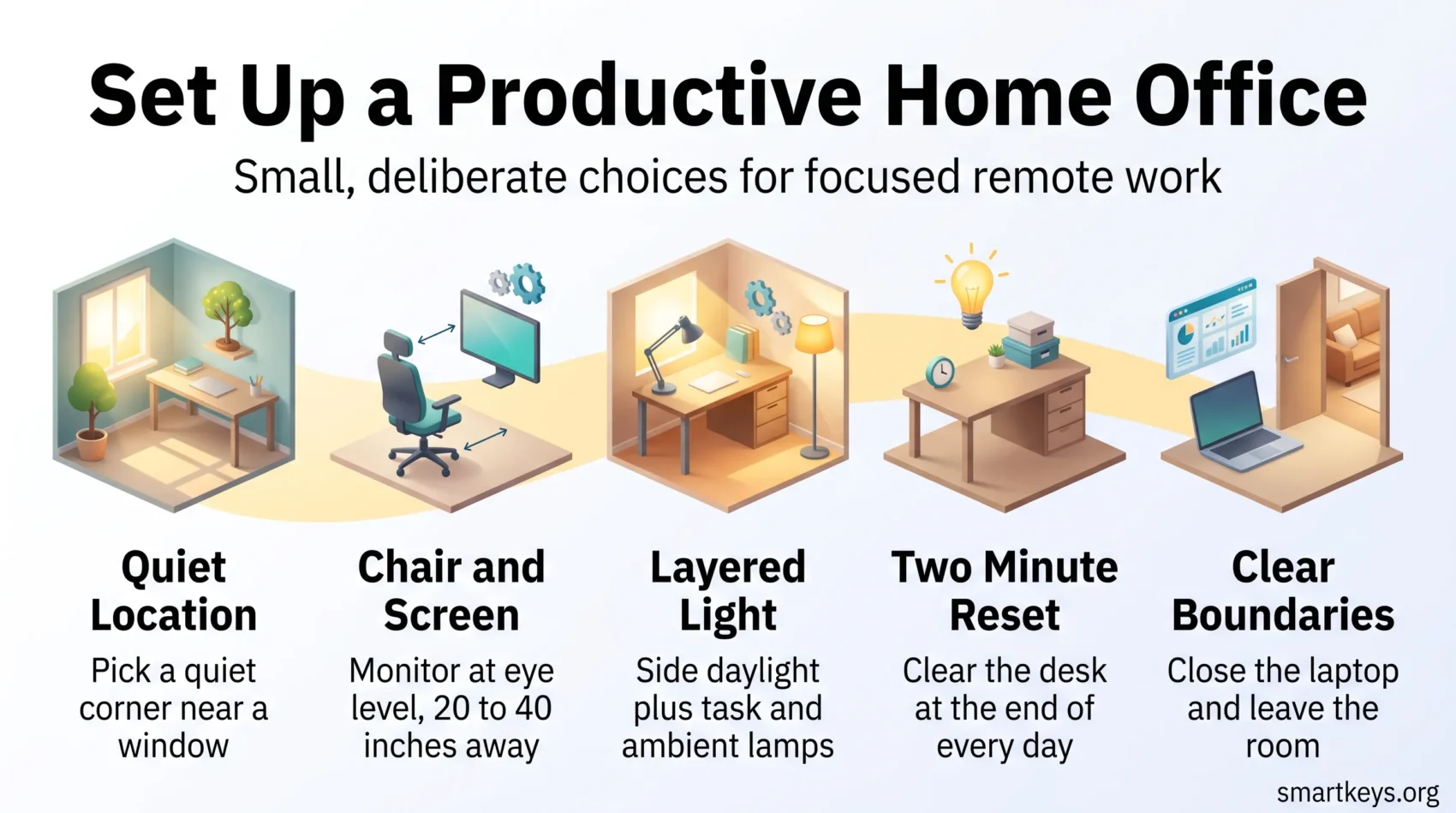
Finding the right spot matters more than almost anything you buy afterwards. Opt for a quiet, low-traffic area: a spare room, a hallway alcove, or a corner nobody walks through on the way to the kitchen. A dedicated location helps you separate work from home life mentally, and that is the part most people underestimate.
When picking your home office spot, weigh these factors:
- Light exposure: A position near a window gives you daylight and a view, both of which the research below links to lower eyestrain.
- Noise levels: A quieter area cuts interruptions, and the fewer you have to fight, the less you need to spend on headphones.
- Comfort: Check ventilation and temperature. A stuffy box room drains focus faster than any notification.
- Power and network: Count the sockets and test the signal before you commit. Retrofitting cabling to a pretty corner is a miserable job.
If your home simply has no workable corner, that is worth naming rather than working around. A day or two a week in a coworking space often solves what furniture cannot. For everyone else, the general principles of workspace optimization apply at home too, from layout and plants to temperature and clutter.
Essential Furniture for a Productive Workspace
Two pieces of furniture carry most of the weight: the chair you sit in for six hours and the surface your screen sits on. Everything else is optional.
Selecting an Ergonomic Chair
A good chair supports your lower back, lets you set the seat height so your feet rest flat, and keeps your forearms roughly level with the desk. Look for adjustable lumbar support, adjustable armrests, and a breathable back. Buy it in person if you can: fit depends on your body rather than the spec sheet.
The chair only works alongside sensible screen placement. OSHA recommends the top of the monitor at or slightly below eye level, the center of the screen 15 to 20 degrees below horizontal eye level, and a viewing distance of 20 to 40 inches (50 to 100 cm). A stack of books under a laptop plus an external keyboard achieves this for nothing. Our piece on ergonomics and work efficiency covers the rest of the setup.
Finding the Right Desk Size and Style
Size beats style here. Measure the footprint of everything you use daily, add room for a notebook and a mug, and buy the next size up. A sit-stand desk is worth considering if you already know you get restless, though a fixed desk plus regular movement does much the same job. Depth matters as much as width: you need enough to push the screen back to a comfortable viewing distance.
Incorporating Multi-Functional Furniture
In small homes, pieces that do two jobs earn their space. Storage ottomans, folding desks, and a shallow credenza behind the chair hide clutter without eating floor area. If a piece of furniture only works when the room is already tidy, it is the wrong piece.
Lighting Solutions to Enhance Home Office Productivity
Lighting is the cheapest upgrade with the most noticeable effect, and the one most home offices get wrong. Ceiling light alone leaves your screen glaring and your desk in shadow.
Natural Light: The Best Option
Put the desk near a window, ideally side-on rather than facing it or backing onto it, so the daylight lands on your desk instead of your screen. A controlled crossover study published in Building and Environment found that office workers with access to daylight and a window view performed better on cognitive tests, reported greater satisfaction, and experienced less eyestrain than those in a comparable space without them. If your only option is a windowless room, choose daylight-temperature bulbs and accept that you will need to leave the room more often.
Implementing Task and Ambient Lighting
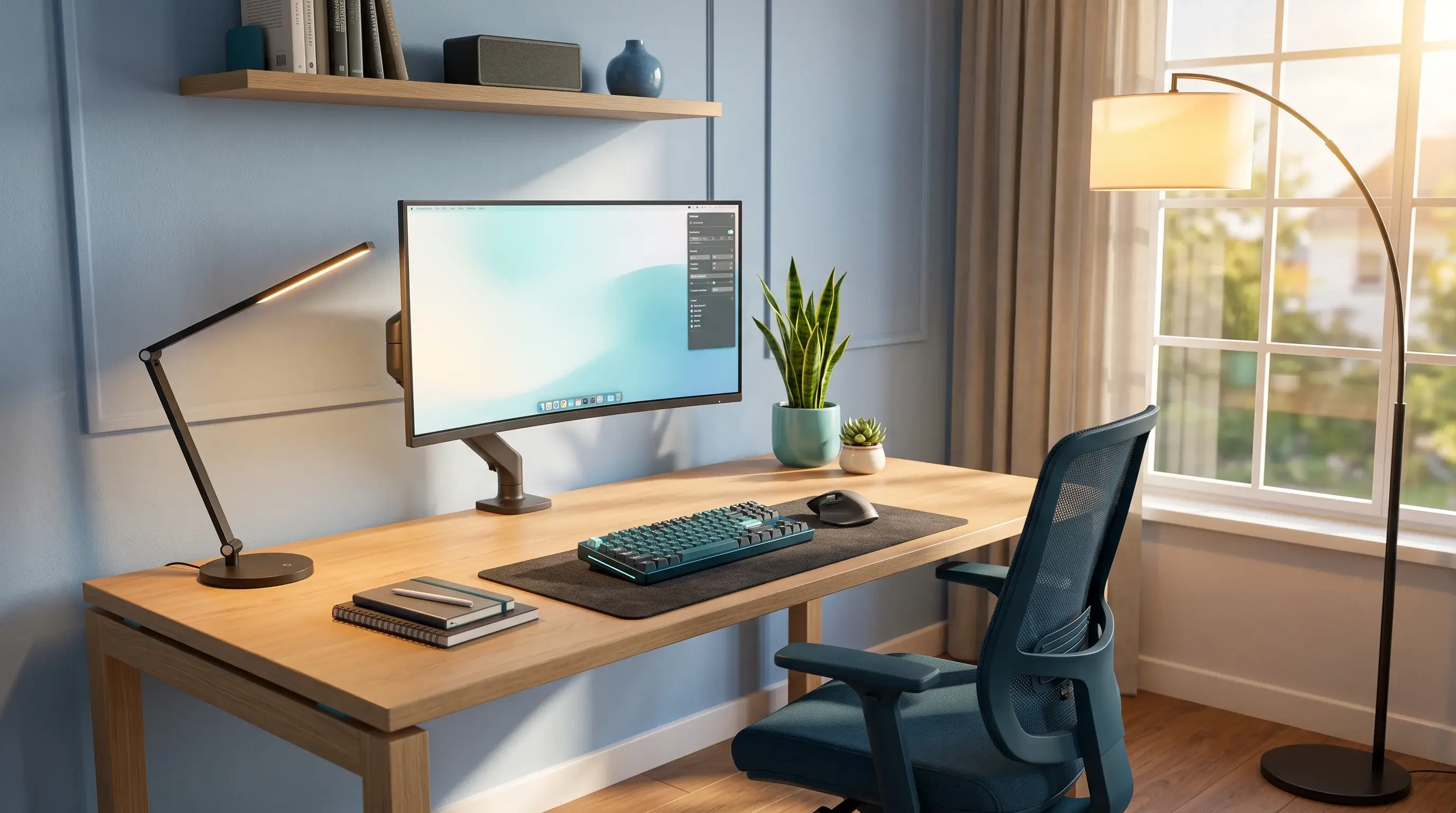
Layer the light. A task lamp puts brightness exactly where you read and write, while ambient light from a floor lamp or wall fitting lifts the rest of the room so your eyes are not constantly adjusting between a bright screen and a dark wall. Position the task lamp on the opposite side to your writing hand to avoid casting a shadow across the page. Our guide to workspace lighting for better focus works through the specifics.
Utilizing Circadian Lighting Effects
Tunable bulbs shift color temperature across the day: cooler and brighter in the morning, warmer and dimmer towards evening. Light exposure influences the body clock, and evening blue light is associated with delayed sleep onset. Treat it as a comfort improvement rather than a performance hack: warmer light after dinner, and a hard stop on overhead white light late at night.
Home Office Organization Techniques
A tidy desk is a maintenance routine, not a personality trait. The point is not aesthetics but reducing the number of things asking for your attention while you work.
Clearing Clutter for a Focused Mindset
Start with a single clear-out, then keep it with a two-minute reset at the end of each day:
- Sort papers once, into act on, file, or bin. Nothing goes back into a vague pile.
- Give supplies a designated drawer or bin so putting them away takes no decision.
- Keep only what you use daily on the desk surface. Everything else lives within arm’s reach but out of sight.
Our guide to desk organization has a fuller system if the reset keeps slipping.
Using Storage Solutions Effectively
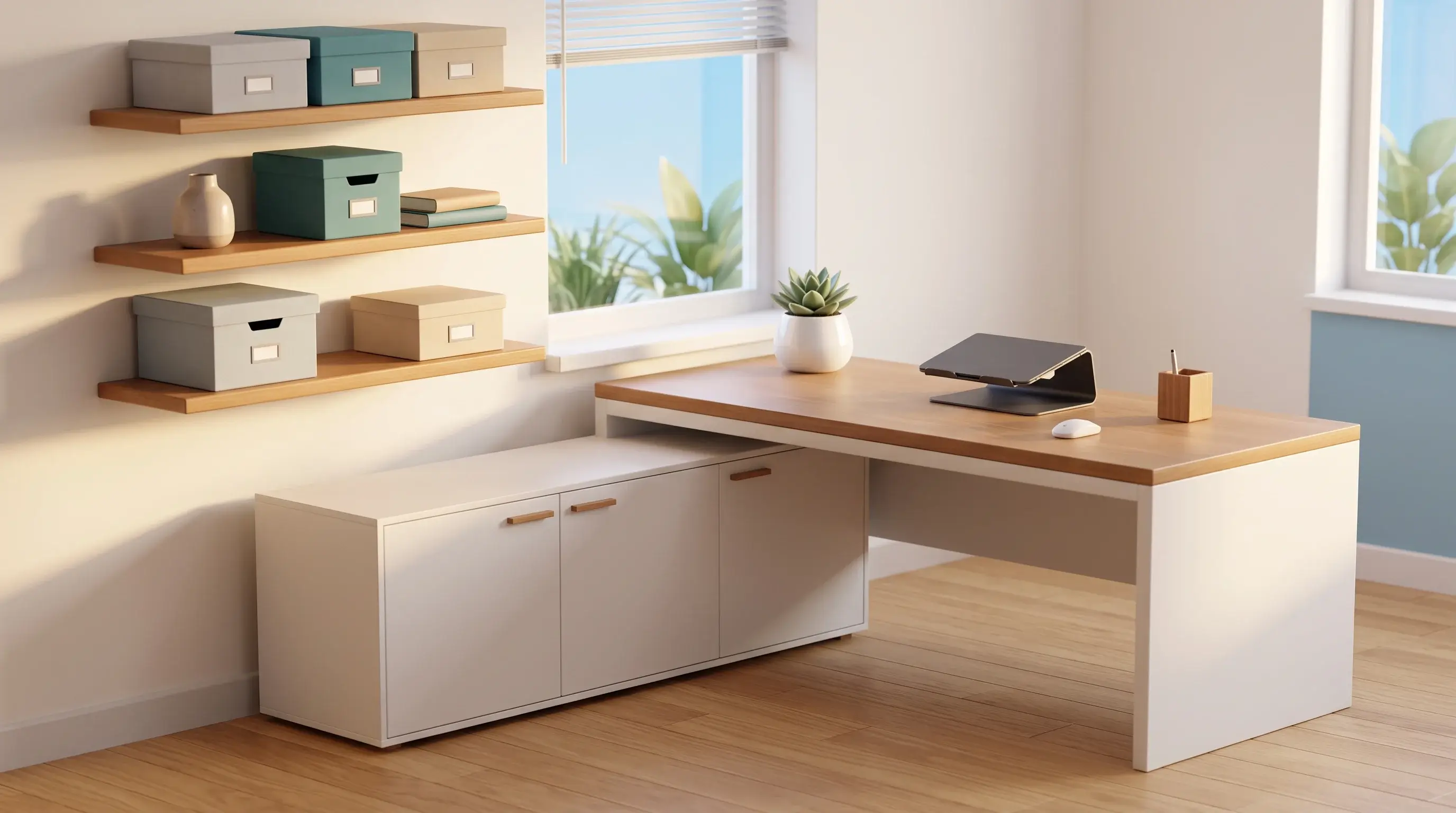
Storage should follow the shape of the room, not a catalogue:
- L-shaped desks turn an awkward corner into two usable work zones, one for the screen and one for paper.
- Wall-mounted shelves free the desk surface and keep reference material at eye height.
- Credenza desks suit compact rooms, combining a work surface with closed storage so the clutter disappears at five o’clock.
Digital Organization Strategies
The digital desk gets messy faster than the physical one and is easier to ignore:
- Back up automatically rather than manually, so it happens whether or not you remember.
- Create folders by project, not by file type, and name files so the search bar can find them.
- Book a short monthly review to archive finished work and delete the rest.
- Keep notes in one place. Our guide to digital note-taking covers how to make them findable later.
Tech and Connectivity for a Remote Home Office
For remote work, the room only works if the connection and the call setup do. Spend here before you spend on apps.
Connection, Audio and Camera
Test your internet where the desk will actually stand, not next to the router. If the signal drops on video calls, a network cable or a mesh access point near the desk usually fixes it for less than the price of a good lamp. A headset with a microphone that does not pick up the room matters more to your colleagues than camera quality. If you use the laptop camera, raise the laptop to eye level and keep your main light source in front of you rather than behind.
Screens and Software
A second screen pays off if you compare documents or keep a call and your notes open at the same time. The guide to setting up dual monitors covers connection and placement. On the software side, keep it lean: one chat and video platform your team agrees on, and one system for tracking work. Our overview of task management covers the common approaches, and website blockers help if the browser is your main distraction at home.
Sound Management in Your Home Office
Noise splits into two problems that need different fixes: constant background sound and sudden interruptions. Many of the tactics in our guide to managing distractions in an open office transfer directly to a shared home.
Using Noise-Cancelling Headphones
Active noise cancellation works well on steady sound: traffic, a washing machine, air conditioning. It does far less for speech and doors, where soft furnishings help more than electronics. A rug, curtains, and a bookcase against a shared wall absorb reflections and take the edge off a room that echoes on calls. Agreed quiet hours beat both.
Personalizing Your Workspace for Motivation
A workspace you like sitting in is easier to return to each morning. This is the part where personal preference genuinely outweighs any general rule.
Adding Decorative Touches
Wall art, photographs, and something that marks work you are proud of make the room feel like yours rather than borrowed. Keep it out of your direct line of sight over the screen, where it becomes visual noise, and put it on the wall you turn to when you look up and think.
Incorporating Plants for Well-Being
Houseplants add color, soften hard surfaces, and give you a reason to stand up and move. Research on indoor greenery and wellbeing is genuinely mixed on the size of the effect, so treat plants as something you enjoy rather than a proven productivity lever. Choose species that tolerate the light your room actually gets, because a dying plant on the desk is not a mood improver.
Establishing Routines to Maximize Productivity
Furniture sets the stage; routine is what you actually do on it. Without the commute, the start and end of the working day have to be created deliberately.
Start with a fixed opening sequence. Writing your top three priorities the evening before means you begin with a decision already made. Give the first block of the day to the work that needs your best attention, before email has had a chance to set the agenda. Our template for a daily routine shows one way to lay this out.
Protect one long, uninterrupted block for demanding work. Ninety minutes is a common choice because it is long enough to get somewhere and short enough to defend. The case for building your week around these blocks is set out in our guide to deep work.
Batch messages instead of monitoring them. Two or three defined slots for email and chat keep the rest of the day intact, and most messages do not need an answer within the hour.
Build in movement. Standing up every hour does more for afternoon energy than another coffee, and movement breaks stick better when tied to something already in the calendar.
Maintaining a Work-Life Balance in a Remote Setup
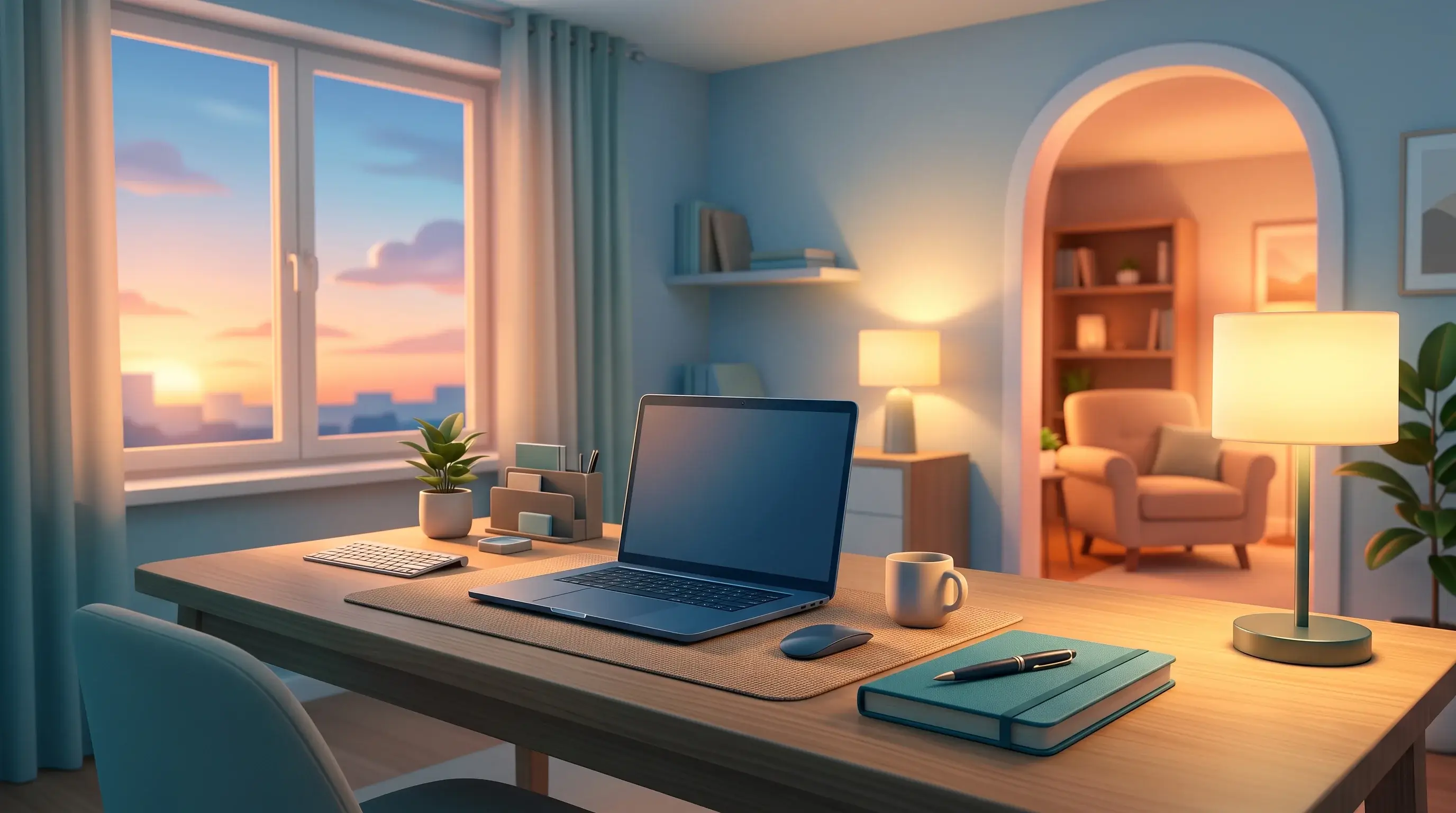
When your office is your home, the boundary has to be constructed rather than inherited. This is the failure mode of home working, and it is the one most likely to end the arrangement badly.
Setting Boundaries with Family and Friends
Say your working hours out loud to the people you live with, and be specific about which interruptions are fine. Vague boundaries get tested constantly, and a closed door or a visible sign works better than repeated reminders.
The other direction matters just as much. Agreeing when you are not reachable is now a legal question in several countries, as our overview of the right to disconnect explains. Even without legislation, an explicit team norm beats an unspoken expectation.
Implementing Scheduled Breaks
Put breaks in the calendar and treat them as real. A lunch away from the desk, a short walk, and a defined end to the day matter most. Closing the laptop and leaving the room gives you the equivalent of a commute in ninety seconds.
If your workspace shares a room with your living space, cover the desk or put the laptop in a drawer at the end of the day. Isolation and blurred boundaries are the two risks that show up repeatedly in research on remote work, which our piece on remote work and mental health looks at in more detail.
Conclusion
A productive home office is mostly a series of small, cheap decisions made deliberately: a location away from foot traffic, a chair that fits you, a screen at the right height and distance, daylight from the side, storage that makes tidying automatic, and a routine that opens and closes the day.
With around a quarter of US paid workdays now happening at home, this is not a temporary arrangement to tolerate. Fix the two or three things that annoy you most, live with the result for two weeks, then fix the next one. That beats a single expensive overhaul. Our guide to remote work productivity covers what to do once the room is sorted.
Found this useful?
Make SmartKeys a preferred source on Google, and our articles will surface more often in your Top Stories, AI Overviews, and AI Mode.
Add as Preferred Source




