

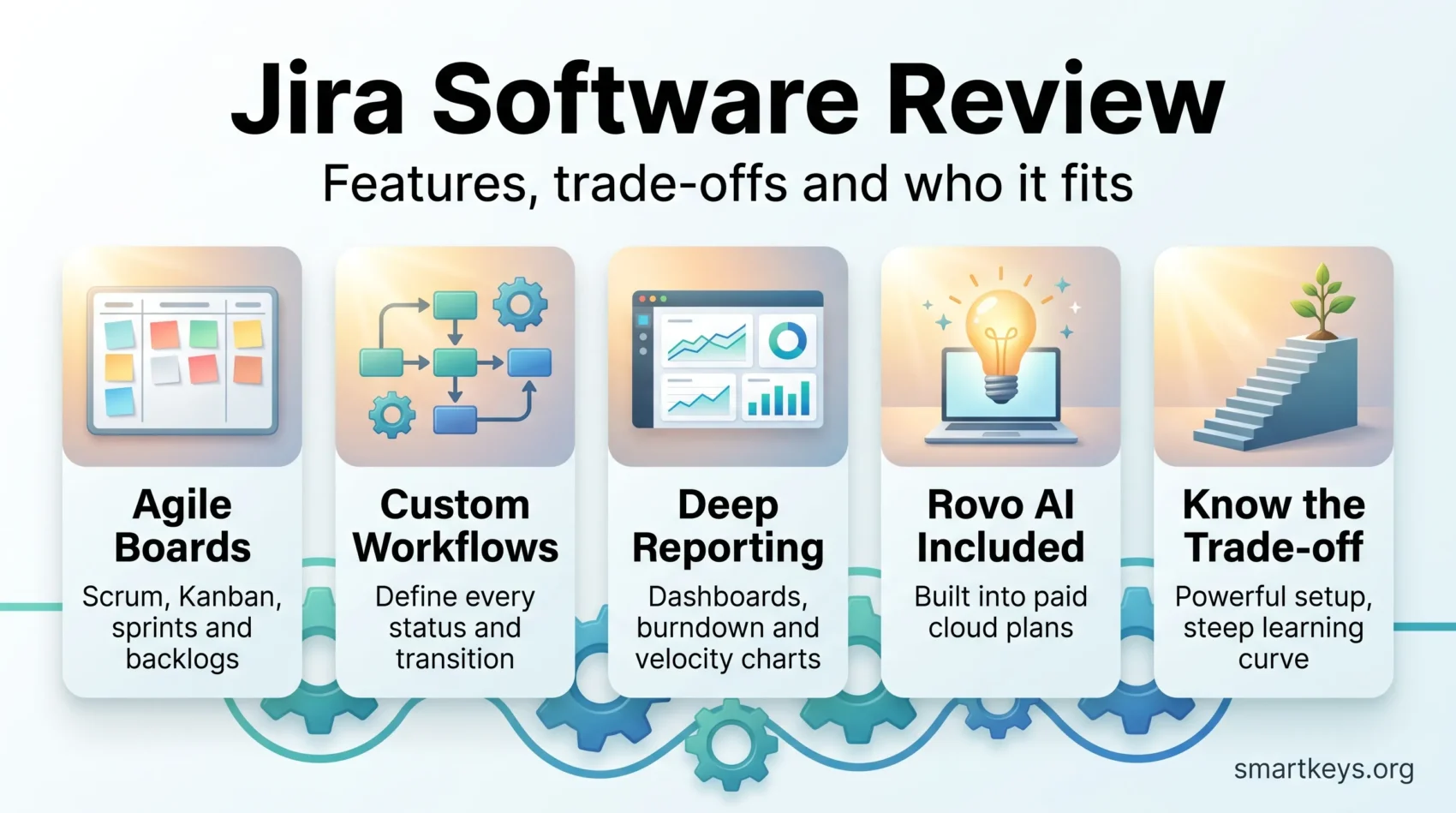
Jira is Atlassian’s project and issue tracker, and in 2026 it is no longer only a developer tool. Since Atlassian merged Jira Software and Jira Work Management into a single product in May 2024, marketing, HR and operations teams work in the same instance as engineering. This Jira Software review covers what the platform costs in 2026, what its AI layer adds, where it still frustrates new users, and which teams are better served by something lighter.
Key Takeaways
- The free plan covers up to 10 users and 2 GB of storage; Standard costs $7.91 and Premium $14.54 per user per month on monthly billing.
- Jira Software and Jira Work Management became one product, simply called Jira, in May 2024.
- Scrum and Kanban boards, sprints, backlogs and customizable workflows remain the core of the tool.
- Rovo, Atlassian’s AI layer, is included with Standard, Premium and Enterprise cloud plans rather than billed separately.
- Configuration depth is Jira’s greatest strength and its largest onboarding cost.
What Jira Is in 2026
Jira is a work tracker built around configurable issues, workflows and boards. Teams use it to plan releases, run sprints, triage bugs and report on progress. Its reach now extends well past software development, though its data model still reflects those roots.
From Bug Tracker to Work Platform
Atlassian shipped the first version of Jira in 2002 as a bug tracking tool. Over two decades it grew into a general work platform supporting Scrum, Kanban and hybrid processes. The most consequential recent change came on 1 May 2024, when Atlassian merged Jira Software and Jira Work Management into one product named Jira, with existing Work Management customers migrated from early 2025.
Why the Merge Matters
Before the merge, business teams were pushed towards a separate, simpler product. Now a marketing team and a platform team can share one instance, one permission model and one reporting layer. That removes a licensing decision that used to trip up growing companies, and it makes Jira a plausible choice for the kind of Scrum and Kanban adoption outside IT that has become common in marketing and HR departments.
Jira Features
Jira’s feature set is broad, and most of it is optional. The tool rewards teams that invest time in configuration and punishes those who expect it to work well out of the box.
Agile Project Management Tools
Scrum and Kanban boards visualize work in progress, while backlogs, sprints and story point estimation support iterative delivery. Boards can be filtered by assignee, label or component, so a large team can carve out its own view without creating a separate project. Roadmaps roll individual work items up into a timeline for stakeholders who do not live inside the board.
Customizable Workflows
Workflows are Jira’s defining feature. You define the statuses a work item moves through, the transitions between them, who may trigger each transition and what must be true before it fires. A support team can require a reproduction step before a bug reaches development; a compliance team can require a second approver before a change closes. This is far more control than most competitors offer, and it is also where over-engineered Jira instances come from.
Issue Tracking and Reporting
Every piece of work is an issue with a type, fields, links and history. Jira Query Language turns that structure into precise filters, which then feed dashboards, burndown charts, velocity reports and cumulative flow diagrams. Automation rules handle routine transitions, assignments and notifications without code. For teams still deciding how to structure their work at all, our guide to effective task management is a better starting point than a blank Jira project.
AI Features with Rovo
Rovo is Atlassian’s AI layer, and it is bundled with paid Jira cloud plans rather than sold as an add-on. Atlassian began switching it on for Premium and Enterprise customers in April 2025 and extended it to Standard later that year. Rovo Chat answers questions about project state, Rovo agents handle repeatable checks such as flagging work items that are not ready for a sprint, and Rovo Dev turns work items into code changes. Administrators can turn AI features off for the whole organization.
Jira Pricing in 2026
Jira Cloud has four tiers. The figures below are Atlassian’s list prices in US dollars on monthly billing; annual billing is cheaper, and regional pricing varies.
Plans and Prices
- Free: up to 10 users, 2 GB of storage and community support only.
- Standard: $7.91 per user per month, or about $6.52 on annual billing, with 250 GB of storage and business-hours support.
- Premium: $14.54 per user per month, adding unlimited storage, 24/7 support for critical issues and a 99.9% uptime SLA.
- Enterprise: custom pricing, annual billing only, with multiple instances and a 99.95% uptime SLA.
Standard and Premium scale to tens of thousands of users, so most organizations never need Enterprise for capacity alone. They move up for governance, data residency and support response times.
What the Price Really Buys
The sticker price is only part of the cost. Marketplace apps for time tracking, test management or advanced reporting are billed per user on top of your Jira seats, and a mature instance often carries several. Administration time is the other hidden line item: someone has to own workflows, permission schemes and automation rules.
Compared with per-seat pricing at monday.com and Trello or ClickUp, Jira sits in the middle of the market. It is not the cheapest option, and the free tier is genuinely usable only for very small teams.
Integrations and the Atlassian Marketplace
Atlassian states that its Marketplace offers over 4,000 apps and integrations, which is the main reason large organizations tolerate Jira’s complexity: almost anything you need already exists.
Commonly Used Integrations
- Confluence for specifications, decisions and documentation
- Bitbucket, GitHub and GitLab for branches, commits and pull requests linked to work items
- Slack and Microsoft Teams for notifications and issue creation from chat
- Figma and design tools attached directly to work items
- Automation platforms such as those covered in our Workato and Zapier comparison for cross-system triggers
Building Around Jira
A REST API and webhooks make Jira the system of record other tools report into, which matters more than any single integration. Teams that pair Jira with a whiteboard tool for discovery work often use something like Lucidchart or Miro before the work ever becomes an issue.
How Jira Compares
Jira’s differentiator is depth of configuration combined with an ecosystem no competitor matches. Its weakness is that this depth is not optional enough for small teams.
Jira vs. Other Project Management Tools
- Against Trello, Jira wins on reporting and process control and loses badly on time to first value.
- Against Zoho Projects, Jira offers a deeper agile toolkit at a higher total cost of ownership.
- Against Asana and ClickUp, Jira is stronger for engineering workflows and weaker for cross-functional planning by non-technical staff.
- Against Wrike, Teamwork and Smartsheet, Jira trades their client and portfolio orientation for sprint mechanics.
- Against Basecamp, the two barely compete: Basecamp is deliberately opinionated, Jira deliberately configurable.
Where Jira Wins
Jira is the strongest choice when several teams must share a process, when audit trails matter, and when engineering work has to be traceable from a requirement to a deployed change. If none of those apply, a lighter tool from our roundup of productivity apps worth using will likely serve you better, and comparisons such as Asana versus Trello are a more useful place to start.
Jira Pros and Cons
Every strength in Jira has a matching cost. The question is not whether the tool is capable but whether your team will absorb the overhead.
Advantages
Configuration is the headline benefit: fields, workflows, permissions, screens and reports all bend to your process rather than the other way around. Jira Query Language and dashboards give managers real reporting instead of status meetings, and automation rules remove a surprising amount of manual bookkeeping. The Marketplace fills nearly every remaining gap, and Rovo now arrives at no extra cost on paid plans.
Potential Limitations
The learning curve is steep and widely reported. New users face a dense interface and vocabulary before they complete anything useful, which slows adoption in mixed teams. Poorly governed instances accumulate custom fields and workflow variants until performance and clarity both suffer.
Cost climbs quickly once Marketplace apps are added per seat. And despite the 2024 merge, much of the product still reads as engineering-first, so non-technical teams need a deliberate onboarding effort rather than an invitation link.

User Experience
Jira’s interface has improved considerably, but its reputation was set by earlier versions and by badly configured instances rather than by the product’s defaults.
Interface and Navigation
Boards, backlogs and roadmaps sit behind a consistent left-hand navigation, and search now spans work items, pages and people. Where users still struggle is administration: project settings, schemes and permissions remain a separate mental model from daily use, and that split is the main reason Jira feels harder than it looks.
What Users Consistently Report
Experienced teams praise the flexibility and the reporting. Newcomers report feeling overwhelmed, and administrators report that keeping an instance tidy is ongoing work rather than a one-off setup. Atlassian’s documentation and community forums are unusually good, which softens the curve without removing it. Teams that succeed with Jira almost always have one person who owns the configuration, in the same way that a well-run toolchain tends to have an owner.
Verdict: Who Jira Is For
Jira remains the default for software organizations of any size, and since 2024 it is a reasonable choice for the business teams around them. Pick it if you need configurable workflows, real reporting and traceability across several teams, and if you can assign an owner to keep the configuration honest.
Skip it if you are a small, mostly non-technical team that wants to be productive on day one. The free tier is fine for evaluating the product, but the value only appears once you have the process complexity Jira was built to manage.
Found this useful?
Make SmartKeys a preferred source on Google, and our articles will surface more often in your Top Stories, AI Overviews, and AI Mode.
Add as Preferred Source




