

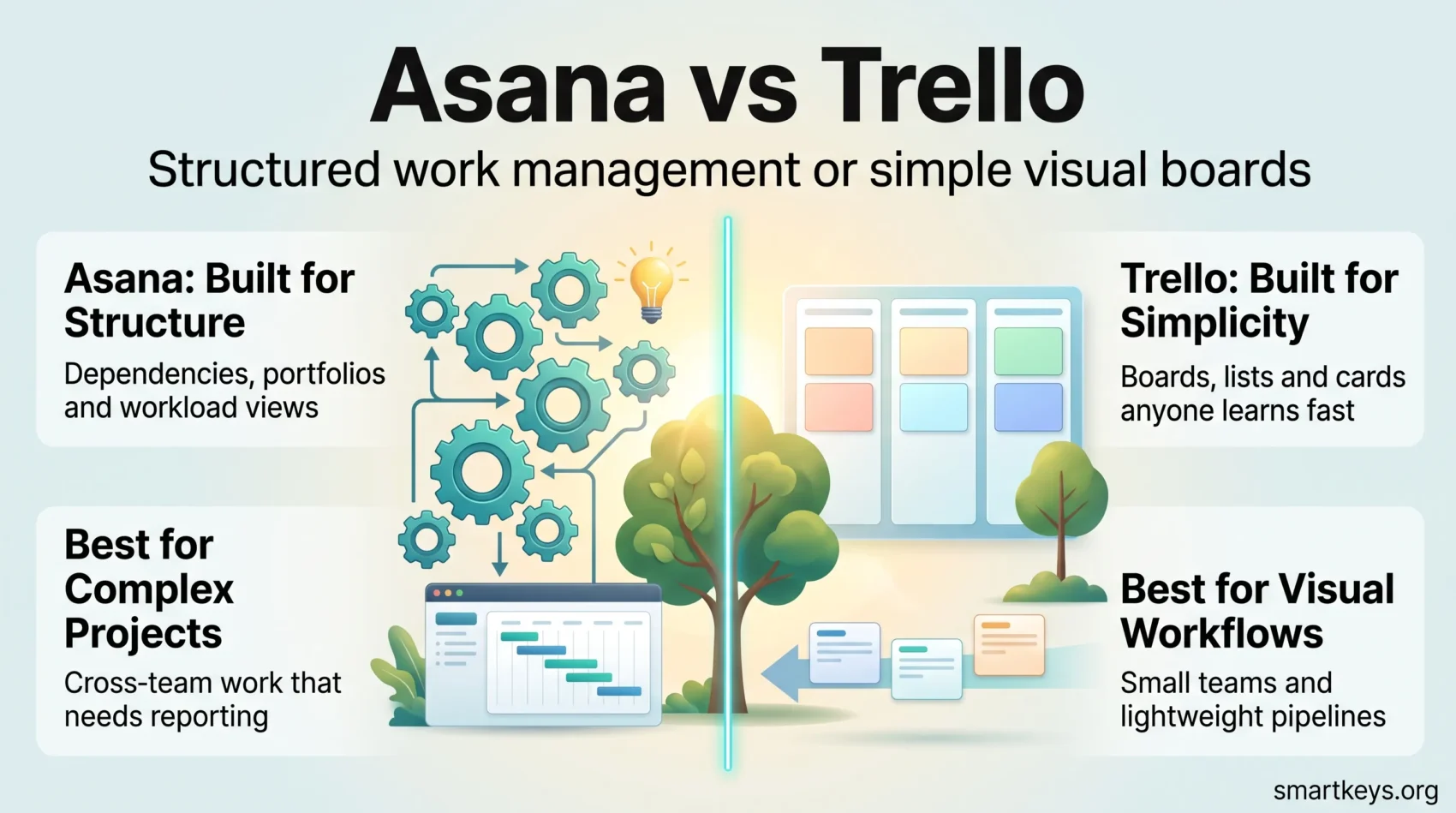
Asana and Trello both keep work organised, but they were built for different problems. Asana is a structured work management platform for projects with owners, dependencies and reporting. Trello is a kanban board that stays visual and deliberately simple. This 2026 comparison covers what each plan now costs, what the free tiers still give you, how each company packages AI, and which tool suits which team.
All prices quoted here are USD list prices from Asana’s and Trello’s own pricing pages, checked in August 2026. Both vendors change plans regularly, so treat them as a snapshot.
Key Takeaways
- Trello is the cheaper entry point: Standard costs $5 per user per month billed annually, against $10.99 for Asana Starter.
- Asana’s free Personal plan now supports only two collaborating users, which rules it out for most real teams.
- Trello’s free plan allows up to 10 collaborators and 10 boards per Workspace, with 250 automation command runs a month.
- Asana includes dependencies, portfolios, workload and native time tracking; Trello covers none without add-ons.
- Both meter AI: Asana bundles AI Studio credits per plan, Trello includes AI from Standard upward.
- Pick Asana for cross-functional projects needing reporting; pick Trello for lightweight visual workflows.
What Asana and Trello Are For
Every project management tool promises fewer dropped tasks and less status chasing. What separates them is how much structure they impose to get there. Asana sits at the structured end, Trello at the light end, and plenty of companies run both: marketing on Trello boards, operations on Asana portfolios. If you are still working out what you need from a system at all, our guide to task management fundamentals is a better starting point than a feature table.
What Is Asana?
Asana launched in 2008 as a work management platform for teams that coordinate across functions. It organises work as tasks inside projects inside portfolios, and every layer can be reported on. The interface is clean, but there is more to learn than in a board-only tool. For a deeper look at the platform alone, see our Asana project management review.
Key Features of Asana
- Four core views on paid plans: List, Board, Timeline (Gantt-style) and Calendar.
- Task dependencies, so you can see what blocks what before a deadline slips.
- Portfolios and Goals for tracking many projects against a single objective.
- Workload, which shows how much is assigned to each person before you assign more.
- Rules-based automation, forms for intake requests, and reusable project templates.
- Native time tracking, available on the Advanced tier and above.
- Integrations with Slack, Microsoft Teams, Zoom, Google Drive, Salesforce, Tableau and Power BI, plus Adobe Creative Cloud.
Where Asana Falls Short
The learning curve is real. Teams that adopt Asana without agreeing conventions — what counts as a project, who owns a task, when something is complete — end up with a tidy-looking system nobody trusts.
Cost is the second issue. The free Personal plan now supports only two collaborating users, so almost any team lands on a paid seat immediately. Timeline, dashboards, unlimited automations and forms sit behind Starter, and the features most people associate with Asana at scale — portfolios, goals, workload, approvals, proofing — require Advanced at $24.99 per user per month annually. For five people that is $1,499 a year before anyone has run a report.
What Is Trello?
Trello launched in 2011 and has been part of Atlassian since 2017. It uses boards, lists and cards, and the whole model can be explained to a new colleague in about two minutes. That onboarding speed is Trello’s biggest advantage, and why it keeps outlasting competitors with far longer feature lists. If the board metaphor appeals to you personally rather than for a team, a personal kanban board works on the same principles.
Key Features of Trello
- Boards, lists and cards: a visual pipeline that is obvious at a glance.
- Assignees, due dates and checklists: the basics, available on every plan including free.
- Butler automation: rules, buttons and scheduled commands, with run limits set by plan.
- Power-Ups: add-ons that bolt on calendars, reporting, time tracking and third-party apps. Our guide to Trello Power-Ups covers the ones worth enabling.
- Extra views on Premium: Calendar, Timeline, Table, Dashboard and Map.
- Planner: Trello’s time-blocking layer, included from Standard upward.
- Security: two-factor authentication on all plans, with SSO and user provisioning through Atlassian Guard on Enterprise.
Where Trello Falls Short
Trello has no native task dependencies. If your work has a critical path, you will either fake it with labels and checklists or add a Power-Up, and neither is as reliable as dependencies built into the data model.
Reporting is the other gap. Dashboard view gives you counts and simple charts, but nothing resembling Asana’s portfolio-level roll-ups, and there is no native time tracking at all. Power-Ups fill the holes, but each one is another vendor, another permission scope and another thing that can break. Teams needing dependencies plus reporting usually end up looking at Trello vs Jira or Pipefy vs Trello instead.
Asana vs Trello: Feature Comparison
Both handle assignees, due dates, comments, attachments and mobile apps competently. The differences show up as soon as work stops being a flat list.
- Dependencies: native in Asana; absent in Trello.
- Multiple assignees: Asana assigns one owner per task by design and uses subtasks for shared work; Trello allows several members on a card.
- Recurring work: built into Asana; handled in Trello by the Card Repeater Power-Up or a Butler rule.
- Custom fields: available on both, from Asana Starter and Trello Standard.
- Planning views: Asana Timeline from Starter; Trello Timeline, Table and Dashboard from Premium.
- Time tracking: native in Asana from Advanced; Power-Up or third-party tool in Trello.
- Reporting: dashboards and portfolio roll-ups in Asana; board-level Dashboard view in Trello.
- Automation limits: unlimited rules on Asana paid plans; Trello caps Workspace command runs at 250 a month on Free and 1,000 on Standard, unlimited from Premium.
The pattern is consistent: Asana gives you more structure out of the box and charges for it, Trello gives you less and lets you add pieces as you need them. If neither balance sounds right, the same trade-off plays out in ClickUp vs Asana and Monday.com vs Trello.
User Experience and Ease of Use
Trello wins on time to first useful board. There is one metaphor to learn, drag-and-drop behaves predictably, and a new team member can contribute on day one without training — which matters more than feature counts for teams with turnover, contractors or non-technical members.
Asana asks more upfront and repays it later. Once projects, sections, custom fields and rules are set up properly, the same work can be read as a list, a timeline or a workload chart without anyone re-entering data. The risk is the setup: Asana rewards teams that agree on conventions and punishes teams that do not.
Support follows the same shape on both sides: documentation, community forums and a help centre for everyone, with priority handling tied to the higher plans. Neither vendor publishes response-time guarantees at the entry-level paid tiers, so budget for self-service either way.
Integrations and Automation
Both platforms connect to the tools most teams already run, but they take different routes to get there.
Asana Integrations
Asana’s App Directory covers the usual suspects — Slack, Microsoft Teams, Zoom, Google Drive, Outlook and GitHub — with Salesforce, Tableau and Power BI reserved for Advanced and above. Internally, Rules handle automation: change a custom field, move a task to another section, notify an owner, trigger an approval. Because rules are unlimited on paid plans, Asana works well as the system of record other tools report into.
Trello Power-Ups
Trello extends itself through Power-Ups, unlimited on every plan including free. Google Drive, Slack, Confluence, Salesforce, GitHub and Jira all have first-party or well-maintained connectors, and Butler handles rules, card buttons and scheduled commands. The catch is the command-run limit on lower tiers: heavy automation on a busy board exhausts 250 runs a month quickly.
For anything neither tool covers natively, both connect to general-purpose automation platforms — see our comparison of Zapier and Make if you are wiring several systems together.
Pricing in 2026
This is where the two separate most clearly, and where older comparisons are most often wrong.
Asana Pricing
- Personal: free, but limited to two collaborating users.
- Starter: $10.99 per user per month billed annually, or $13.49 monthly. Adds Timeline, dashboards, unlimited automations, forms and custom templates.
- Advanced: $24.99 per user per month billed annually, or $30.49 monthly. Adds portfolios, goals, workload, approvals, proofing, native time tracking and the Salesforce, Tableau and Power BI integrations.
- Enterprise: quoted by sales. Adds SAML, SCIM provisioning, universal workload and capacity planning.
Trello Pricing
- Free: unlimited cards, up to 10 boards and 10 collaborators per Workspace, 10 MB per file, 250 command runs a month.
- Standard: $5 per user per month billed annually, or $6 monthly. Unlimited boards, advanced checklists, custom fields, 250 MB file uploads, 1,000 command runs and AI features.
- Premium: $10 per user per month billed annually, or $12.50 monthly. Adds Calendar, Timeline, Table, Dashboard and Map views, Workspace templates and unlimited command runs.
- Enterprise: $17.50 per user per month billed annually. Adds unlimited Workspaces, organisation-wide permissions and SSO through Atlassian Guard.
What This Means in Practice
For a ten-person team, Trello Premium costs $1,200 a year against roughly $3,000 for Asana Advanced. That gap only makes sense if you actually use portfolios, goals, workload and dependency tracking; plenty of teams pay for Advanced and use it as an expensive task list.
Run the comparison at the tier you will really be on, not the headline entry price. Trello’s free plan is usable for a small team; Asana’s, at two users, is not — which makes Trello the cheaper option far more often than the old $10.99-versus-$5 framing suggests.
AI Features in 2026
Both vendors now ship AI, and both meter it rather than giving it away.
Asana packages its AI as AI Studio, with credits allocated per billing account each month: 50,000 on Starter, 75,000 on Advanced and 200,000 on Enterprise. The surrounding features — Smart Chat, Smart Editor, Smart Projects, Smart Summaries and Risk Reports — are available from Starter, while Smart Goals and portfolio-level summaries require Advanced. In practice this means AI is a paid feature with a usage ceiling, not an unlimited assistant.
Trello includes AI capabilities from the Standard plan upward as part of Atlassian’s wider AI rollout, alongside Planner for time blocking. Neither vendor’s AI changes the fundamental verdict below, but if AI-assisted planning matters to your team it is worth reading how the category is developing in our overview of AI-powered project management tools.
Which Tool Is Better for Your Team?
Choose Trello if your work is a pipeline, your team is small or includes external collaborators, onboarding speed matters, or you want a free tier a real team can use. Trello also suits teams running Scrum and Kanban outside IT, where the board is the process.
Choose Asana if work spans several teams, deadlines depend on each other, someone has to report progress upward, or you need workload visibility before assigning more — and if a project manager owns the system and can maintain conventions.
If neither fits: ClickUp for teams wanting everything in one place, Jira for software delivery, Wrike and Smartsheet for resource-heavy work, Basecamp for flat-rate simplicity, and Monday.com vs Notion for a database-style workspace.
Conclusion
Asana and Trello are not really competing for the same job. Asana is a work management system that happens to have boards; Trello is a board that happens to manage work. The right answer depends on how much structure your projects genuinely need, and how much of it your team will maintain once the novelty wears off.
The 2026 pricing has shifted the calculus. Asana’s two-user free plan pushes teams onto paid seats immediately, while Trello’s free tier still supports ten collaborators — so Trello is now the cheaper choice at almost every team size, and Asana has to justify its price with features you will actually use.
Both offer a free plan and a trial of the paid tiers, so test each with one real project rather than a demo board. For more on choosing tools that fit the way you already work, see our roundup of productivity apps worth using.
Found this useful?
Make SmartKeys a preferred source on Google, and our articles will surface more often in your Top Stories, AI Overviews, and AI Mode.
Add as Preferred Source




